Setting Up and Getting the Most From the USAMS CD243 Power Bank
The USAMS CD243, part of the brand’s XH series, is a 20,000mAh power bank rated at 65W with three output ports and a built-in Type-C cable, plus a digital display for the exact battery percentage. Because 65W is genuinely enough to charge some laptops, this one sits a step above typical phone-only power banks. Here is how to set it up and use it well.
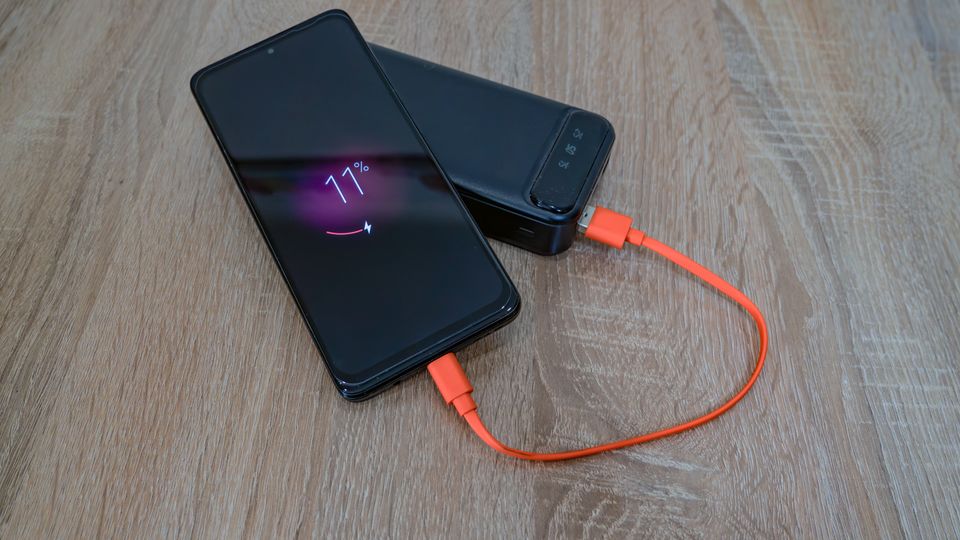
| Category | Detail |
|---|---|
| Brand | USAMS |
| Model | CD243 (XH series) |
| Capacity | 20,000mAh (approx. 74Wh) |
| Max output | 65W |
| Ports | Two USB-C, one USB-A, plus built-in Type-C cable |
| Display | Digital percentage readout |
| Airline carry-on limit | Under typical 100Wh threshold |
Charge it fully before first use
Plug the CD243 into a wall charger capable of at least 65W if you own one, so the bank charges close to its rated speed. A weaker charger will still work, just slower.
Pick the right port for your device
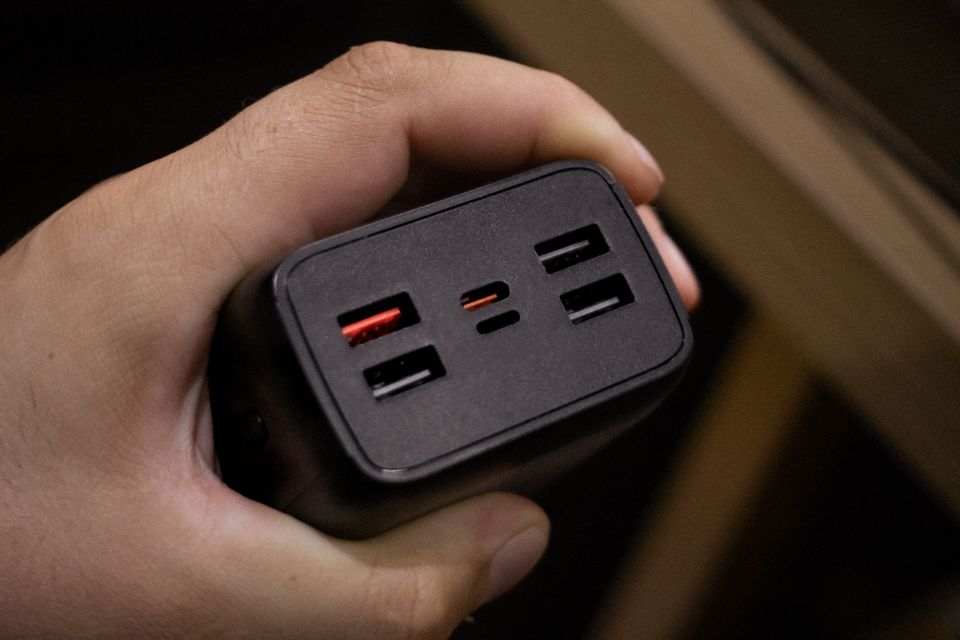
With two USB-C ports and one USB-A port on most CD243 listings, use the built-in cable for whichever device supports the fastest protocol it offers (PD or QC), and save the second port for a lower-priority device charging at the same time.
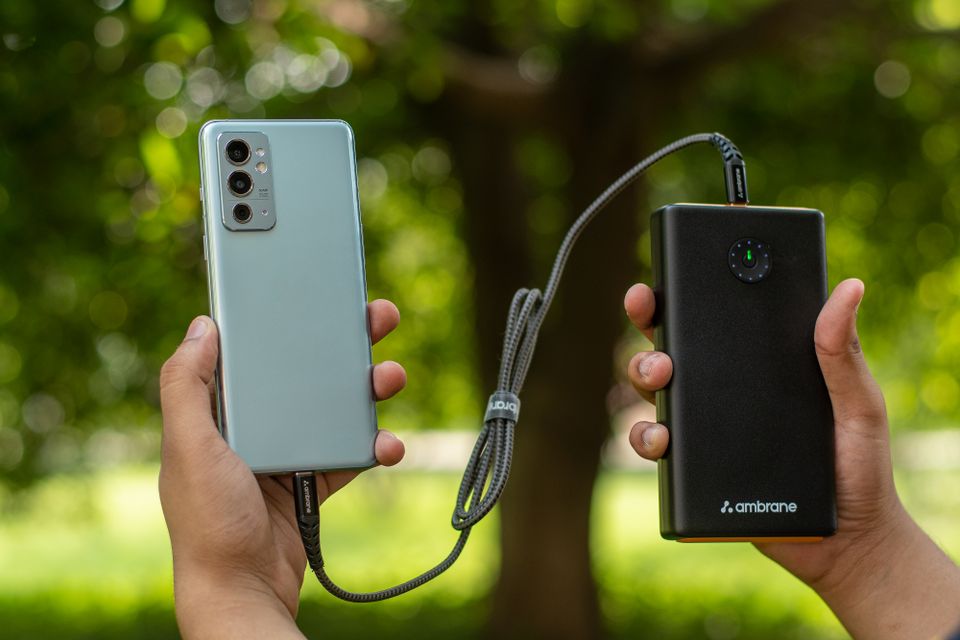
Watch the digital display, not just the port lights
The percentage display is more accurate than guessing from LED dots. If you plan to charge a laptop, remember 65W output will drain a 20,000mAh bank noticeably faster than trickle-charging a phone, so check the percentage before assuming you have enough for a full laptop top-up.
Charging multiple devices at once
When more than one port is active, total output is shared across ports rather than each port getting the full rated wattage. Expect slower charging on each device compared with using a single port alone.
Is 65W Actually Enough for a Laptop?
It depends on the laptop. Many ultrabooks and MacBook Air-class laptops charge comfortably at 65W, according to USB-IF’s own explanation of USB Power Delivery, which many 65W banks including this one rely on. Higher-performance laptops built for 90W or 100W+ charging will still accept 65W, just more slowly than their stock charger, and may not charge at all under heavy load since the laptop could be drawing more power than it is receiving.
- Thin-and-light laptops (13-14 inch, integrated graphics): usually charge fine at 65W
- Gaming laptops or workstations: will charge slowly if at all under load, since power draw often exceeds 65W
- Tablets and phones: charge at full rated speed with no compromise
Digital Display vs Traditional LED Dots
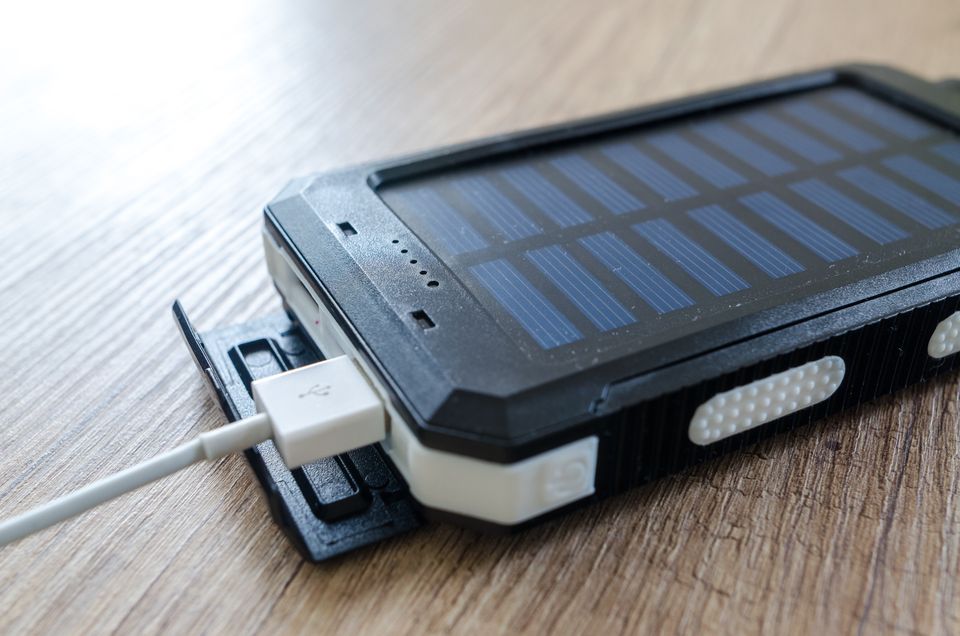
Most budget power banks still use a row of four LED dots to show remaining charge, which really only tells you roughly 25%, 50%, 75%, or 100% full. The CD243’s digital percentage display is a genuine practical upgrade over that system, especially when you are deciding whether the bank has enough charge left for a specific task, like topping up a laptop before a meeting versus just a phone before a commute.
It is a small feature, but after using both styles of power bank over the years, I would now actively avoid buying a new bank without a percentage display if I have the choice, simply because “one dot left” could mean anywhere from 1% to 24% remaining, and that gap matters when you are deciding whether to plug in a laptop.
Traveling With the CD243
At 20,000mAh (approximately 74Wh), the CD243 sits comfortably under the common 100Wh carry-on limit that most airlines enforce for lithium battery power banks, based on general guidance from bodies like the International Air Transport Association’s dangerous goods regulations. Still, rules vary by airline and country, so always check your specific carrier’s policy before a flight, and keep it in your carry-on rather than checked luggage regardless of capacity.
Charging Multiple Devices on a Road Trip or Flight
With three output ports, the CD243 can realistically cover a phone, a tablet, and a smaller accessory like earbuds at the same time, which is genuinely useful on a long flight or road trip where wall outlets are not available. Just remember that splitting output across three ports means each device charges more slowly than if it had the full 65W to itself, so prioritize whichever device you need charged fastest by giving it the built-in Type-C cable first.
Fixing Common CD243 Problems
- Problem: The power bank won’t charge from the wall. Try a different cable and outlet before assuming a fault, since a worn charging cable is the single most common cause of a bank that appears dead but isn’t.
- Problem: The digital display shows a percentage that seems to drop unusually fast. Check whether more than one port is active, since splitting 65W across multiple devices increases total draw and depletes the bank faster than charging one device alone.
- Problem: A connected laptop won’t charge at all, even though the CD243 is confirmed working. Confirm the laptop’s minimum charging wattage in its own specifications, since some higher-performance laptops simply won’t accept a charge if their power draw already exceeds what 65W can supply.
- Problem: The power bank feels warm during fast charging. Mild warmth during 65W output is normal, but stop use and let it cool if it becomes hot to the touch, and avoid charging it under a blanket, pillow, or other insulating material that traps heat.
- Problem: One of the USB-C ports stops delivering power. Inspect the port for lint or debris, since a partially blocked port is a more common culprit than actual port failure, and test with a different cable to rule out a cable-side issue first.
- Problem: The bank won’t hold a charge overnight the way it used to. This is typical for lithium-ion batteries after extended heavy use, and a slow, gradual capacity decline is expected over the life of any power bank rather than a sign of a defect.
Frequently Asked Questions
Can the USAMS CD243 be taken on a flight?
At 20,000mAh (roughly 74Wh), it falls within the typical airline limit of 100Wh for carry-on power banks, but you must carry it in your hand luggage, not checked baggage — always confirm with your specific airline before travel.
Does the built-in cable limit what devices I can charge?
No, since the CD243 also has separate USB-A and USB-C ports, so you can use your own cables for devices that need a different connector than the built-in one.
How do I know when the CD243 itself needs recharging?
The digital display shows the remaining percentage at all times, so check it before heading out for the day rather than relying on memory of when you last charged it.
Why does charging a laptop drain the power bank so fast?
Laptops draw far more power than phones, so a 20,000mAh bank that gives a phone multiple full charges might only offer a partial laptop charge before running out.
Weight and Portability Trade-Off
A 20,000mAh, 65W power bank with a digital display and built-in cable is not a small device — expect noticeably more heft in a bag compared with a basic 10,000mAh bank. This is simply physics: more battery cells mean more weight, and there is no way around that with current lithium-ion technology. If you mainly need a phone charged once or twice a day, a smaller bank like the CD240 will serve you better with less bulk. The CD243 earns its size specifically when you need the extra capacity or laptop-capable output, so match the bank to your actual use case rather than always grabbing the highest-capacity option available.
Conclusion
The USAMS CD243 is a solid pick if you specifically need laptop-capable charging in a portable bank, not just another phone-only power bank. Just set realistic expectations around laptop charging — 65W helps in a pinch, but it will not replace your laptop’s original charger for daily use.
This guide was written by Ryan, who holds a Computer Science degree and has tested dozens of power banks over the years for softwaredriverdownload.com, with a particular interest in USB-C Power Delivery behavior across different laptops and phones.