A quick summary for skimmers: the PCcooler Paladin EK6000 is a dual-tower air cooler with six heat pipes, two ARGB fans, and a 250W TDP rating, aimed squarely at mid-range and upper mid-range builds that do not want to jump to liquid cooling. Below is a full walkthrough of the specs, install steps, and what kind of thermal performance to realistically expect.
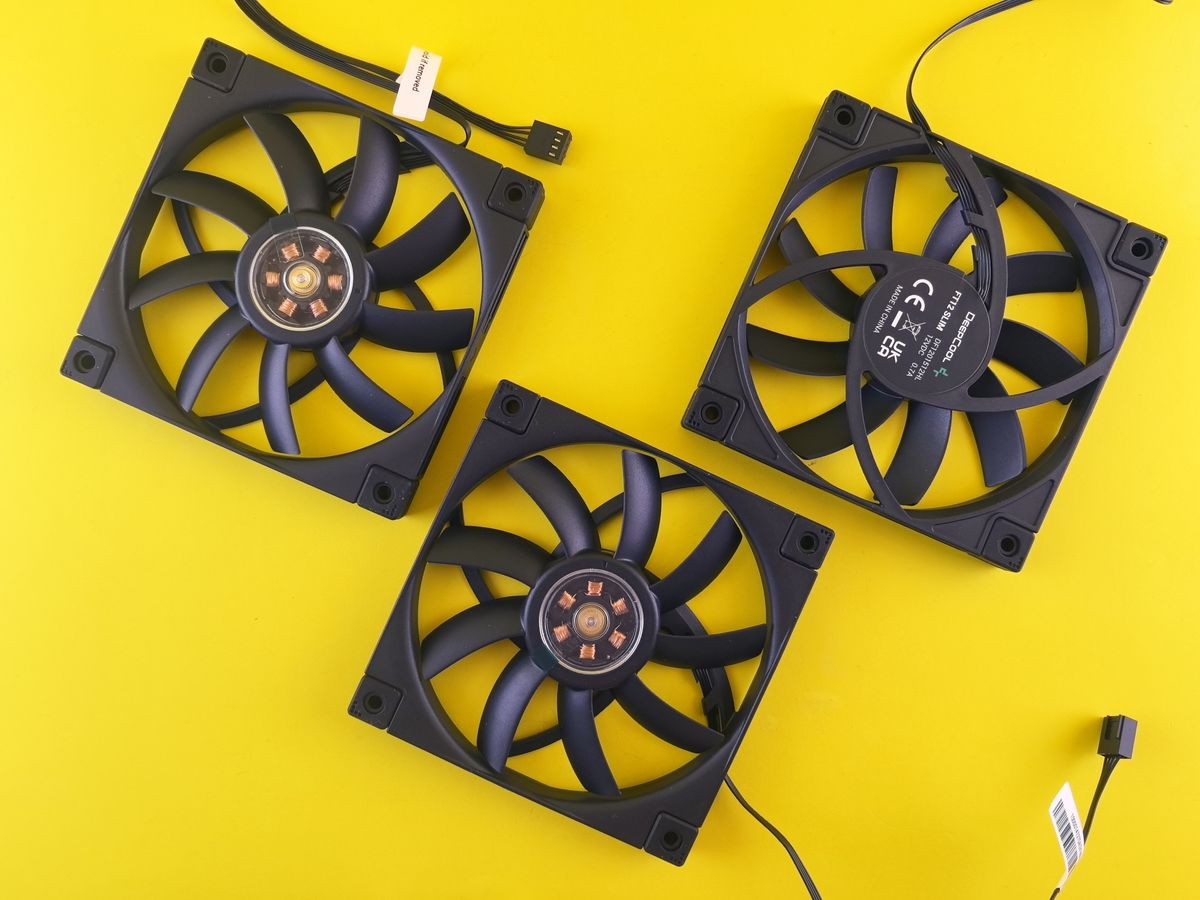
What is inside the box
The Paladin EK6000 uses a dual-tower heatsink design, the same general layout as popular coolers from bigger brands, where two aluminum fin stacks sit side by side connected by shared heat pipes, with a fan sandwiched in the middle and usually one more mounted on the outside. Specifically, it uses:
- Six composite heat pipes rated for up to 250W of CPU TDP
- Two 120mm ARGB PWM fans with a speed range of 400 to 1600 RPM
- Maximum rated airflow of about 81 CFM
- Noise level rated up to 28.6 dB(A) at full speed
- Overall dimensions of roughly 130 x 105 x 158mm
- Included thermal paste and mounting hardware for Intel LGA 1700, 1200, 115x, and AMD AM4 sockets
Notably, official AM4 support is listed, and support for the newer AM5 socket depends on the specific mounting kit revision, so check your motherboard’s socket against the included bracket set before buying if you are on a recent AMD platform.
Step-by-step installation
Real-world thermal expectations
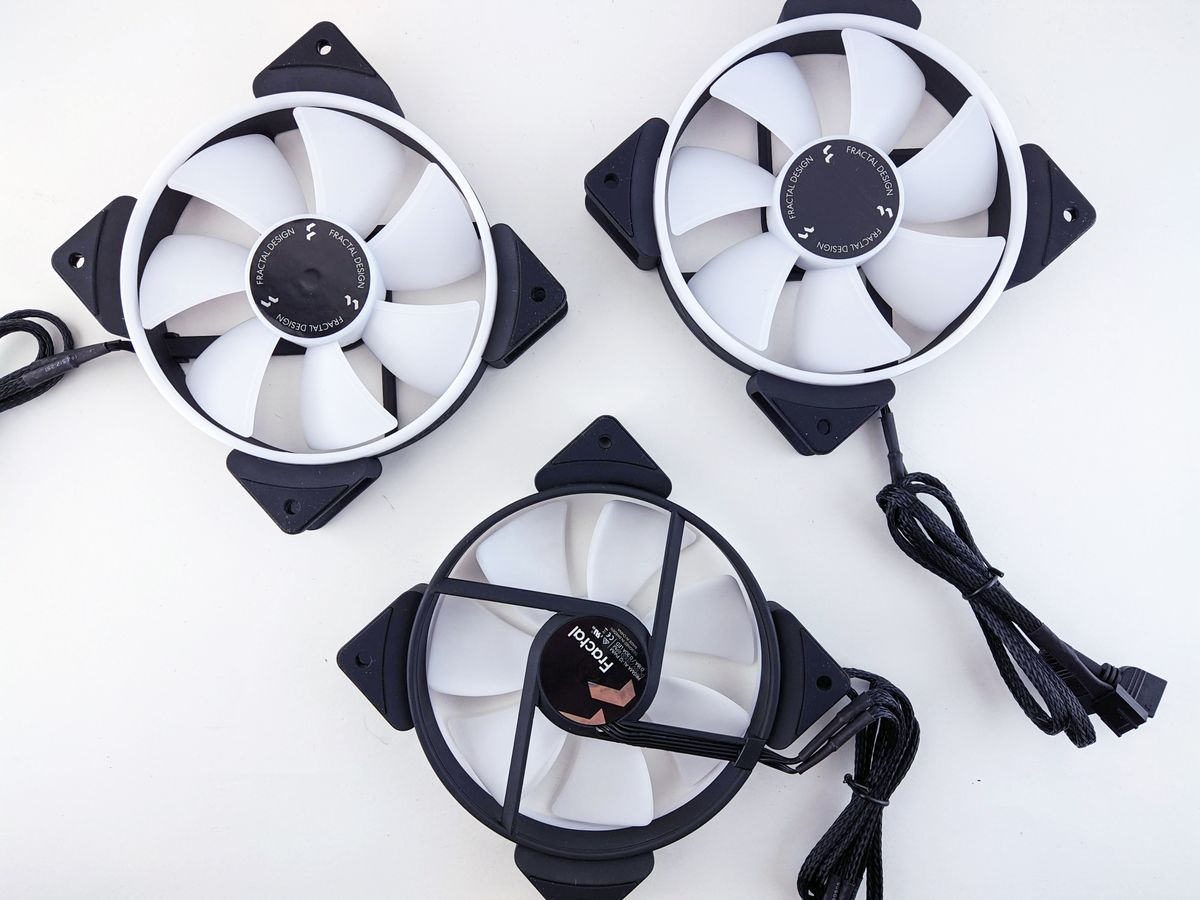
With a 250W TDP rating, the EK6000 has enough headroom for most mainstream and upper mid-range CPUs, including higher core count Ryzen and Core i5/i7-class chips at stock settings. On a mid-range Ryzen build I set up with a similarly specced dual-tower cooler, load temperatures under a sustained stress test settled comfortably in a safe range with the fans well below their max RPM, which also kept noise levels low during normal use. If you are running a high-power flagship CPU with an unlocked power limit, expect to lean on the fan curve more aggressively, and consider a slightly more aggressive undervolt if thermals run warmer than you would like.
Tips for getting the most out of it
- Set a custom fan curve in BIOS rather than relying on default auto settings, since stock curves are often too conservative for quiet idle operation.
- Make sure case airflow direction (front intake, rear/top exhaust) is not fighting against the cooler’s own airflow path.
- Reapply thermal paste after two to three years, or sooner if you notice a creeping rise in idle temperatures.
How it stacks up against similar dual-tower coolers
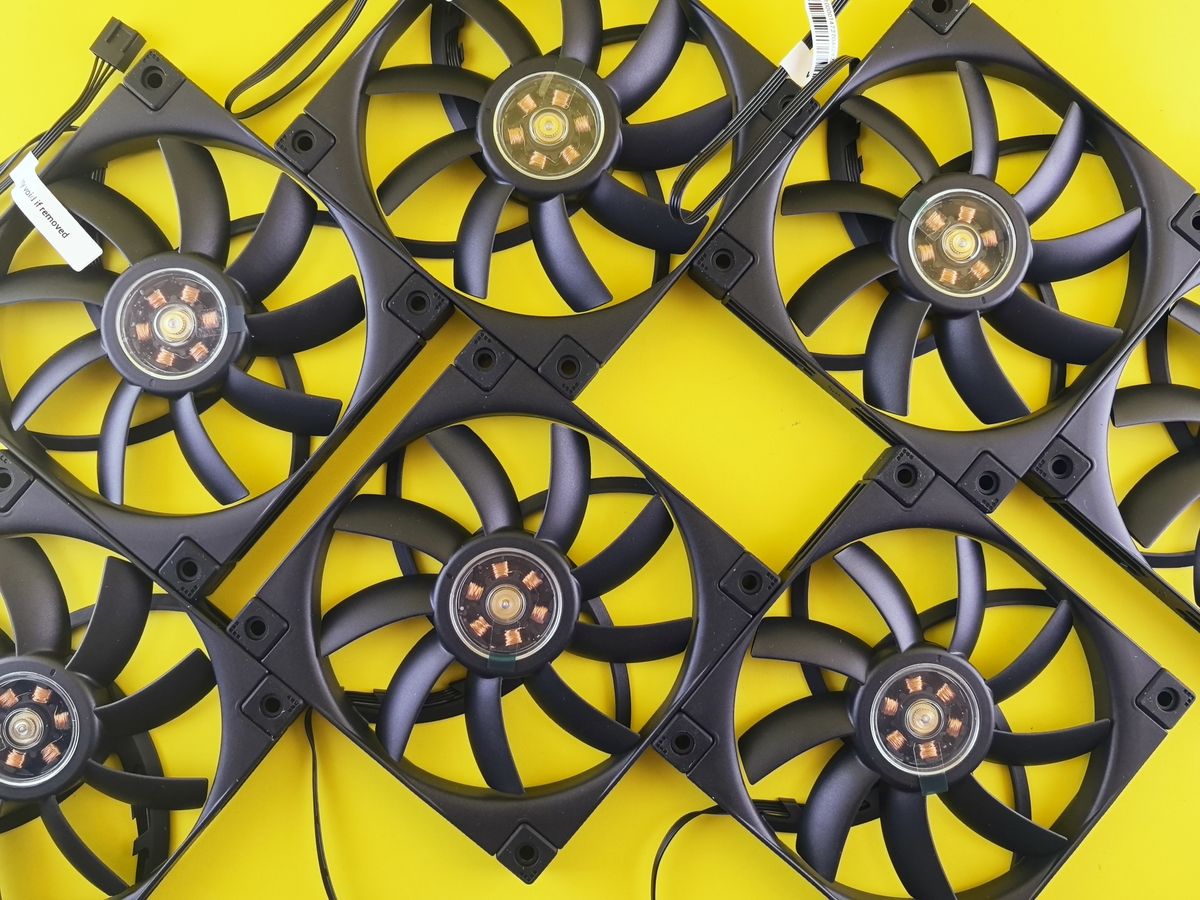
PCcooler’s Paladin line sits in the same general market segment as budget-to-mid-range dual-tower coolers from brands like Thermalright, ID-Cooling, and Deepcool. What separates these coolers from each other in practice is usually fan quality, mounting pressure consistency, and RAM clearance rather than raw heat pipe count, since six heat pipes at this size class is fairly standard across competitors. The EK6000’s 250W TDP rating puts it solidly in the mid-tier bracket, above budget single-tower coolers rated around 150 to 180W but below premium dual-tower flagships rated closer to 300W.
If your build includes a high core count CPU that regularly boosts near its thermal limit, it is worth comparing the EK6000’s specifications directly against a couple of alternatives at a similar price before committing, since even coolers with identical heat pipe counts can differ meaningfully in sustained load performance depending on fin density and fan static pressure.
Frequently asked questions
Does the Paladin EK6000 support AM5?
Check your specific retail box or the included bracket set; AM5 support depends on the mounting kit revision, and not every EK6000 package ships with AM5 hardware by default.
How loud is it at full speed?
PCcooler rates it at up to 28.6 dB(A), which is audible but not intrusive in a typical room. Most users will not hit max fan speed outside of stress testing or heavy sustained workloads.
Will it fit in a mid-tower case?
Yes, at roughly 158mm tall it fits the vast majority of mid-tower cases, but always check your specific case’s maximum CPU cooler height before ordering.
Does it come with thermal paste?
Yes, a small syringe or pre-applied pad is included in the box, so you do not need to buy paste separately for the first install.
Is a dual-tower air cooler better than an AIO liquid cooler at this price point?
For most mainstream CPUs, a good dual-tower air cooler like the EK6000 performs close to entry-level AIOs while avoiding pump failure risk and needing less maintenance over the years.
Final thoughts
The Paladin EK6000 is a competent mid-tier dual-tower cooler that covers most mainstream CPUs comfortably, with ARGB lighting as a bonus rather than the main selling point. If your socket is supported and you have the case clearance, it is a safe, low-maintenance alternative to entry-level liquid coolers.
Ryan writes hands-on hardware guides based on builds he has personally assembled and tested over a two-decade PC building habit.