On this page
The USAMS BE16 is a true wireless earbud from the brand’s “Ice Tray” series, named for its clear, semi-transparent shell design. It runs on Bluetooth 5.3, uses a 10mm dynamic driver, and pairs with a compact charging case. This guide walks through pairing, real-world battery expectations, and the fixes that solve most of the complaints I have seen with this model.
| Bluetooth Version | 5.3 |
| Driver Size | 10mm dynamic |
| Earbud Playback Time | ~6 hours per charge |
| Talk Time | ~3 hours per earbud charge |
| Microphones | Dual-mic per earbud |
| Charging Port | USB-C |
| Shell Design | Transparent (Ice Tray series) |
| Controls | Touch panel, no companion app |
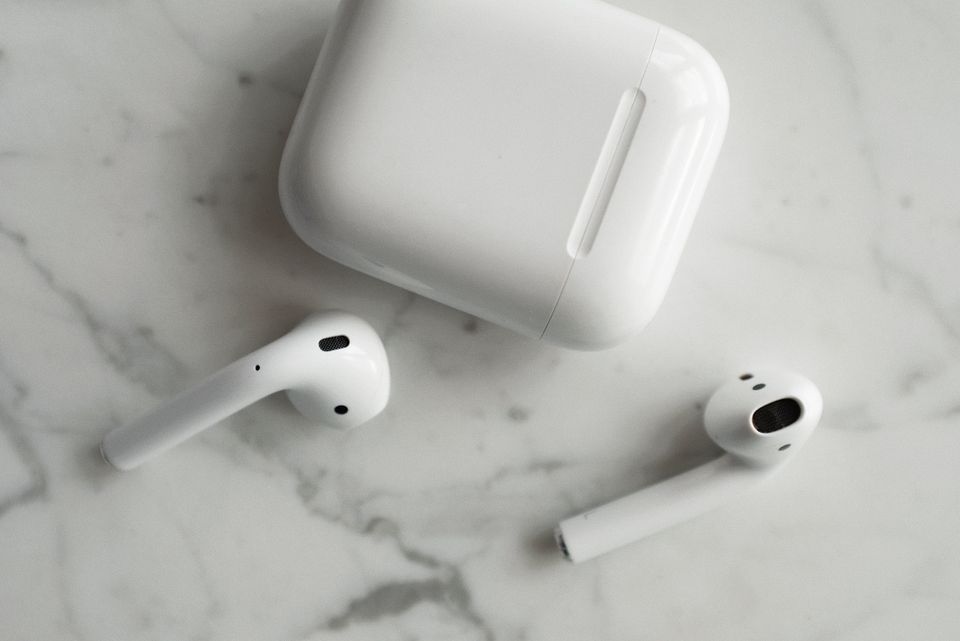
Pairing the BE16 for the First Time
Since the BE16 does not have a companion app, pairing is entirely handled through your phone’s Bluetooth settings.
- Take both earbuds out of the case — this usually wakes them and puts them into pairing mode automatically
- On your phone, open Bluetooth settings and look for “USAMS BE16” or a similar name in the device list
- Tap to connect, then wait for both a left and right connection confirmation, since TWS earbuds pair as two separate Bluetooth links that sync into stereo
- If it does not appear, put both buds back in the case, close the lid for five seconds, then reopen it to force a pairing-mode reset
Because the shells are transparent, it is easy to visually confirm the charging LEDs are lit before you start pairing — a small but genuinely useful detail I appreciated when troubleshooting a pairing issue for a friend who kept forgetting to check charge status.
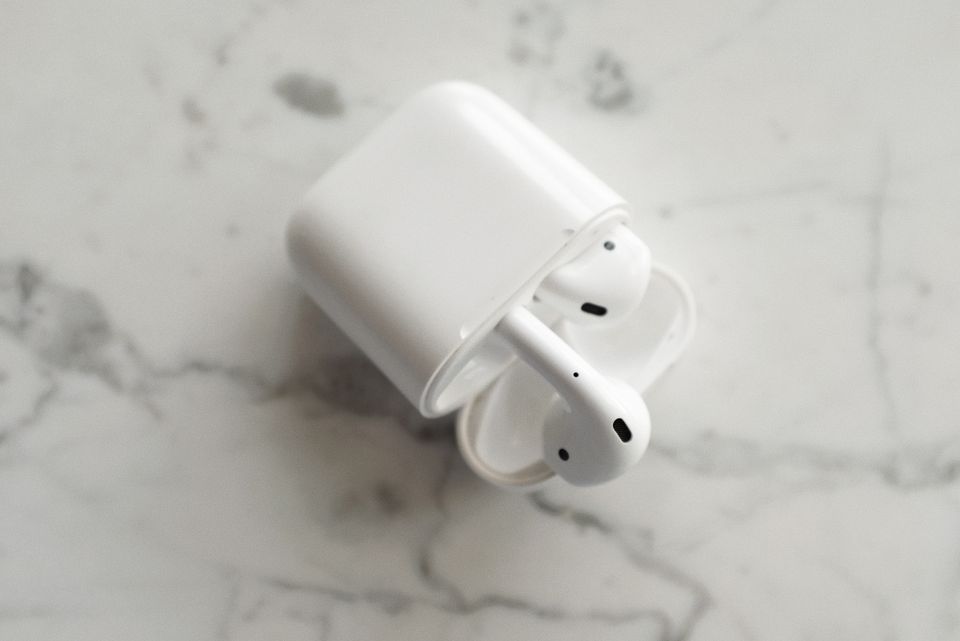
Battery Life You Can Actually Expect
USAMS lists roughly 6 hours of continuous playback per charge and about 3 hours of continuous talk time on a single earbud charge, with the case adding extra recharges on top of that. Bluetooth’s own Bluetooth Low Energy technology overview explains why battery life on small earbuds like this varies with codec and volume — higher volume and video streaming (which needs a steadier, lower-latency connection) both drain the battery faster than simple music playback.
- Music playback (moderate volume): close to the rated figure
- Calls and video conferencing: noticeably shorter, since the microphone and radio work harder
- Gaming or video with low-latency mode enabled: shortest battery life of the three
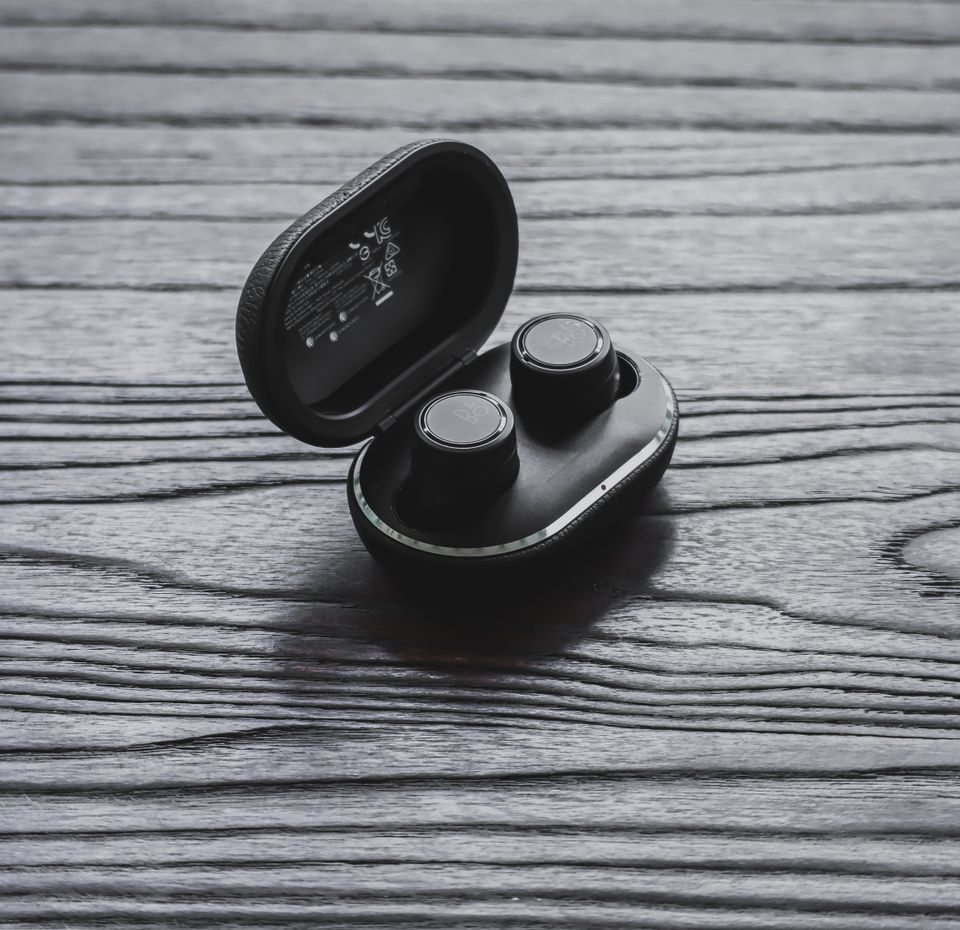
Common Fixes
One earbud not connecting: Reset both buds by placing them in the case, closing the lid, waiting ten seconds, then removing them again. Forget the device from your phone’s Bluetooth list first if the issue repeats.
Touch controls not responding: Make sure your fingers are dry and that you are tapping the flat touch panel area, not the earbud tip. Ice Tray series shells are smooth plastic, so a light, deliberate tap works better than a firm press.
Sound cutting out intermittently: This is almost always Bluetooth interference from crowded 2.4GHz environments (Wi-Fi routers, other Bluetooth devices). Moving away from routers or turning off unused Bluetooth accessories nearby often resolves it.
Case not charging the buds: Check the charging pins inside the case for lint or dust, and confirm the case’s own battery has power by charging it directly with a USB-C cable.
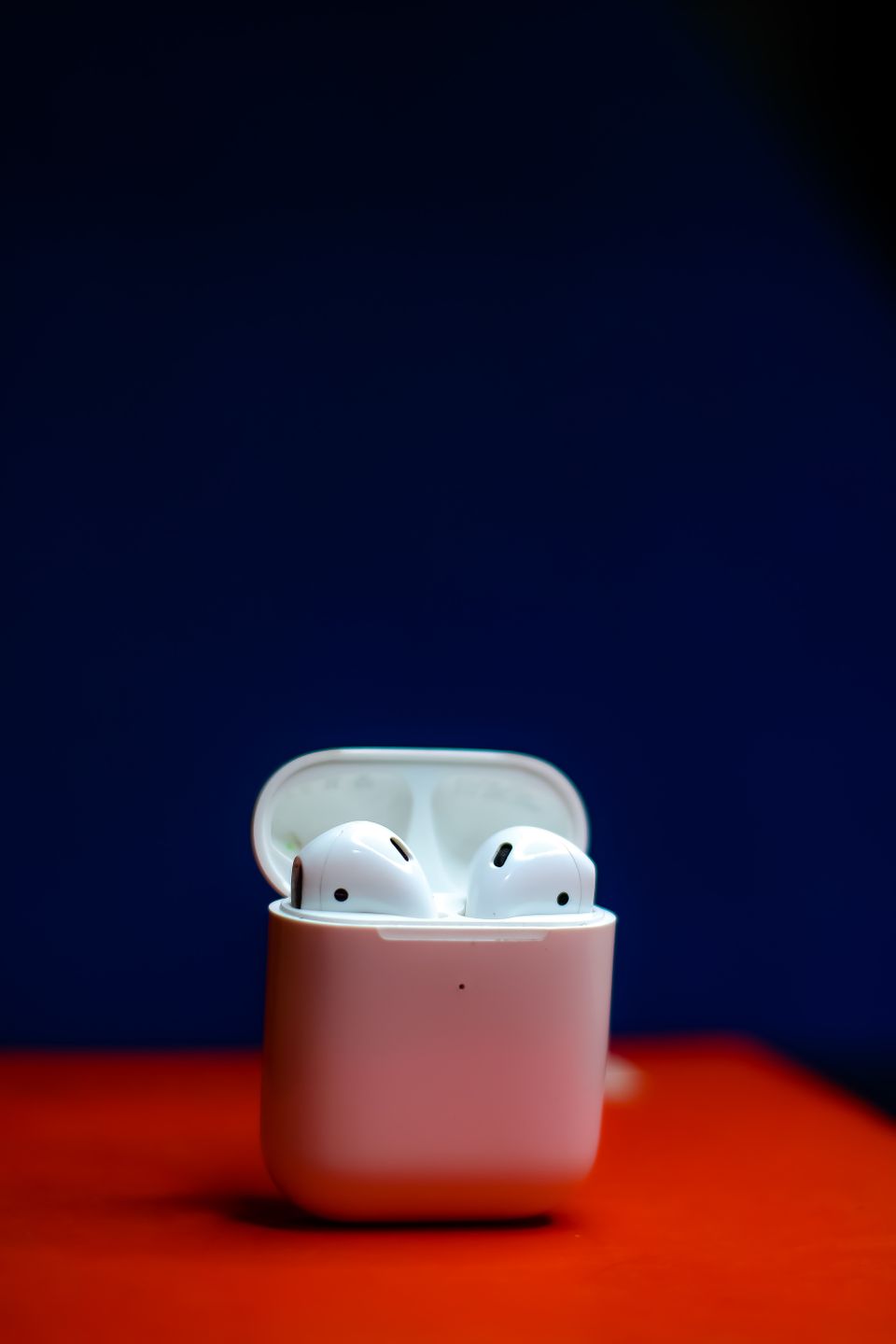
Comparing the Ice Tray Look to Standard Opaque Earbuds
The transparent shell is not just a style choice — it changes how you interact with the product day to day. A few things I noticed after using a similar clear-shell TWS design for a few weeks:
- You can visually confirm the buds are seated correctly in the case without needing to feel for a click or listen for a charging tone
- Scratches and scuffs show up more visibly on clear plastic than on matte black shells, so a protective sleeve or pouch is worth using if you toss the case loose in a bag
- The look photographs well, which is why “Ice Tray” style earbuds have become a common budget-earbud design trend across several Chinese accessory brands, not just USAMS
None of this changes the actual audio performance, but it is worth knowing before you decide the transparent design is purely cosmetic.
Codec Support and What It Means for Call Quality
Dual-mic setups, which the BE16 is listed with, are primarily aimed at improving call clarity by using one microphone to pick up your voice and a second to help cancel background noise. This does not make it a professional-grade noise-cancelling headset, but it is a genuine step up from single-mic budget earbuds for phone calls in moderately noisy environments like a car or a café.
Bluetooth 5.3 also brings improvements to connection stability and power efficiency over the older 5.0 standard used in many rival budget earbuds, based on the version comparisons published by the Bluetooth SIG. In practice, that translates to fewer random dropouts when your phone is in a pocket versus held in hand.
Frequently Asked Questions
Is the USAMS BE16 waterproof?
USAMS does not advertise an IP rating for the BE16, so treat it as splash-resistant at best, not swim-proof. Avoid heavy sweat exposure without wiping the buds down afterward.
Does it support dual-device connection?
Product listings mention dual-mode pairing for stable stereo sync between the two buds, but this is not the same as multipoint connection to two separate phones or laptops at once.
Why does only one earbud have sound?
This is typically a sync issue between the two buds rather than a hardware failure. Reset both together using the case reset method described above before assuming one earbud is broken.
Can I use just one earbud at a time?
Yes, most TWS earbuds including the BE16 support single-earbud mono use, which is handy for calls where you want to keep one ear free.
Conclusion
The USAMS BE16 is a budget-friendly TWS earbud that leans on its transparent design as much as its specs. Bluetooth 5.3 keeps the connection reasonably stable for the price, and most of the problems people run into come down to a simple case reset rather than a defective unit. If issues persist after trying the fixes above, contact the seller you bought from for a replacement, since warranty support for budget earbuds usually runs through the retailer rather than USAMS directly.
Written by Ryan, a Malaysia-based tech writer with a Computer Science background who has spent years testing budget audio gear and PC peripherals for softwaredriverdownload.com. He tries to give honest, no-hype verdicts, especially on lower-cost accessories that rarely get proper reviews elsewhere.