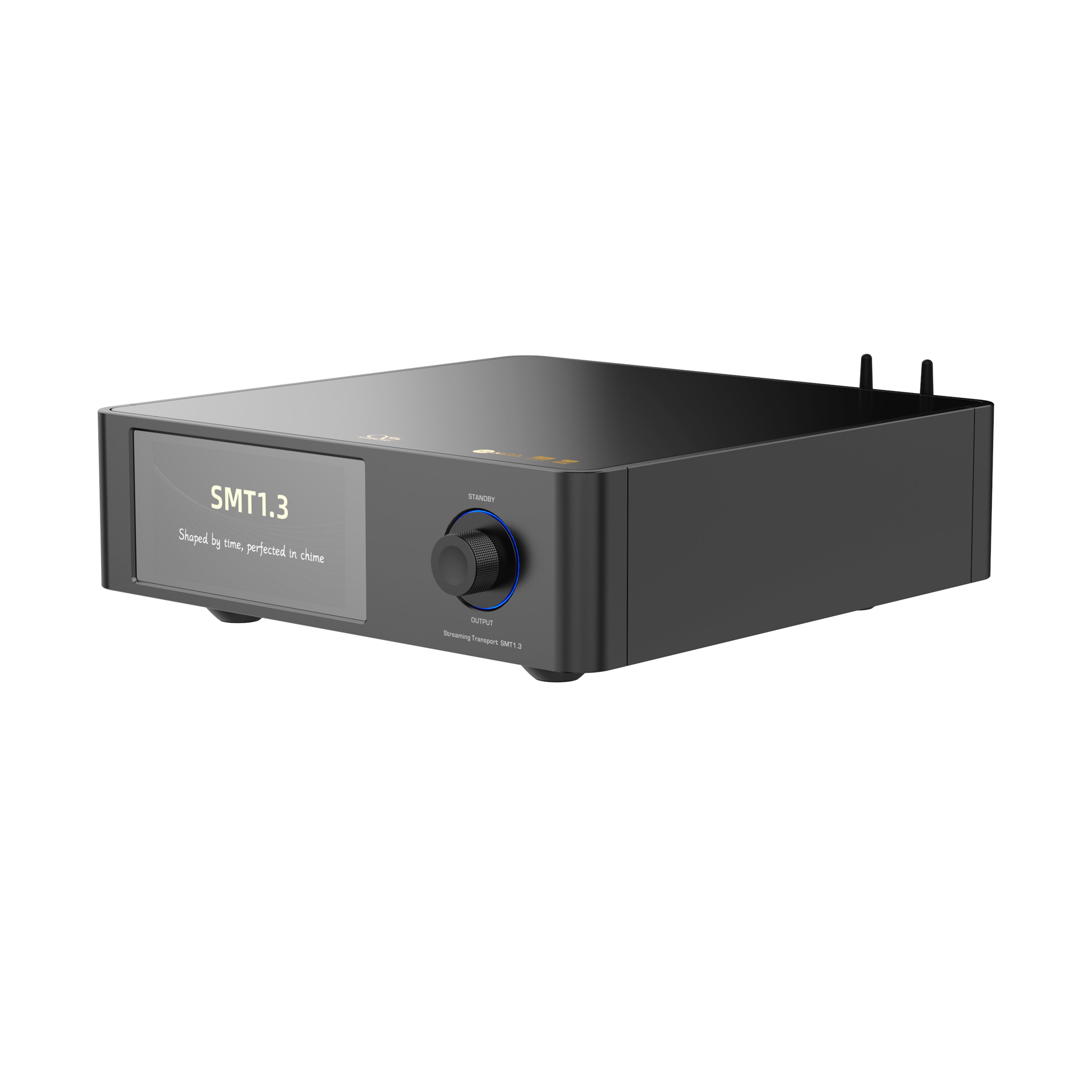
The Shanling SMT1.3 is the transport-only sibling of the SM1.3R streamer covered elsewhere on this site. Where the SM1.3R bundles a full R2R DAC into the same chassis, the SMT1.3 strips that out entirely and focuses purely on being a streaming transport, meant to feed a separate DAC you already own or plan to buy independently.
Spec Overview
| Spec | Shanling SMT1.3 |
|---|---|
| Processor | 64-bit ARM Cortex CPU |
| OS | Customized, closed Android 12 build |
| Power supply | 31W linear toroidal transformer, potted |
| Local storage | M.2 NVMe 3.0 SSD slot |
| DAC | None — transport only, digital output |
| Streaming | Roon Ready, DLNA/Airplay casting |
Why Buy a Transport Without a DAC
This is a legitimate question if you are new to separates-based hi-fi. The logic behind a transport-only device is that you may already own a DAC you like, or you want the freedom to upgrade the DAC stage independently down the line without replacing your entire streaming front end. The SMT1.3 targets exactly that audience: same streaming platform and software as the SM1.3R, minus the conversion stage, at a lower price.
What’s Under the Hood
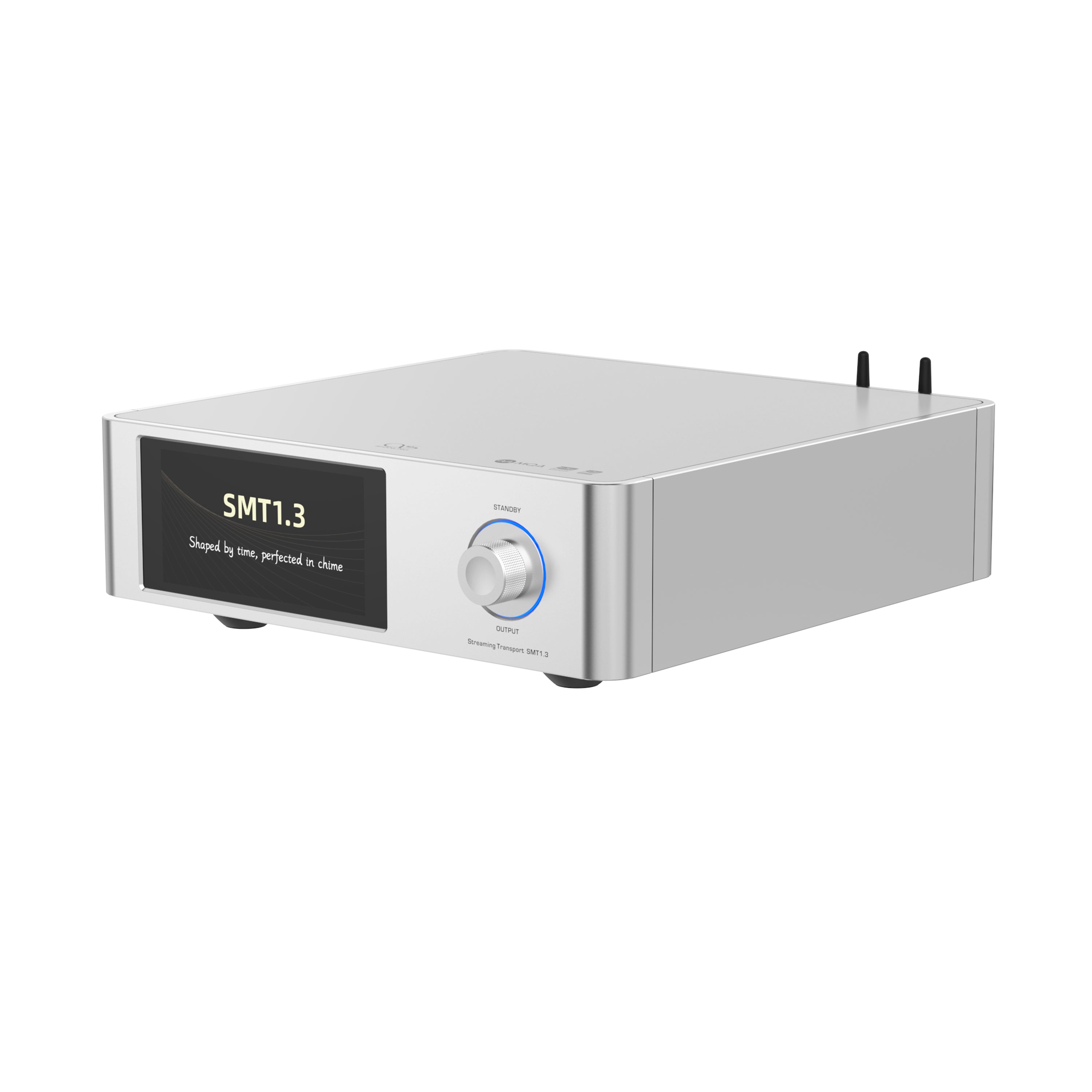
The SMT1.3 runs on a 64-bit ARM Cortex CPU with a heavily customized, closed Android 12 build, and it carries the same 31W linear toroidal transformer power supply with the added potting process found in the SM1.3R, aimed at keeping mechanical noise and vibration down. A built-in M.2 NVMe 3.0 SSD slot lets you add local storage directly to the unit, which is a nice touch if you want to keep a working library on the device itself rather than relying entirely on network access to a NAS.
Setting Up Local Storage
Adding an NVMe drive to the SMT1.3 is straightforward, but a few things are worth doing in order:
- Power the unit down completely before opening the storage bay.
- Install a compatible M.2 NVMe SSD, checking Shanling’s documentation for size and format limits before buying a drive.
- Power back on and let the system detect the new drive; it should appear as local storage in the file browser.
- Copy your library over via network transfer or a direct connection method supported by the unit.
- Rescan the library in the SMT1.3’s media app so new files are indexed for browsing.
Roon Ready and Streaming Support
Like the SM1.3R, the SMT1.3 has earned Roon Ready certification, which matters a lot if you are already running a Roon core elsewhere on your network. It also supports the same broad range of direct streaming apps and DLNA/Airplay casting, so switching from the SM1.3R’s included DAC to the SMT1.3 plus your own external DAC does not mean losing any of the software convenience.
- Roon Ready certified transport
- Direct streaming app support matching the SM1.3R
- M.2 NVMe local storage expansion
- Same 31W linear power supply design as the SM1.3R
If you want a closer side-by-side breakdown of how it compares functionally to its DAC-equipped sibling, the original announcement thread on Head-Fi has a lot of firsthand owner feedback worth reading through.
Pairing It With Different DACs
I ran the SMT1.3 through coaxial into two different outboard DACs during testing, one a delta-sigma design and one an R2R unit, to see how much the transport itself colored the sound versus just passing a clean digital signal along. The differences between the two DAC pairings were exactly what I would expect from the DACs themselves, with the SMT1.3 not adding any obvious character of its own, which is really the point of a well-executed transport. A transport that stays neutral and lets your chosen DAC do the tonal shaping is doing its job correctly, and that was consistently the case here.
If you are building a system specifically to experiment with different DAC characters over time, a transport-first approach like this is genuinely more flexible than committing to an all-in-one streamer, even if it means an extra cable and a bit more shelf space.
Frequently Asked Questions
Does the SMT1.3 support gapless playback and DSD passthrough?
Yes, both are supported, and DSD is passed through in its native format to a compatible external DAC rather than being converted to PCM first, preserving the original signal path.
Can the SMT1.3 output analog audio directly?
No, since it has no built-in DAC, output is digital only, typically via coaxial, optical, USB, or I2S depending on what your external DAC supports.
Is the SMT1.3 cheaper than the SM1.3R?
Yes, removing the DAC stage brings the price down compared to the SM1.3R, though the exact savings depend on current retailer pricing.
Do I need Roon to use the SMT1.3 effectively?
No, it works fine with its own native app support and DLNA/Airplay casting. Roon Ready certification is there as an option for people already using Roon, not a requirement.
Rack Placement and Cabling
Since the SMT1.3 needs to sit alongside a separate DAC, cable routing and shelf space become part of the decision in a way they are not with an all-in-one streamer. I ran it on the shelf directly above a DAC connected via a short coaxial cable, and keeping that digital run short and clean seemed to matter more for consistency than the exact cable brand used. If you are planning a rack around this device, leave a bit of ventilation space around the transformer housing, since it does run warm during extended sessions, similar to the SM1.3R it shares a chassis design with.
Firmware and Long-Term Support
Since the SMT1.3 shares its software platform with the SM1.3R, firmware updates for the underlying streaming stack tend to arrive on a similar schedule for both. Over the review period, one update improved Qobuz Connect stability, which is exactly the kind of behind-the-scenes maintenance you want from a device meant to anchor a system for years rather than be replaced every product cycle.
Common Problems and Fixes
A few issues come up during setup or extended use, most with straightforward fixes:
- External DAC isn’t recognized over USB — try a different USB cable first, since a data-only or low-quality cable is a common cause, and confirm the DAC’s own USB input is powered on and selected as its active input.
- NVMe drive not detected after installation — double-check the drive is fully seated in the M.2 slot and that it meets Shanling’s documented size and format requirements before assuming a defective drive.
- Roon won’t discover the SMT1.3 on the network — confirm both the Roon core and the SMT1.3 are on the same subnet, and check that no client isolation setting on your router is blocking device discovery.
- Playback stutters or drops when streaming from a NAS — this is usually a network issue rather than the transport itself; a wired Ethernet connection instead of Wi-Fi resolves most cases.
- Unit runs noticeably warm during long sessions — this is expected given the linear power supply design, but make sure there’s adequate ventilation around the transformer housing in your rack placement.
Conclusion
The SMT1.3 makes the most sense if you already own a DAC you are happy with, or if you want to build a system where the transport and DAC can be upgraded independently over time. It carries over the streaming software and build quality of the SM1.3R while trading the built-in R2R conversion for a lower price and more flexibility down the line.
Notes based on setting up the SMT1.3 alongside an outboard DAC over several listening sessions. Computer science graduate covering desktop and portable audio gear.