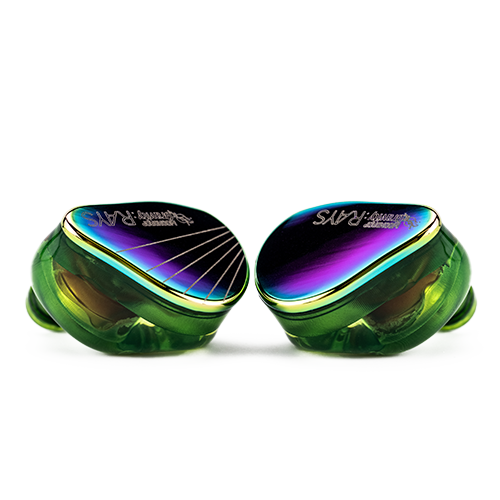
The Moondrop Rays and Aria 2 both wear the same brand name and both use a hybrid-adjacent dynamic driver design, but they are built for almost opposite purposes. The Rays is a purpose-built gaming IEM with a USB-C DSP sound card baked into the cable, while the Aria 2 is a traditional audiophile-focused wired IEM meant to be paired with whatever amp or dongle you already own. I spent time with both to see how much that difference in intent actually matters day to day.
Quick Facts
| Brand | Moondrop |
| Models Compared | Rays vs Aria 2 |
| Rays Best For | Gaming, plug-and-play USB-C DSP |
| Aria 2 Best For | Music listening with an existing amp/dongle |
| Price Range | $89–$99.99 |
Spec Comparison
| Spec | Moondrop Rays | Moondrop Aria 2 |
|---|---|---|
| Approx. price | $99.99 | $89 |
| Driver configuration | 10mm sapphire-plated dynamic + 6mm annular planar magnetic (hybrid) | Single dynamic driver with TiN ceramic-coated composite diaphragm |
| Connection | Fixed USB-C cable with built-in DSP sound card | Detachable 0.78mm 2-pin cable, screw-type 3.5mm/4.4mm plugs |
| Primary use case | Competitive gaming, PC/phone/tablet direct connection | General music listening through external amps/dongles |
| Special features | 20+ game-specific tuning presets, AI noise-canceling mic, low-latency mode | Interchangeable cable/plug system, VDSF-tuned reference sound |
| Frequency response | 7Hz–39kHz | Standard dynamic-driver range, VDSF target curve |
Why the Rays Exists
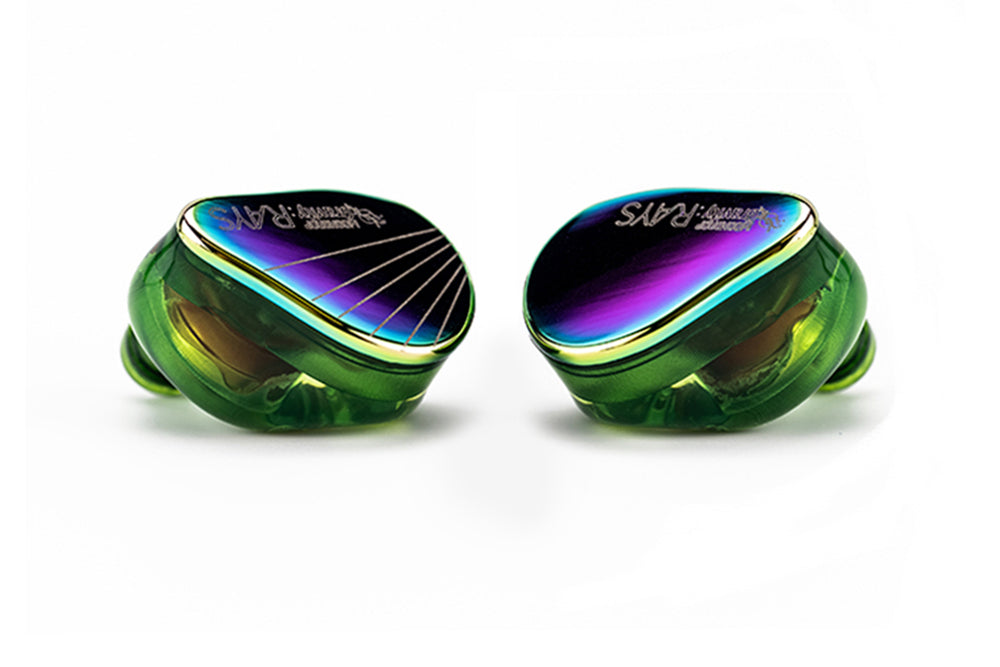
The Rays is built around the idea that gamers do not want to fuss with separate amps, EQ software, or driver installs — the USB-C cable itself contains a DSP sound card, so plugging into a PC, phone, or tablet gets you tuned audio immediately, no extra hardware needed. Moondrop worked with professional esports players to build more than twenty game-specific tuning presets, aimed at things like footstep positioning in shooters or dialogue clarity in narrative games.
The AI noise-canceling microphone is also built for competitive voice chat rather than casual calls, using an onboard NPU to filter background noise more aggressively than a typical passive microphone.
Why the Aria 2 Exists
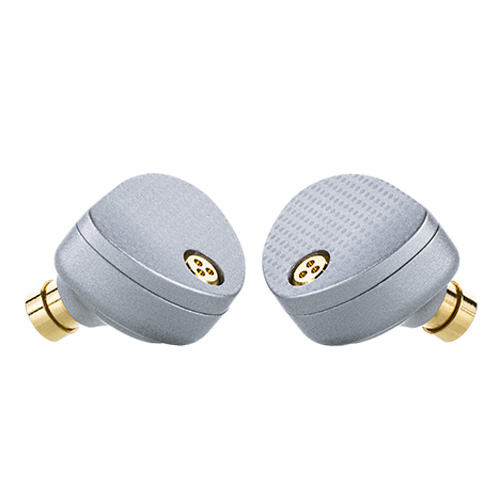
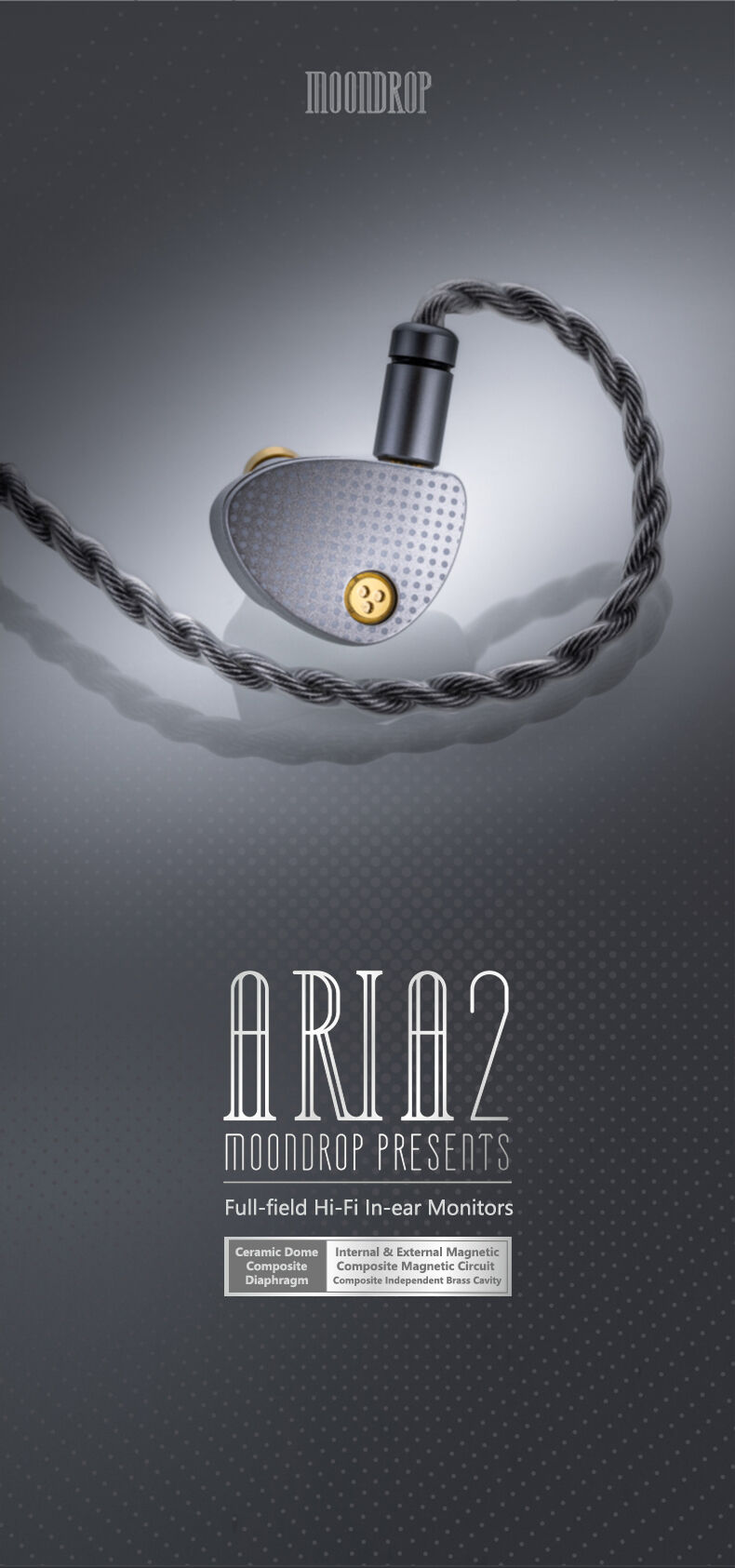
The Aria 2 takes the opposite approach: no built-in DSP, no fixed cable, no gaming-specific presets. It is meant to be paired with whatever amp, dongle, or source you already trust, and it leans on Moondrop’s VDSF (Virtual Diffuse Sound Field) target tuning philosophy for a reference-leaning sound rather than anything genre-optimized. The detachable 0.78mm cable and screw-type 3.5mm/4.4mm plugs mean you can switch termination types without buying a whole new cable.
Sound Character Side by Side
Switching between the two on the same tracks, the Aria 2 has the more neutral, “audiophile” presentation — balanced, detailed, and comfortable for long unfocused listening. The Rays, even outside its gaming presets, leans slightly more forward and energetic, which makes sense for a product built around positional cues rather than tonal accuracy for its own sake.
Neither is objectively “better” in a vacuum; they are tuned for different jobs. If you tried using the Rays purely for critical music listening, it would feel serviceable but not as refined as the Aria 2 in that specific role.
Which One Fits Your Use Case
- Choose the Rays if: you primarily want an earphone for gaming, value the plug-and-play DSP, and want a mic built for game voice chat
- Choose the Aria 2 if: you listen to music more than you game, already own an amp/dongle, and want a cable-swappable reference-tuned IEM
- Consider owning both if: your budget allows — they genuinely serve different daily roles rather than competing directly
Setting Up Each One
Getting the Rays running is close to zero-effort: plug the USB-C cable into a phone, PC, or Nintendo Switch-style handheld, and the DSP engages automatically. I tested it on both a Windows laptop and an Android phone, and in both cases the DSP kicked in without needing to install any driver software first — the presets are managed later through the companion app if you want to switch between game-specific tunings.
The Aria 2, by contrast, needs a source to begin with — a phone headphone jack, a dongle DAC, or a desktop amp. If you do not already own one of those, factor the cost of a basic dongle into your total budget when comparing the two, since the Aria 2’s price does not include a source the way the Rays effectively does.
Longevity and Repairability
This is an underrated point in this comparison. The Aria 2’s detachable cable means that if the cable eventually frays or the connector wears out, you replace a $10-20 cable rather than the whole earphone. The Rays’ DSP-integrated cable is a more integrated, less serviceable design — if that cable fails, you are looking at a more expensive fix or replacement, since the sound card and cable are bonded into one part. For buyers who keep gear for years, this is worth weighing against the Rays’ plug-and-play convenience.
Common Problems and How to Fix Them
- Problem: the Rays isn’t recognized when plugged into a PC. Fix: try a different USB-C port and confirm the port supports USB audio, since some front-panel or hub ports don’t reliably pass through DSP audio devices.
- Problem: the Rays’ game presets aren’t switching. Fix: open the companion app and confirm the earphones show as connected before changing presets, since preset changes only apply while the app has an active connection.
- Problem: the Aria 2 sounds unusually quiet. Fix: check that you’re using an amp or dongle with adequate output power, since a phone’s bare headphone jack or a weak dongle can leave a dynamic-driver IEM sounding underpowered.
- Problem: the Aria 2’s detachable cable feels loose or crackles. Fix: unplug and firmly reseat the 2-pin connectors, making sure they’re aligned correctly, since a slightly misaligned pin connection is the most common cause of intermittent channel dropout.
- Problem: the Rays’ microphone picks up too much background noise despite AI noise canceling. Fix: update the companion app and firmware to the latest version, and reposition the mic boom closer to your mouth for best results.
- Problem: either earphone’s ear tips keep slipping out. Fix: try a different ear tip size or material from the included set, since ear canal shape varies enough that the stock medium tip isn’t a universal fit.
Frequently Asked Questions
Can I use the Moondrop Rays for regular music listening?
Yes, though its tuning and always-on DSP are built more for gaming positional audio than neutral music reproduction.
Does the Aria 2 work for gaming?
It can, but it lacks the Rays’ game-specific tuning presets, low-latency mode, and gaming-oriented microphone.
Which has better build quality?
Both use solid resin/metal shell construction; the Aria 2’s detachable cable system offers more long-term repairability since a damaged cable does not mean replacing the whole unit.
Is the DSP sound card in the Rays cable replaceable?
No, it is built into the fixed USB-C cable, so a damaged cable means replacing the cable-and-DSP assembly together.
Conclusion
The Rays and Aria 2 are both well-executed products, but they answer different questions. If someone asks “which Moondrop IEM should I buy for gaming,” the Rays wins outright. If the question is “which one for critical music listening with my existing gear,” the Aria 2 is the clear answer. Buying based on your primary use case will serve you better than picking whichever one has more hype attached to it.
Both earphones were tested using the same source library, alternating between gaming sessions and music listening across several days.