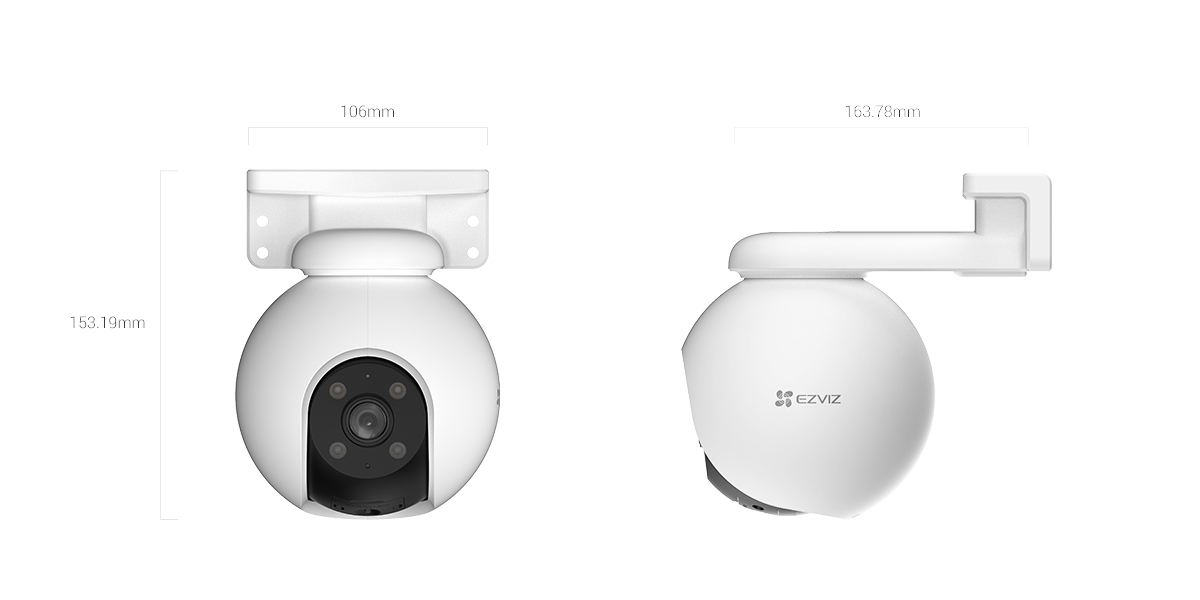
The H8 Pro 3K is EZVIZ’s higher-end outdoor pan-tilt camera, sitting above the standard H8 3K in the lineup with a wider lens option, a longer night-vision range, and a more aggressive auto-tracking zoom. It’s built for anyone who wants one camera to cover a full driveway, backyard, or side alley instead of running two fixed cameras to get the same field of view. I looked at the specs, the setup process, and what actually holds up once it’s mounted outside.
Full Specifications
| Spec | Detail |
|---|---|
| Resolution | 3K, 2880 × 1620 |
| Sensor | 1/2.7″ Progressive Scan CMOS, F1.6 |
| Lens options | 4mm (89° horizontal) or 6mm (54° horizontal), M12 mount |
| Pan / tilt range | 340° pan, 80° tilt |
| Night vision | Up to 30m with color night vision via built-in spotlights |
| Detection | Human motion tracking with up to 4x auto zoom-in |
| Storage | MicroSD up to 512GB, or EZVIZ CloudPlay subscription |
| Connectivity | 2.4GHz Wi-Fi (802.11b/g/n) or wired RJ45 Ethernet |
| Power | DC 12V/1A, max 6W consumption |
| Dimensions / weight | 116 × 153.2 × 163.8mm, 592g |
Setting It Up
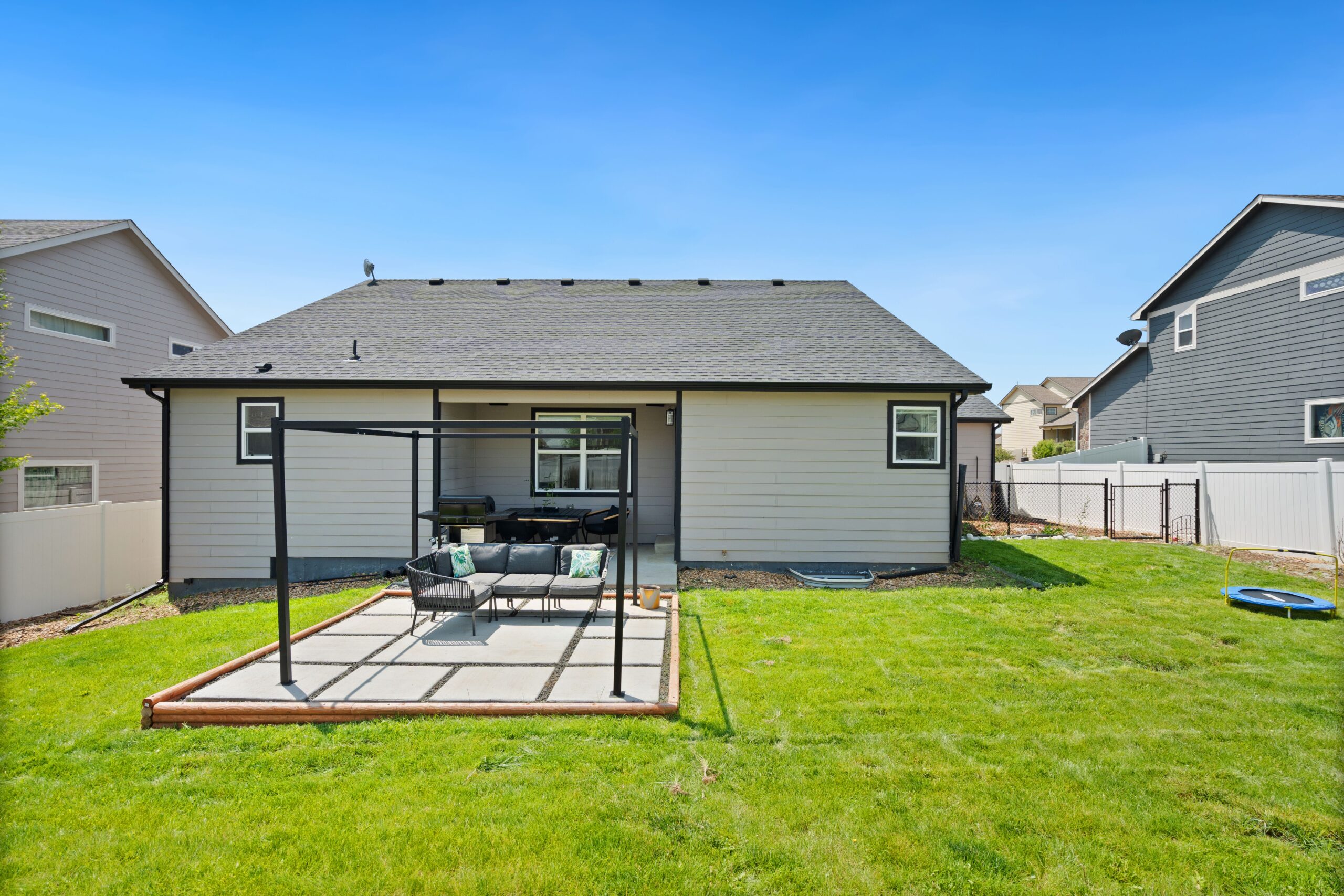
Setup goes through the EZVIZ app like the rest of the lineup: scan the QR code on the camera base, connect it to 2.4GHz Wi-Fi (it won’t see a 5GHz network, which trips up a fair number of first-time installs), and let it finish its firmware check before mounting. Because it’s a pan-tilt unit, it’s worth running the initial setup on a bench or table first rather than up a ladder — you want to confirm the Wi-Fi signal is solid and the picture looks right before committing to a mounting spot.
- Use the included mounting template to mark screw holes rather than eyeballing it — the base has an off-center cable channel that’s easy to get backwards.
- Run the cable through a drip loop before it enters the wall or junction box so water doesn’t track back into the connector.
- Set up to 12 preset viewing spots in the app once it’s mounted, so the camera can cycle through them on a schedule instead of only reacting to motion.
- If you’re running Ethernet instead of Wi-Fi, the camera still needs the app for initial pairing before it’ll accept a wired connection.
Color Night Vision and Tracking
The built-in spotlights are what let the H8 Pro 3K hold color at night instead of dropping to black-and-white IR. In practice this matters most for identifying a vehicle color or clothing rather than just detecting that something moved. “Smart night vision” mode keeps the picture black-and-white by default and only switches to full color and spotlight illumination when it detects motion, which is the setting most people should leave on — running color mode constantly wastes power and lights up the yard all night.
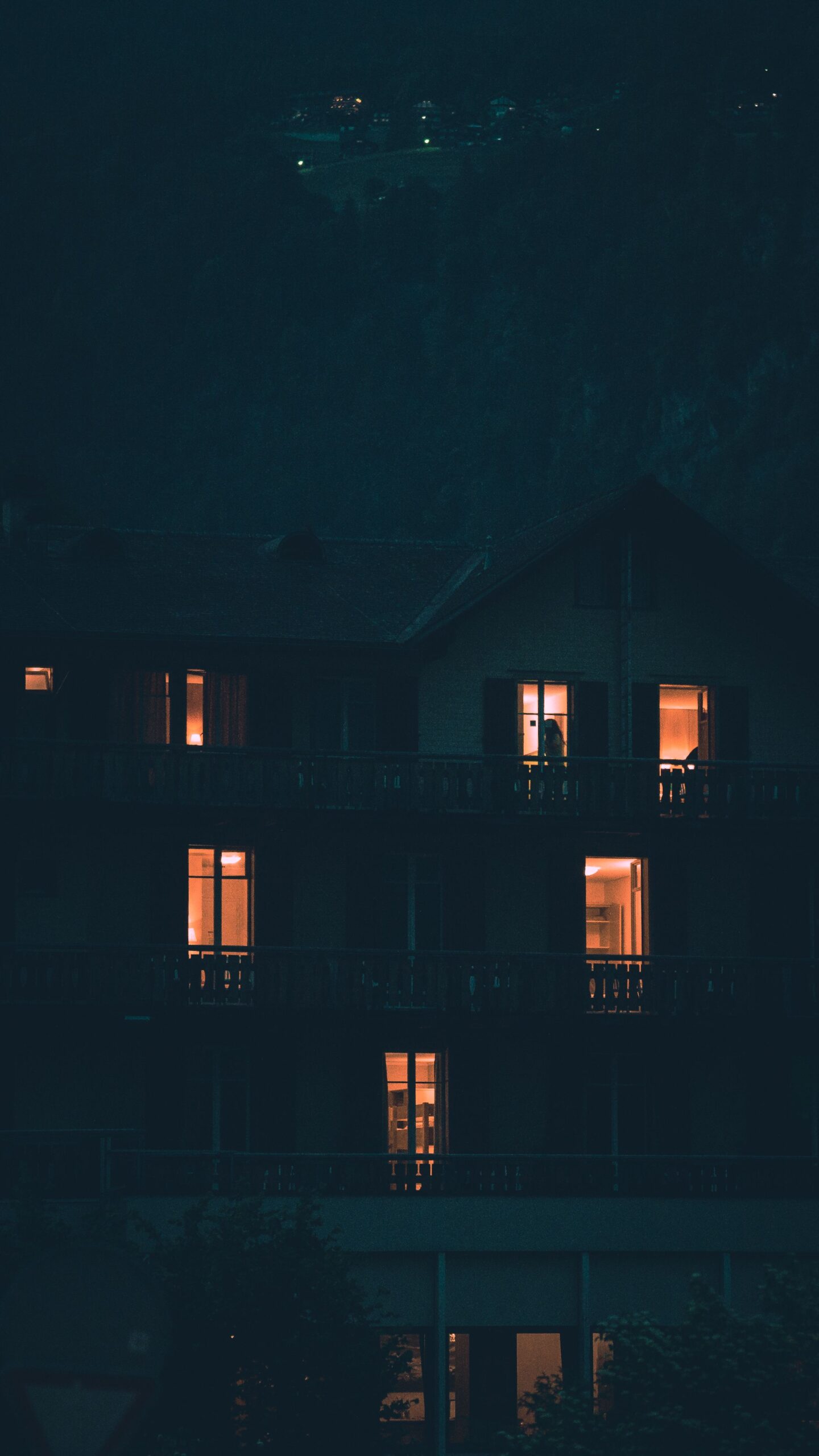
When it tracks a person, it pans, tilts, and zooms in up to 4x automatically, then returns to its default preset once the subject leaves frame. The active defense feature takes this further — on detecting an intruder, it fires the spotlights and a siren together, which is a genuine deterrent rather than just a recording feature.
How It Compares to the Standard H8 3K
| Spec | H8 3K | H8 Pro 3K |
|---|---|---|
| Lens | Fixed 4mm | 4mm or 6mm option |
| Auto-zoom tracking | Not available | Up to 4x on detected motion |
| Night vision range | Up to 30m, IR only in base mode | Up to 30m with color night vision |
| Active defense siren | No | Yes |
If you don’t need the auto-zoom tracking or the siren deterrent, the standard H8 3K covers the same resolution and pan-tilt range for less. The Pro variant earns its price mainly through tracking and the active defense response, not raw image quality.
Common Problems and Fixes
- Camera won’t connect during setup: confirm the router is broadcasting a separate 2.4GHz SSID, or temporarily split the band if it’s combined with 5GHz.
- Tracking zoom loses the subject: lower the detection sensitivity slightly in the app — on max sensitivity it can overcorrect and swing past a slow-moving subject.
- Spotlights trigger too often at night: switch from full color mode to smart night vision, and narrow the detection zone to exclude the street or a neighbor’s yard.
- Recordings gap on microSD: format the card from inside the app rather than a PC, and avoid cards below a U3 speed rating for reliable continuous recording.
- App shows camera offline after a power blip: the unit takes 60–90 seconds to fully reboot and rejoin Wi-Fi — wait before power-cycling it again.
Frequently Asked Questions
Does the H8 Pro 3K work without a subscription?
Yes. Local recording to a microSD card works fully without CloudPlay; the subscription only adds encrypted cloud backup and extended clip history.
Can it run on battery power?
No, this model is wired only — DC 12V or PoE-style Ethernet power, not one of EZVIZ’s battery-powered lines.
Is the 6mm lens worth choosing over the 4mm?
Only for narrow, long-distance sightlines like a driveway gate. For general yard or porch coverage, the 4mm’s wider field of view is more useful.
Does the pan-tilt motor wear out with heavy use?
It’s rated for continuous patrol use, but setting a small number of preset points to cycle through puts less mechanical strain on it than constant motion-triggered panning.
Will it work with Alexa or Google Assistant?
Yes, live view can be pulled up on compatible smart displays once the camera is linked through the EZVIZ app’s third-party integrations.
How weatherproof is it really?
It’s rated for outdoor use in rain and typical temperature swings, but the base connector should still be sealed with a drip loop and, ideally, a junction box for long-term reliability.
For most driveways, backyards, or side entrances, the H8 Pro 3K covers more ground with fewer blind spots than a fixed camera at the same price point, and the tracking zoom genuinely helps when reviewing footage later. It’s not a fit if you need battery power or a fully wire-free install, but for a wired outdoor spot, it’s one of the more capable pan-tilt options in EZVIZ’s current lineup.
Ryan
CS degree · 15 years hardware troubleshooting