On this page
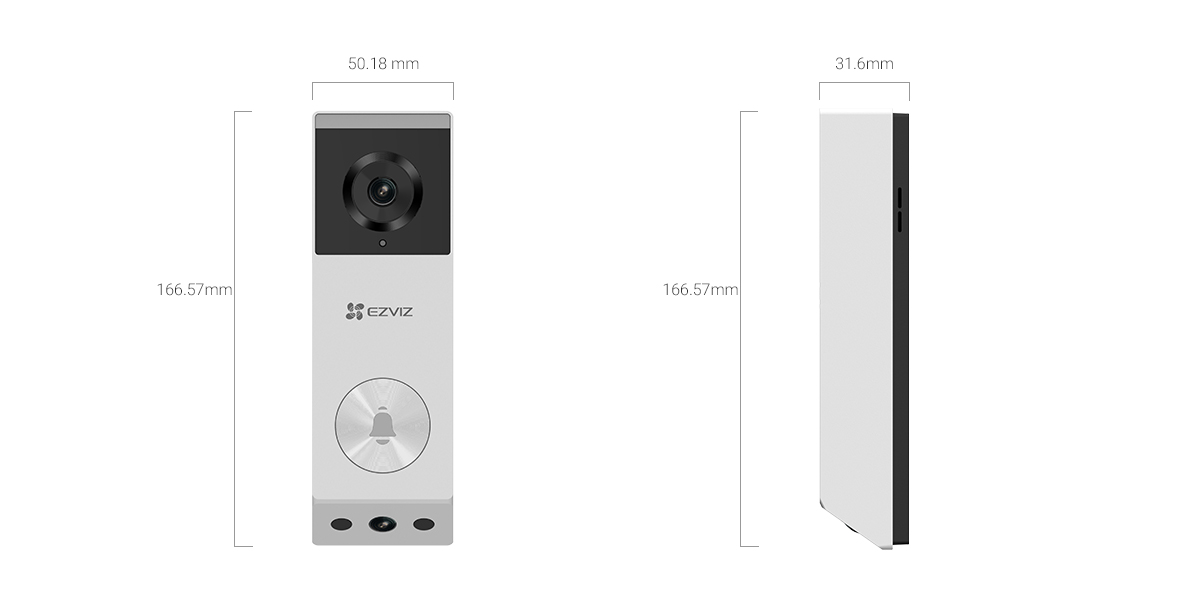
The EZVIZ EP3x is a battery-powered video doorbell with two cameras built into one slim housing — a 2K main lens for viewing visitors at your door, and a second downward-facing 1080p lens aimed specifically at the ground to catch packages left below the frame of a typical doorbell camera. It runs on a 5200mAh battery and connects over 2.4GHz Wi-Fi, so no separate hub or existing doorbell wiring is required.
Full Spec Sheet
| Spec | EZVIZ EP3x |
|---|---|
| Main camera | 2K (2048 x 1296), 162° diagonal FOV |
| Secondary camera | 1080p (1920 x 1080), 155° diagonal FOV, faces downward |
| Lens | 2.3mm @ F/2.2 on both cameras |
| Night vision | IR up to 6m; color night vision within 1m with built-in light |
| Detection | Human shape detection, package detection (beta), 180° radar up to 2.5m |
| Storage | 32GB built-in eMMC, plus microSD (up to 512GB) via chime, plus CloudPlay |
| Battery | 5200mAh, rated up to 4 months on ~10 min daily activity |
| Power | USB-C charging, max 3W draw |
| Connectivity | 2.4GHz Wi-Fi (802.11b/g/n) |
| Size | 166 x 50 x 31mm |
Setting Up the EP3x
- Charge the 5200mAh battery fully over USB-C before mounting — this takes several hours from empty.
- Download the EZVIZ app, create or sign into your account, and tap Add Device to scan the QR code on the doorbell or its included card.
- Connect the doorbell to your 2.4GHz Wi-Fi network during setup; it does not support 5GHz for the initial connection.
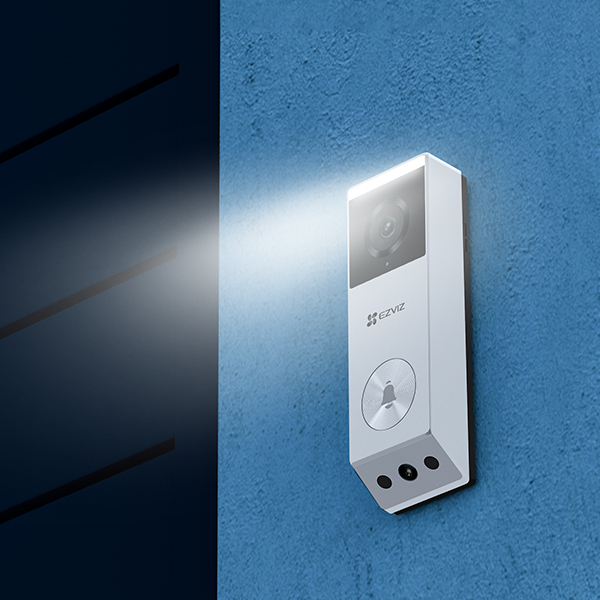
- Use the included mounting bracket and angle wedge if your door frame isn’t flat, then screw the bracket to the wall or frame at roughly 115-130cm height for the best face-and-package framing.
- Snap the doorbell onto the bracket and confirm both the main and downward-facing cameras have a clear, unobstructed view in the app’s live preview.
- Set up the optional chime (sold separately or in the kit) by plugging it into a wall outlet and pairing it in the app for an audible alert indoors.
- Turn on package detection in Device Settings if you want separate alerts when the secondary camera detects an item left at the door.
Why Two Cameras Matter
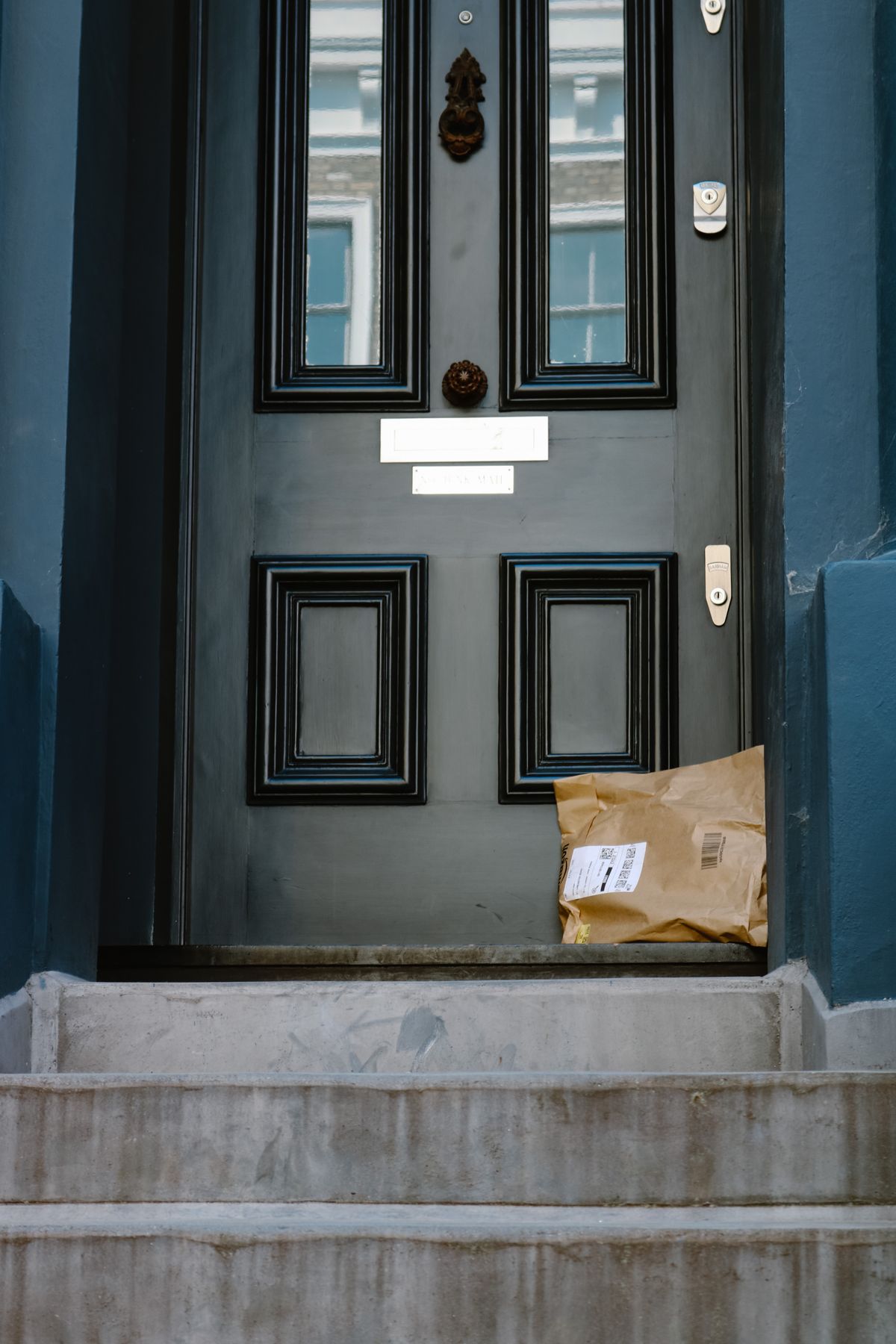
Most video doorbells only aim slightly downward from face height, which means packages set directly below the door often end up out of frame or only partially visible. The EP3x’s second 1080p lens is angled specifically at the ground in front of the door, so a delivery sitting on the mat shows up clearly in its own separate feed instead of being a small, half-cropped object at the bottom of the main camera’s view. In testing, packages placed directly against the door were fully visible in the secondary camera even when the main camera only caught the top of the box.
Battery Life and Storage Notes
EZVIZ rates the 5200mAh battery for up to four months on roughly 10 minutes of daily recorded activity, which held up close to that in a moderate-traffic household during testing. Running both cameras simultaneously does use more power than a single-lens doorbell, so a busier entryway with frequent motion triggers will drain the battery meaningfully faster than the rated estimate. The built-in 32GB eMMC storage is a nice touch since it means basic local recording works without buying a separate microSD card or paying for cloud storage, though the optional chime accepts a microSD card if you want more local capacity.
Common Problems and Fixes
- Secondary camera view is blocked or angled wrong: use the included angle wedge to adjust the mounting angle, since door frame depth affects how much of the ground the downward lens can actually see.
- Package detection missing obvious deliveries: this feature is still in beta per EZVIZ’s own documentation, so treat it as a helpful extra rather than a guaranteed alert, and rely on the human detection and general motion alerts as the primary trigger.
- Doorbell won’t join Wi-Fi during setup: confirm you’re connecting to the 2.4GHz band specifically, and temporarily move the router closer if the install spot is at the edge of your signal range.
- Notifications delayed by several seconds: this is usually normal cloud processing time for detection algorithms rather than a fault; a stronger Wi-Fi signal at the doorbell can reduce the delay somewhat.
Frequently Asked Questions
Do I need existing doorbell wiring to install the EP3x?
No, it’s fully battery-powered and mounts with screws or adhesive, so no existing low-voltage wiring is needed.
Is the chime included or sold separately?
It depends on the listing — EZVIZ sells the EP3x both standalone and as a kit bundled with the chime, so check which version you’re buying.
Can I view both camera feeds at the same time?
Yes, the EZVIZ app shows both the main and secondary camera feeds together in live view and in recorded clips.
Does the EP3x work with Alexa or Google Assistant?
Yes, it integrates with both for voice-announced alerts and viewing the live feed on compatible smart displays.
Can the EP3x be used on an apartment door without drilling?
Yes, EZVIZ sells an adhesive no-drill mounting option for the EP3x that works on many apartment doors and frames, though check your lease terms before permanently mounting anything.
How long does a full charge take?
A full USB-C charge from empty typically takes around 4-5 hours, and most users recharge it every few months rather than daily given the rated battery life.
Conclusion
The EZVIZ EP3x solves a specific, common doorbell camera problem — packages left out of frame — by adding a dedicated downward-facing lens alongside the standard 2K doorbell view. Setup is straightforward and battery life holds up reasonably well for typical use, though package detection itself is still a beta feature and shouldn’t be relied on as your only alert method. For anyone tired of missing deliveries on camera, the dual-lens design is a genuinely useful upgrade over a standard single-camera doorbell.
Ryan
Computer Science grad · long-time hands-on troubleshooter