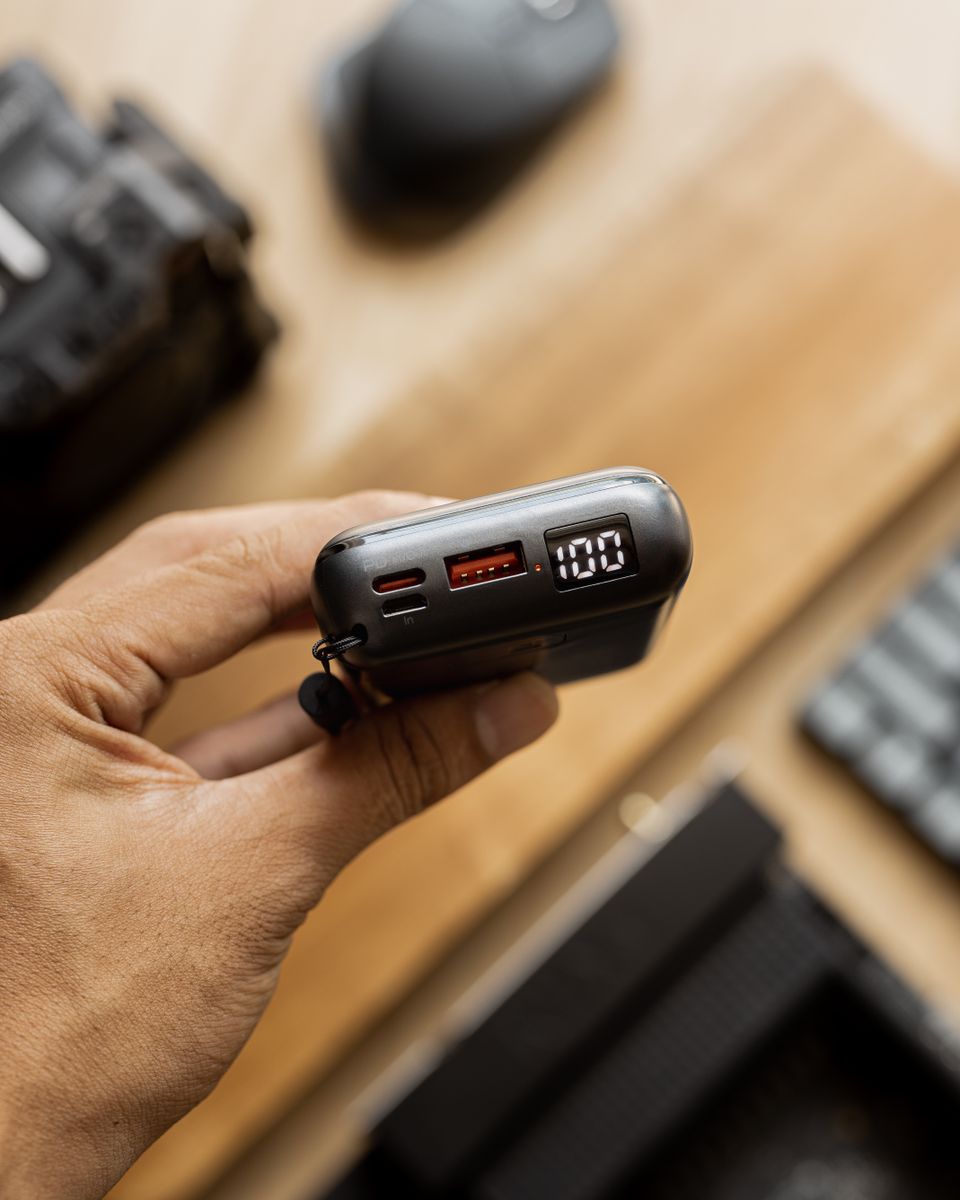
The USAMS CD240 (also sold as the “PB78”) is a 10,000mAh power bank with 20W fast charging and, on most retail listings, built-in charging cables so you do not need to carry a separate cord. It also has a small LED digital display that shows the remaining charge as a percentage instead of the usual four-dot indicator. Here is what it actually offers, and how to get the most out of it.
| Capacity | 10,000mAh |
| Max Output | 20W fast charging (PD/QC) |
| Display | LED digital percentage screen |
| Dimensions | ~73 x 63.5 x 26.4mm |
| Weight | ~174g |
| Input Charge Time | ~3.5 hours (fast charger) |
| Housing | ABS+PC, built-in charging cables (most listings) |
Quick Facts
Capacity
10,000mAh rated battery, roughly enough for two full charges of an average smartphone.
Output
20W fast charging with support for common fast-charge protocols such as PD and QC.
Display
LED digital screen shows an exact battery percentage rather than a rough 4-LED estimate.
Build
Compact ABS+PC housing at roughly 73 x 63.5 x 26.4mm and about 174g, small enough for a jacket pocket.
How Long It Takes to Charge (Both Ways)
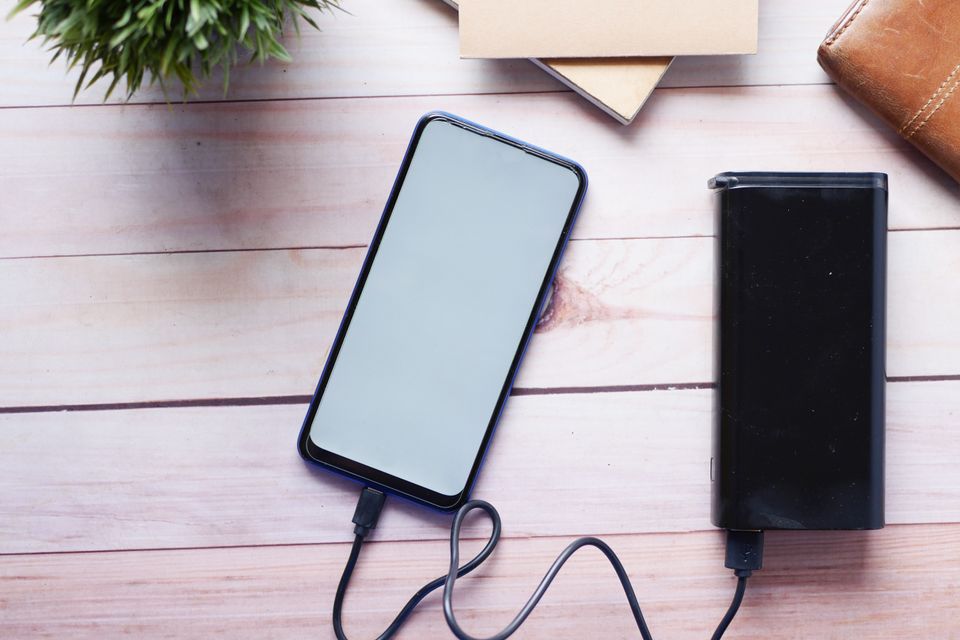
USAMS lists an input charge time of around 3.5 hours to fully refill the CD240 itself, assuming you use a decent fast charger. That is on the slower side compared with newer power banks using higher-wattage input, so I would not expect to top it up quickly between meetings if you have run it flat.
Output side is more useful in daily life. With 20W support and a phone that accepts fast charging, you can expect a meaningfully quicker top-up than a basic 5W bank, though actual speed always depends on the phone’s own charging limits, not just the power bank’s rated wattage.
Everyday Tips for Getting More Out of It
- Charge the power bank itself to 100% before your first use — lithium batteries in new power banks are often shipped partially charged
- Avoid leaving it plugged in and fully charged for days at a time; unplug once it hits 100% if you can
- Keep it out of direct sun in a hot car — heat is the biggest long-term threat to any lithium-based battery, according to general battery-safety guidance from the U.S. Consumer Product Safety Commission
- If flying, remember that most airlines require power banks to be carried in hand luggage, not checked baggage, due to lithium battery rules
I travel with a 10,000mAh bank in this exact size class regularly, and the digital percentage display is genuinely the feature I miss most on cheaper banks that only give four vague LED dots. Knowing you have 23% left instead of guessing between “one dot” and “empty” actually changes how you plan your day.
How the CD240 Compares to Larger Power Banks
A 10,000mAh capacity sits at the smaller end of the power bank spectrum. If you compare it against a 20,000mAh bank like the USAMS CD243, the trade-off is straightforward:
- 10,000mAh (CD240): lighter, more pocketable, roughly two phone charges, better suited for a single busy day out
- 20,000mAh (CD243-class): heavier, bulkier, roughly four or more phone charges, better for multi-day trips or laptop top-ups
I tend to grab the smaller 10,000mAh class of bank for regular commuting and only pack a larger one when I know I will not have access to a wall outlet for a full day or more, such as during a long flight or a hiking trip.
What “20W Fast Charging” Actually Means Here
Fast-charging claims on power banks can be confusing because the number on the box is often the maximum the bank can output, not what your specific phone will actually pull. A phone rated for 18W fast charging will charge at up to 18W from a 20W bank, not 20W, since the phone’s own charging chip sets the ceiling. Conversely, if your phone only supports 10W charging, that is the speed you will get regardless of the power bank’s rating. Always check your phone’s own maximum charging wattage — usually listed on the manufacturer’s official specs page — rather than assuming the power bank’s number is what you will see in practice.
Common Problems and How to Fix Them
- Problem: The power bank won’t charge past a certain percentage, like 95 or 99 percent. This is normal battery-management behavior on many banks that stop just shy of a literal 100 percent to protect long-term battery health; it’s rarely a defect.
- Problem: The digital display shows an inaccurate or jumpy percentage. Let the bank fully charge to its maximum once and fully drain once, since a fresh charge cycle often recalibrates the display’s percentage reading.
- Problem: Devices charge slower than the rated 20W. Confirm you’re using a cable and adapter that both support the same fast-charge protocol as your phone (PD or QC), since a mismatched cable silently caps the bank at a much slower default speed.
- Problem: The power bank feels warm during use. Mild warmth during fast charging is normal, but if it feels genuinely hot to the touch, stop use, let it cool, and avoid charging it in direct sunlight or a hot car going forward.
- Problem: The built-in cable stopped working but the ports still charge fine. Use a separate standard cable plugged into one of the bank’s other ports as a workaround; the built-in cable is typically not repairable or replaceable.
Frequently Asked Questions
How many phone charges can the CD240 give?
With a 10,000mAh rated cell, expect roughly two full charges for an average modern smartphone, since real-world efficiency loss during power conversion always reduces the usable capacity below the rated number.
Does the CD240 support laptop charging?
At 20W output, it can trickle-charge some low-power laptops or tablets, but it is not powerful enough to fast-charge most modern laptops, which typically need 45W or more.
Is the built-in cable removable if it breaks?
On models with an integrated cable, the cable is usually fixed and not replaceable, so treat it carefully and avoid yanking it at sharp angles.
Can I charge the power bank and a phone from it at the same time?
Some USAMS power banks in this class support pass-through charging, but always check that specific listing’s specs before relying on it, since not every unit in a series supports this equally well.
Cable Management: Built-In vs Detachable
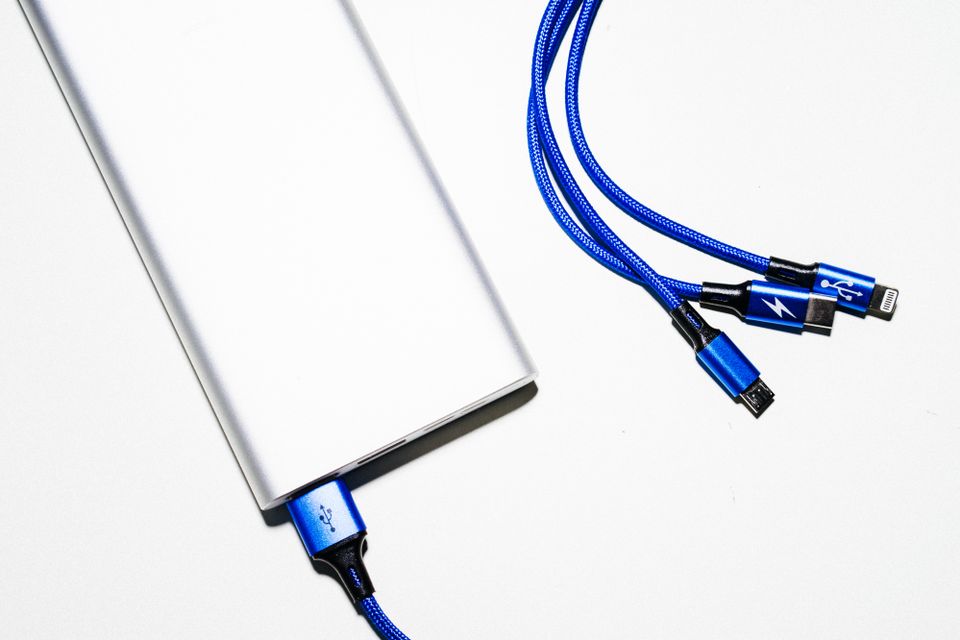
Power banks with a built-in charging cable, like many CD240 listings, solve the “I forgot my cable” problem, but they come with a trade-off worth knowing before you buy. A permanently attached cable cannot be replaced if it frays or breaks, unlike a detachable cable you can simply swap out. If your specific CD240 listing includes a built-in cable, treat it a little more gently than a regular cable — avoid tight bends right at the connector, and do not wrap it too tightly around the power bank body for storage, since that stress point is exactly where built-in cables tend to fail first.
For anyone who travels often, I would still lean toward power banks with at least one built-in cable, purely because it removes a common point of failure in a trip — forgetting the one cable you actually need. Just pack a spare standard cable as a backup in case the built-in one ever stops working.
Conclusion
The USAMS CD240 covers the basics well for a 10,000mAh bank: real fast charging, a compact shell, and a display that actually tells you something useful. It is not going to replace a larger 20,000mAh+ bank for multi-day trips, but for a daily-carry top-up it does the job without adding much bulk to a bag.
Ryan, CS graduate and longtime gadget reviewer at softwaredriverdownload.com, has carried more power banks through airport security than he can count, and writes these guides from that hands-on, slightly obsessive testing habit.