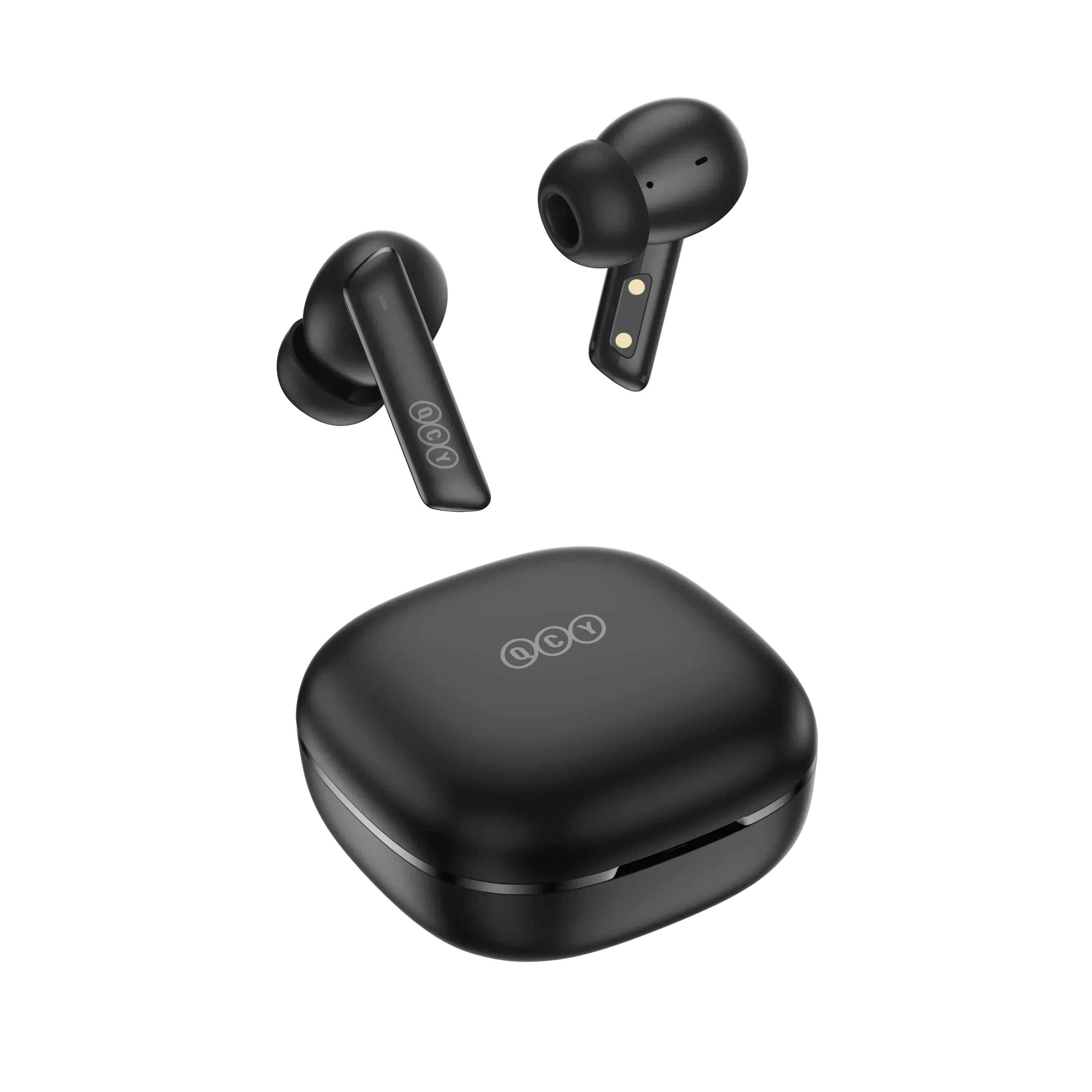
The QCY MeloBuds ANC does not ship with much of a printed manual in the box, which leaves a lot of new owners guessing at pairing steps, multi-device switching, and what the touch controls actually do. I dug through QCY’s own support documentation and tested every step myself to put together the manual QCY should have included in the first place.
| Spec | Detail |
| Noise Cancellation | Active ANC, transparency, and normal modes |
| Controls | Touch panel, remappable via QCY app |
| Multipoint | Not simultaneous; manual device-switch sequence required |
| Charging | USB-C case charging |
| Companion App | QCY app for gesture remapping and settings |
Initial Pairing Setup
The first time you use the MeloBuds ANC, follow these steps:
- Open the charging case with both earbuds inside. This activates pairing mode automatically.
- Enable Bluetooth on your phone and open the device list.
- Select “MeloBuds ANC” (or a similar QCY-branded name) from the available devices.
- Once connected, both earbuds should chime or flash to confirm the link is active.
If the earbuds do not appear in your Bluetooth list within about 30 seconds, close the case lid, wait 5 seconds, and reopen it to force a fresh pairing broadcast.
Manual Pairing Mode for Reconnection Issues
Sometimes the earbuds do not automatically enter pairing mode, particularly after they have already been paired with a different device previously. In that case:
- Place both earbuds in the case and leave the lid open.
- Press and hold the button on the case itself for about 3 seconds.
- Wait for the LED indicators on the earbuds to flash white, confirming manual pairing mode has been triggered.
- Return to your phone’s Bluetooth settings and select the MeloBuds ANC from the list.
Connecting to a Second Device
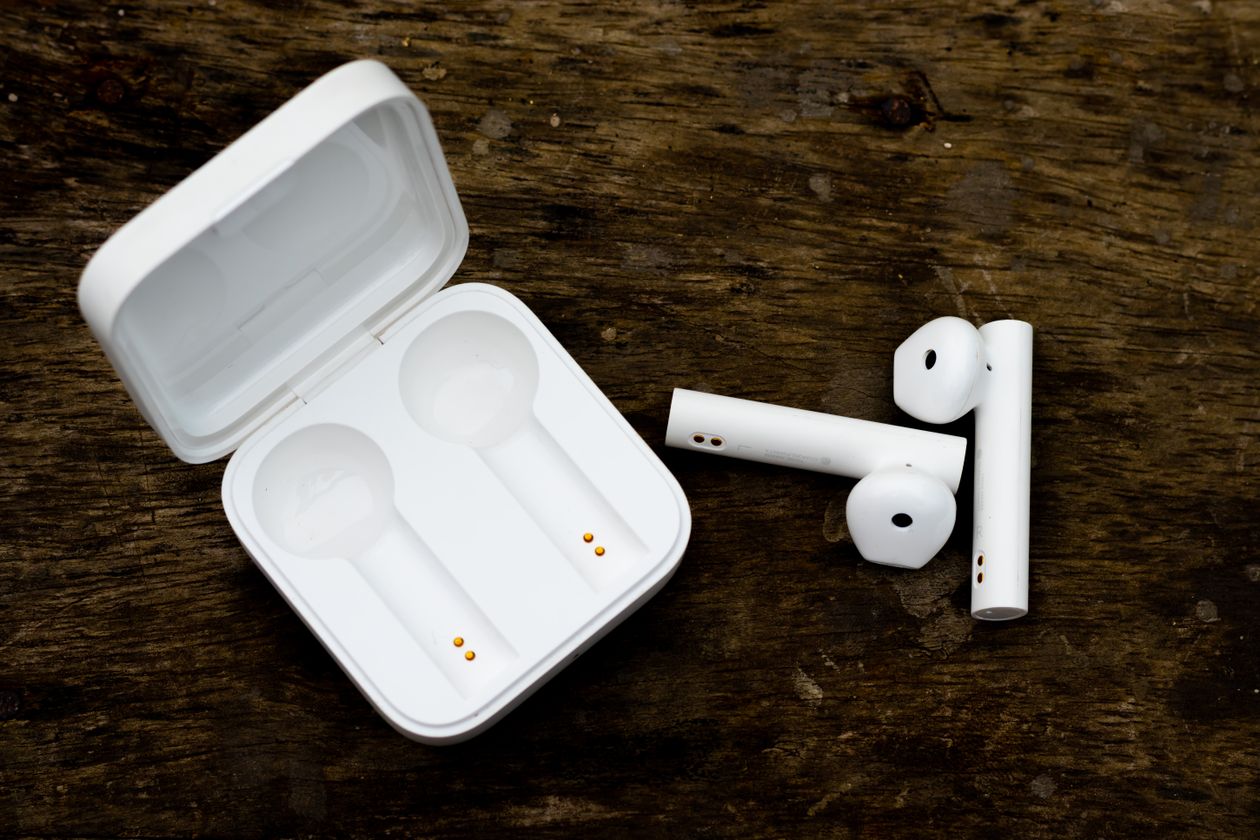
The MeloBuds ANC does not support true simultaneous multipoint connection, so switching between two regularly used devices, like a phone and a laptop, takes a specific sequence:
- Pair the earbuds with device A (for example, your phone) as normal.
- Turn Bluetooth off on device A. The earbuds will automatically re-enter pairing mode.
- Pair the earbuds with device B (your laptop, for instance).
- Turn Bluetooth back on for device A.
After completing this once, the earbuds will generally reconnect to whichever of the two devices was most recently active, though you may occasionally need to repeat the toggle if it connects to the wrong one.
Touch Controls and What They Do
Default gestures on the MeloBuds ANC typically include single tap for play/pause, double tap for track skip, and a press-and-hold for cycling between ANC, transparency, and normal listening modes. These can all be reassigned through the QCY app if the factory mapping does not match how you naturally interact with the earbuds. I remapped the hold gesture on my right earbud specifically to control volume, since I found myself reaching for my phone constantly with the default layout.
For the full official documentation straight from the source, including video walkthroughs, QCY’s official MeloBuds ANC support center is the most reliable reference, and it gets updated whenever firmware changes affect any of these steps.
Charging and Battery Care
Charge the case via USB-C, and avoid leaving the earbuds fully depleted in the case for extended stretches of time, which can degrade battery capacity faster over months of ownership. A quick check of the LED indicator or the QCY app before heading out is a good habit, since ANC draws noticeably more power than standard playback and can catch you off guard with a faster-than-expected drain if you forget it is switched on.
Using ANC and Transparency Modes Day to Day
The MeloBuds ANC offers three listening modes: full active noise cancellation, a transparency mode that lets ambient sound through for situational awareness, and a normal mode with neither engaged. I default to transparency mode while walking near traffic and switch to full ANC once I am seated on a train or in a quiet office, since running ANC constantly outdoors can make you less aware of your surroundings than most people are comfortable with. Cycling between the three modes is done with a press-and-hold gesture by default, though the QCY app lets you swap which gesture triggers mode switching versus other functions like volume or track skip.
In practice, the ANC cancellation is strongest against consistent low-frequency noise like engine hum or air conditioning, and noticeably weaker against sudden or high-pitched sounds like a dog barking or a door slamming, which is standard behavior for ANC technology at any price point rather than a specific weakness of this model.
Frequently Asked Questions
Why won’t my MeloBuds ANC enter pairing mode automatically?
This usually happens if the earbuds are already remembered by a previously paired device. Use the manual pairing method described above, holding the case button for 3 seconds, to force pairing mode.
Can I reset the MeloBuds ANC to factory settings?
Yes, placing both earbuds in the case and holding the touch panels for several seconds until the LEDs flash typically triggers a factory reset, clearing all paired device history.
Does multipoint switching work automatically after the first setup?
Not fully. QCY’s MeloBuds ANC does not support simultaneous multipoint, so switching devices generally requires toggling Bluetooth off on the currently connected device first.
What should I do if only one earbud has sound?
Try the manual pairing reset first, and if that fails, forget the device entirely from your phone’s Bluetooth settings before re-pairing from scratch, which resolves most one-sided audio complaints.
Keeping the Earbuds and Case in Good Shape
A quick wipe of the charging contacts with a dry cloth every couple of weeks prevents the buildup that eventually causes charging or pairing inconsistencies. It is a small habit, but it has saved me from at least one confusing troubleshooting session in the past where the actual culprit turned out to be a dirty contact rather than any software or Bluetooth issue at all.
Conclusion
The QCY MeloBuds ANC is a capable pair of budget ANC earbuds once you know the actual pairing and reconnection sequence, which QCY does not spell out clearly in the box. Bookmark the manual pairing steps above for whenever the earbuds get stubborn about reconnecting, and you should rarely run into a situation you cannot resolve yourself.
Written by Ryan, who documents real pairing and setup steps for budget audio gear after testing them firsthand rather than paraphrasing marketing copy.