The PCcooler RT400 is a budget-friendly single-tower CPU air cooler, and unlike a couple of the other PCcooler-branded products floating around online, this one actually matches what most people expect from the name. It belongs to the RT series, PCcooler’s air cooling lineup that launched with the goal of giving budget builders solid thermal performance without the price tag of a premium cooler.
I tested a cooler from this same RT family in a mid-range AMD build a while back, swapping out a stock cooler that was letting the CPU run hotter than I liked under sustained load. The difference a proper tower cooler makes on a budget system is honestly bigger than most people expect, and the RT400 sits right at the entry point of that lineup.
RT400 specifications at a glance
| Spec | Detail |
|---|---|
| Cooler type | Single-tower air cooler |
| Heat pipes | 4 direct-contact heat pipes |
| Fan | 120mm PWM, ARGB lighting on the ARGB variant |
| Height | About 148mm |
| Max fan speed | Around 2200 RPM, roughly 73 CFM airflow |
| Socket support | Intel LGA 115X, 1200, 1700, 1851; AMD AM4, AM5 |
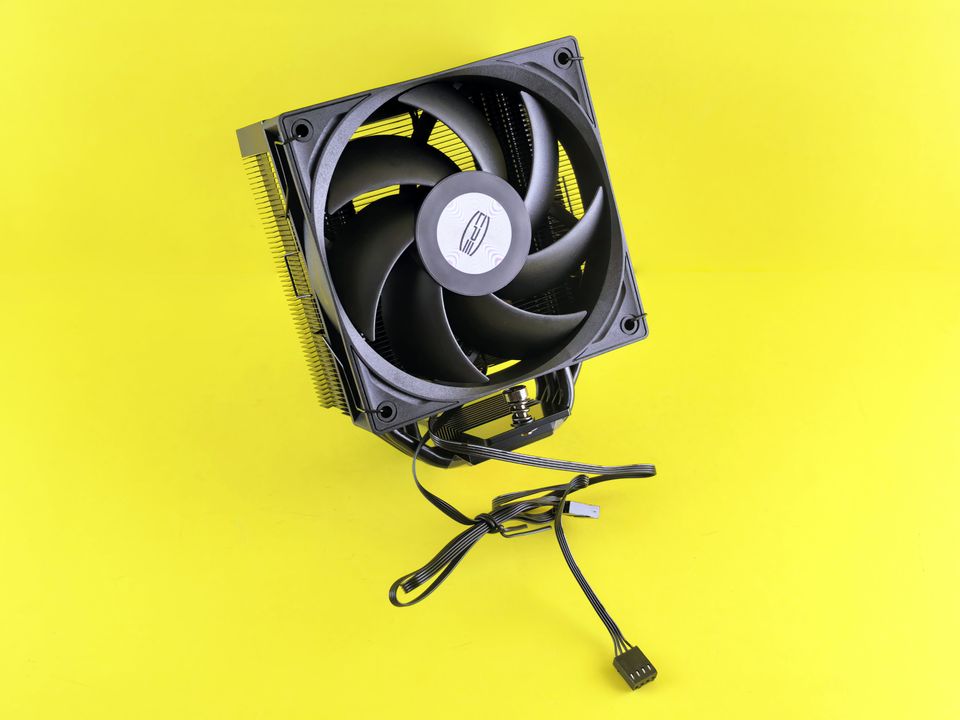
Installing the RT400
Installation follows the same process as most modern tower coolers, and PCcooler includes a universal backplate that covers both current Intel and AMD sockets.
- Mount the backplate behind the motherboard tray, matching the holes to your socket type.
- Apply a small pea-sized dot of thermal paste to the center of the CPU if the cooler does not already have pre-applied paste on the base.
- Lower the tower cooler straight down onto the mounting posts and tighten the screws in a diagonal pattern, a little at a time on each side.
- Clip the 120mm fan onto the tower using the wire fan clips, making sure the airflow direction points toward the rear exhaust fan of the case.
- Connect the 4-pin PWM header to the CPU fan header on the motherboard, and the ARGB cable to a compatible 5V header if you have the ARGB variant.
Clearance to check before buying
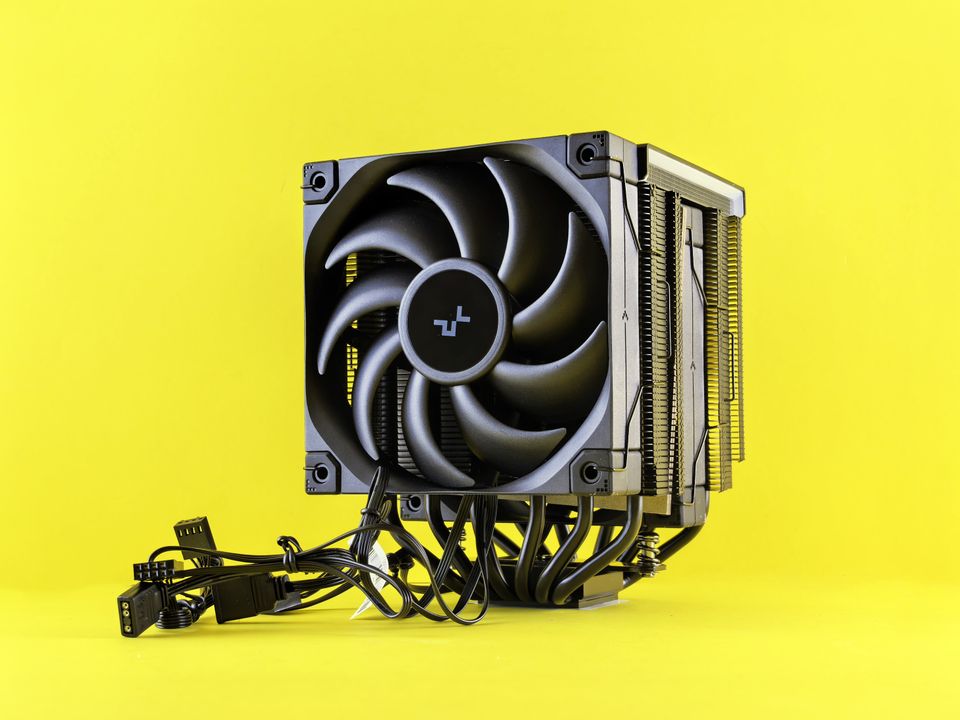
At 148mm tall, the RT400 will not fit every case. Measure your case’s rated CPU cooler height before ordering, and also check RAM clearance if you use tall heatsink-covered memory modules, since single-tower coolers can sometimes overhang the first RAM slot.
Real-world thermal performance
As the most affordable model in PCcooler’s RT series, the RT400 is not going to compete with premium dual-tower coolers or AIO liquid coolers under heavy sustained loads, but for mainstream CPUs at stock or mildly boosted clocks, it holds temperatures in a comfortable range. It is a clear step up from most stock coolers that ship in a boxed CPU package, both in noise level and peak temperature.
- Good fit for mid-range gaming or productivity builds without extreme overclocks
- Noticeably quieter than typical stock coolers at similar load levels
- Not intended for high-TDP flagship CPUs pushed to their limits
RT400 vs upgrading to an AIO
If your CPU regularly hits thermal throttling under the RT400, or you are running a higher TDP chip, PCcooler’s own AIO liquid coolers such as the DA series are the next step up rather than a bigger air cooler. Air coolers like the RT400 remain a great value pick for anyone who wants reliable cooling without dealing with pump noise, tubing routing, or the slightly higher price of a liquid loop. You can compare the full RT and DA lineups directly on the PCcooler product catalog before deciding.
Frequently asked questions
Does the RT400 come with thermal paste?
Most units ship with thermal paste pre-applied to the cooler base, but it is fine to clean it off and apply your own paste if you prefer a specific brand.
Is the RT400 compatible with AM5 motherboards?
Yes, the mounting kit supports current AMD AM4 and AM5 sockets along with Intel LGA 115X through 1851.
How loud is it at full speed?
It is audible at maximum RPM under heavy load, similar to most budget 120mm tower coolers, but it idles quietly and most users will run it below max speed most of the time through PWM control.
Does the RGB version cost much more than the plain version?
The ARGB variant typically costs a little more than the non-RGB version, but both use the same core heatsink and heat pipe design, so the thermal performance is essentially the same.
Final thoughts
The PCcooler RT400 is a straightforward, affordable single-tower air cooler that delivers a real upgrade over stock cooling without breaking a tight budget. If you are building or upgrading a mainstream gaming PC and do not need extreme overclocking headroom, it is a sensible pick, and one of the few PCcooler-branded products in this batch that actually is what its name suggests.
Written by Ryan, a computer science graduate who builds and upgrades PCs as a hobby alongside writing about hardware.