Contents
- What it is
- Setting it up
- Charging behavior
- Troubleshooting
- FAQ
I run three devices off my desk outlet every day: a laptop, a phone, and a tablet, and for a long time that meant three separate bricks fighting for space on a power strip. Switching to the AUKEY PA-B6S Omnia Mix3 cut that down to one plug. This is a rundown of what the charger does, how to set it up so each port actually gets the power it should, and how to work through the few issues owners commonly run into.
1. What the PA-B6S Is
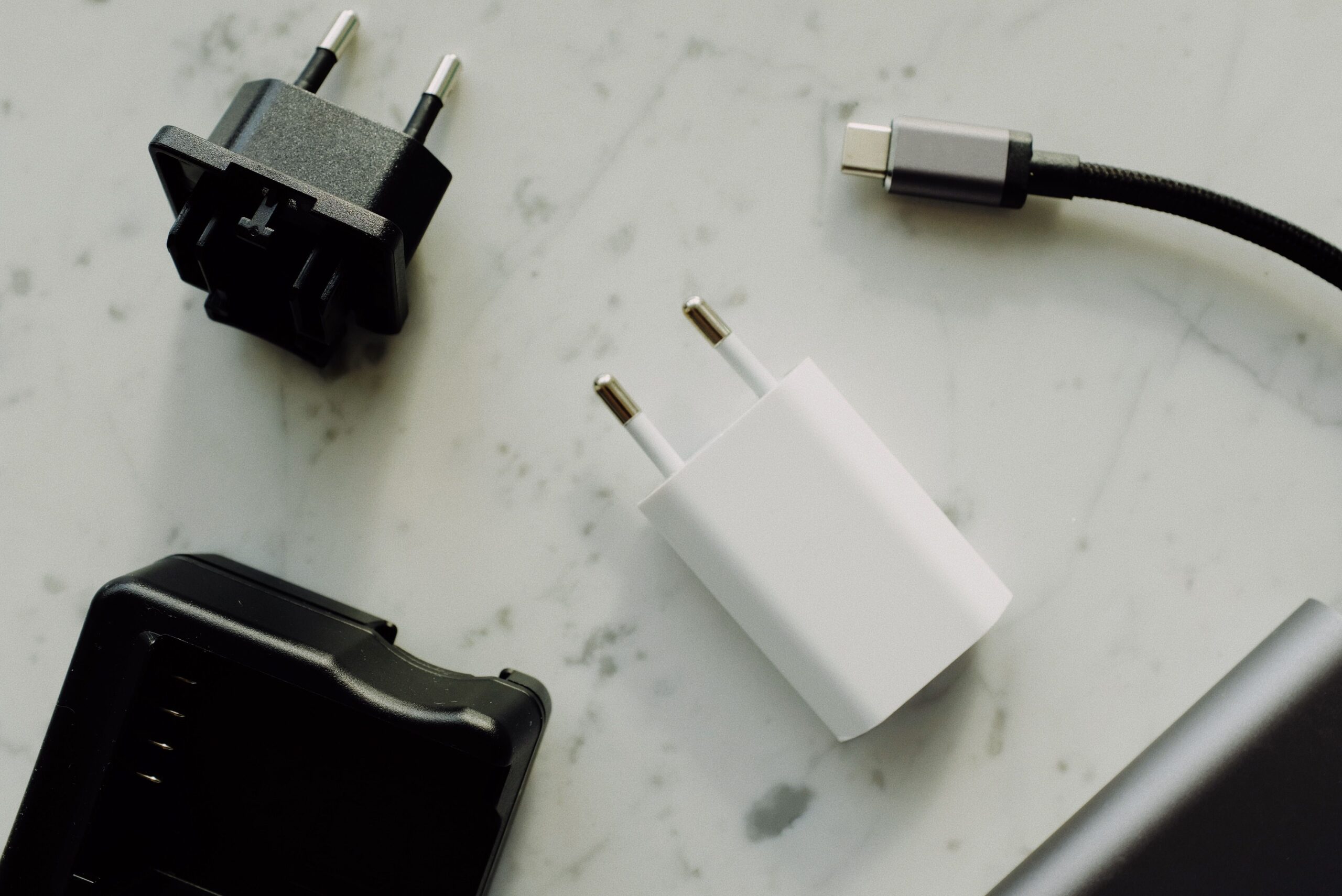
The PA-B6S is a 90W three-port GaN wall charger with two USB-C ports and one USB-A port. GaN (gallium nitride) is the reason it stays small despite the power output; it runs cooler and more efficiently than older silicon-based chargers of similar wattage.
- Total output: up to 90W shared across all three ports
- Ports: 2x USB-C PD 3.0, 1x USB-A
- Dimensions: roughly 64 x 62 x 33mm
- Weight: about 190g
- Feature: AUKEY’s Dynamic Detect, which redistributes power across ports based on what’s plugged in
2. Setting It Up
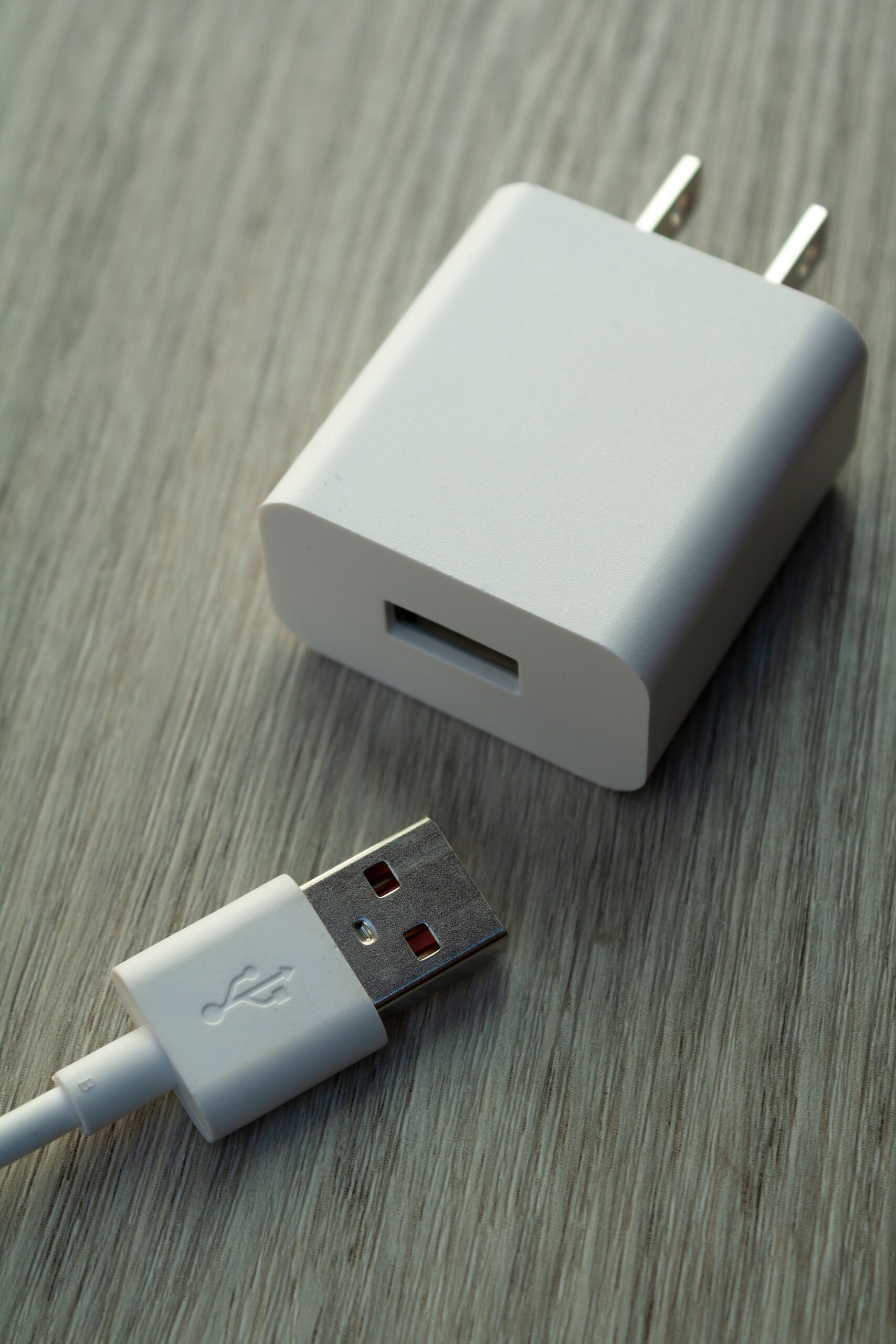
- Plug the charger directly into a wall outlet rather than a passive power strip for the most consistent output
- Connect your highest-priority device, such as a laptop, to one of the USB-C ports first
- Add a second and third device across the remaining ports as needed
- Use cables rated for your device’s charging speed; a cheap or worn cable can bottleneck a fast port down to a fraction of its rated speed
3. How Charging Speed Is Shared
With three ports pulling from a shared 90W budget, the charger will not give every device its maximum speed simultaneously. Typical splits look roughly like this:
| Devices Connected | Approximate Split |
|---|---|
| One device (USB-C) | Up to 90W to that port |
| Laptop + phone | ~65W / ~20W |
| All three ports in use | ~45W / ~30W / ~12W |
Exact numbers vary by device negotiation, but the pattern holds: plug your laptop in first if speed matters most, since Dynamic Detect tends to prioritize based on what each port requests during negotiation rather than plug order alone.
4. Troubleshooting Common Issues
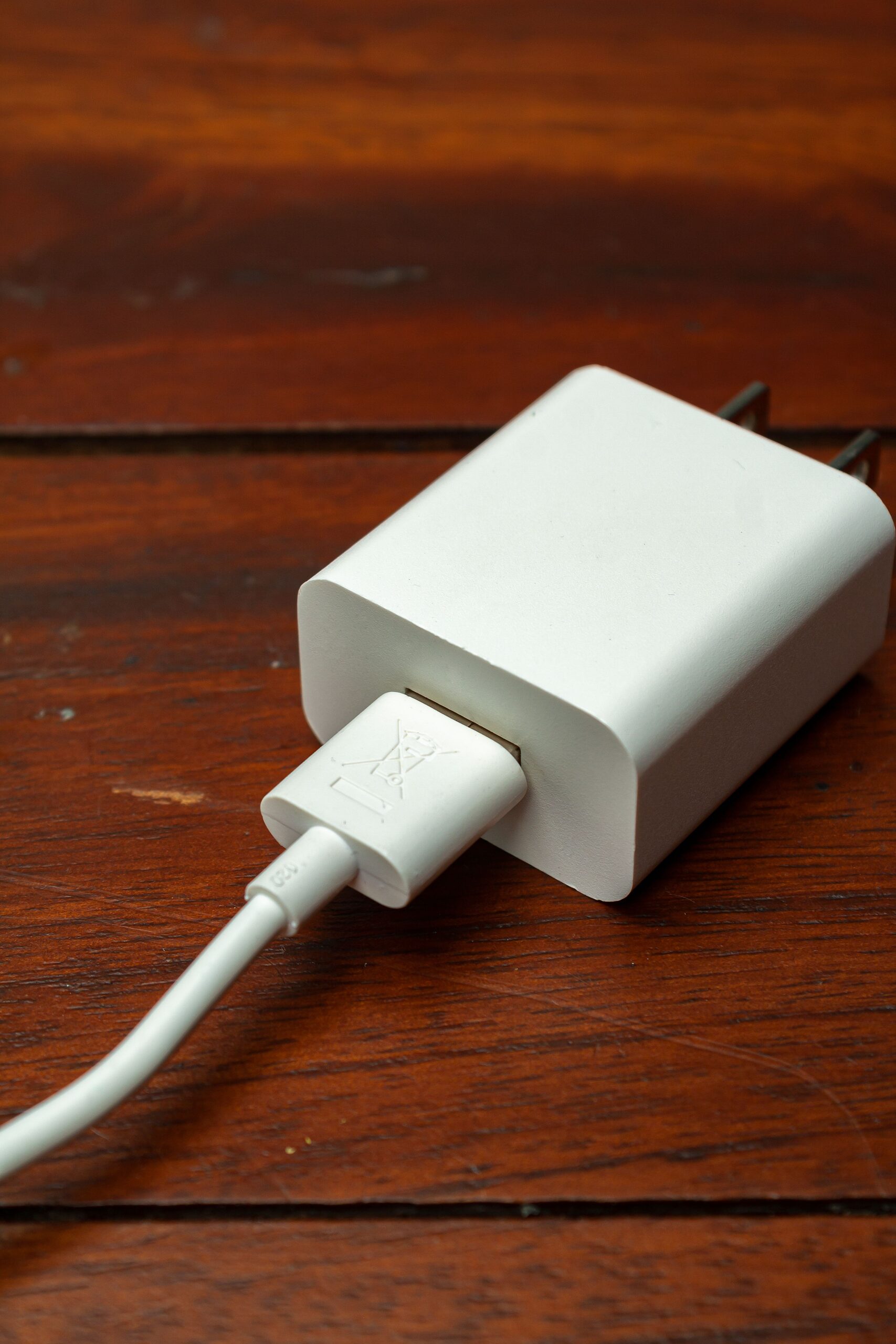
- Laptop charges slower than expected: check whether another device is pulling power from the shared budget at the same time, and try the laptop alone to confirm the port’s max speed.
- Charger feels warm: normal under heavy load with GaN chargers, but if it gets hot to the touch or you smell anything unusual, unplug it and stop using that unit.
- One port stopped working: test with a different cable and a different device before assuming the port has failed, since a bad cable is the more common culprit.
- Device won’t fast charge at all: confirm the device itself supports USB Power Delivery; not every phone does, even recent ones from budget brands.
Comparing GaN vs Older Silicon Chargers
If you’re upgrading from an older charger, the size difference is the first thing you’ll notice. My previous 90W-class charger from a different brand was nearly twice the volume of the PA-B6S, mostly because it used a traditional silicon power design rather than GaN. Beyond size, GaN chargers also tend to run cooler under sustained load and waste less energy as heat, which is part of why AUKEY and most other accessory makers have shifted their higher-wattage lineups to GaN over the last few product generations. The trade-off is usually price: GaN components still cost more per watt than older silicon designs, which is reflected in the retail price of chargers like this one compared to bulkier alternatives.
- Smaller footprint for the same wattage class
- Cooler running temperature under sustained multi-device load
- Typically higher price per watt than older silicon chargers
- Better suited to being left plugged in permanently at a desk, given lower heat output
5. Frequently Asked Questions
- Can the PA-B6S charge a laptop?
- Yes, most USB-C laptops up to around 65-90W charging requirements are supported, though very high-draw gaming laptops may need a dedicated higher-wattage charger.
- Is a cable included in the box?
- Retail listings typically include a USB-C cable, but always check the specific listing you purchased from, since bundle contents can vary by retailer.
- Does it work outside the country it was purchased in?
- The charger accepts a wide input voltage range common to GaN chargers, but the plug shape is region-specific, so you may need a plug adapter (not a voltage converter) when traveling.
- Is it safe to leave devices charging overnight?
- Yes, GaN chargers like this one include standard overcurrent, overheat, and overcharge protections, the same baseline safeguards found across AUKEY’s charger lineup.
Living With It Day to Day
Six months in, the part I notice most is how rarely I think about it at all, which for a charger is close to the highest compliment I can give. It stays plugged into the same outlet permanently, and the only maintenance has been an occasional wipe-down of the ports where dust tends to collect over time in any USB port left exposed on a desk. I have not needed to reset it or troubleshoot anything beyond the cable-related issues covered above, which after switching through several charger brands over the years is not something I take for granted.
If you’re deciding between this and a lower-wattage two-port option, the honest answer is that it comes down to whether you regularly charge three devices at once. If you usually only have one or two things plugged in at a time, a cheaper 65W two-port charger will cover the same ground for less money. The extra port and headroom on the PA-B6S earn their keep specifically on the days you’re juggling a laptop, tablet, and phone simultaneously, which for me happens often enough to justify it.
Conclusion
The PA-B6S earns its spot on my desk because it quietly replaced three separate chargers without any real compromise, aside from the expected power-sharing behavior once you connect multiple devices. If your setup mostly involves one device at a time, a cheaper single-port charger would work just as well, but for a shared desk or a travel bag carrying a laptop and phone together, this is a sensible one-charger solution. See AUKEY’s official PA-B6S product page for the full spec sheet, and the USB-IF’s Power Delivery documentation for background on how PD negotiation works between devices.