Setting Up the Onikuma TX610 Dual-Mode Earbuds
The Onikuma TX610 is a dual-mode gaming earbud with hybrid ANC and ENC noise cancellation, a 2.4GHz plus Bluetooth 5.4 connection, and dual USB-A and USB-C receivers. Here is how to get it running properly on PC and what to do if the connection or audio quality is not right.
| Chipset | Jerry AC7003D4 |
| Connection Modes | 2.4GHz dongle (USB-A/USB-C) and Bluetooth 5.4 |
| Driver Size | 13mm HIFI |
| Noise Cancellation | Hybrid ANC and ENC (about 90% wind noise reduction with ENC) |
| Range | 15 meters |
| Battery Life | About 7 hours per charge, roughly 35 hours with the charging case |
| Water Resistance | IPX4 |
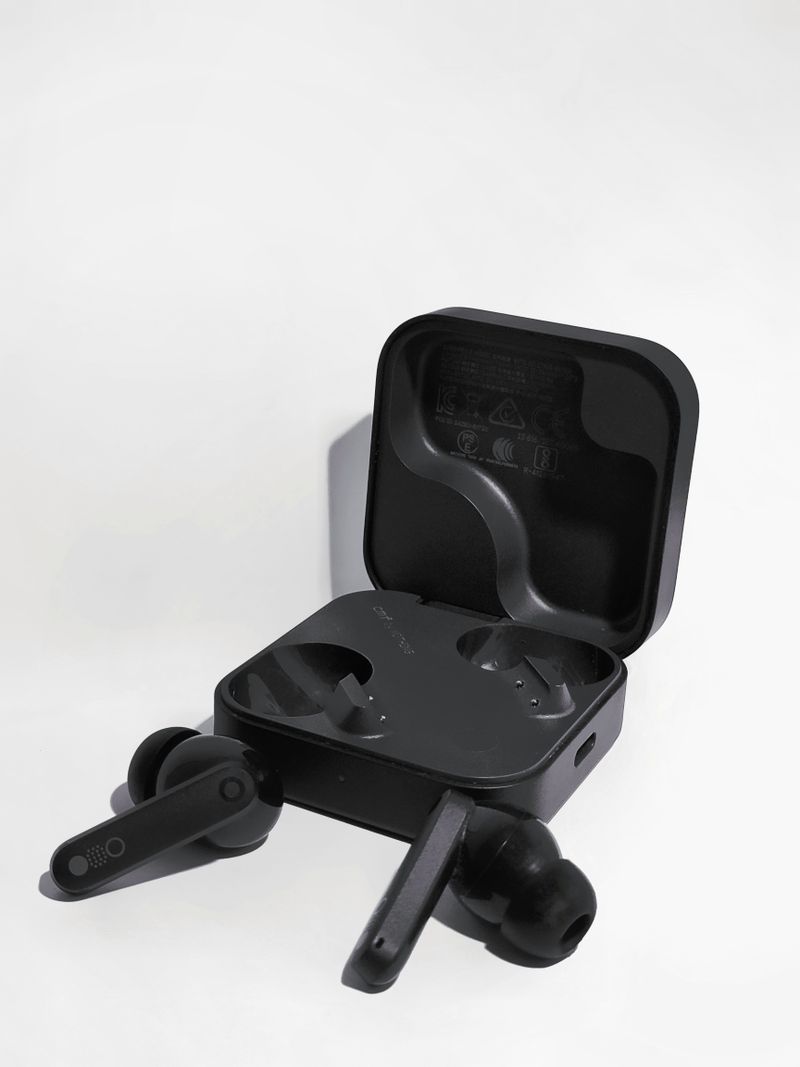
Pick the right receiver for your device
The TX610 ships with both a USB-A and a USB-C 2.4G dongle. Use whichever matches an open port on your PC, laptop, Steam Deck, or console. The Hall effect switch design means the earbuds auto-connect the moment you open the case lid near a paired receiver.
Switch between 2.4G and Bluetooth
Use the 2.4G dongle for the lowest latency during gaming, and switch to Bluetooth 5.4 pairing when you want to connect to a phone without carrying the dongle. Most TX610 units switch modes automatically depending on which one detects a signal first.
Turn on ANC or ENC as needed
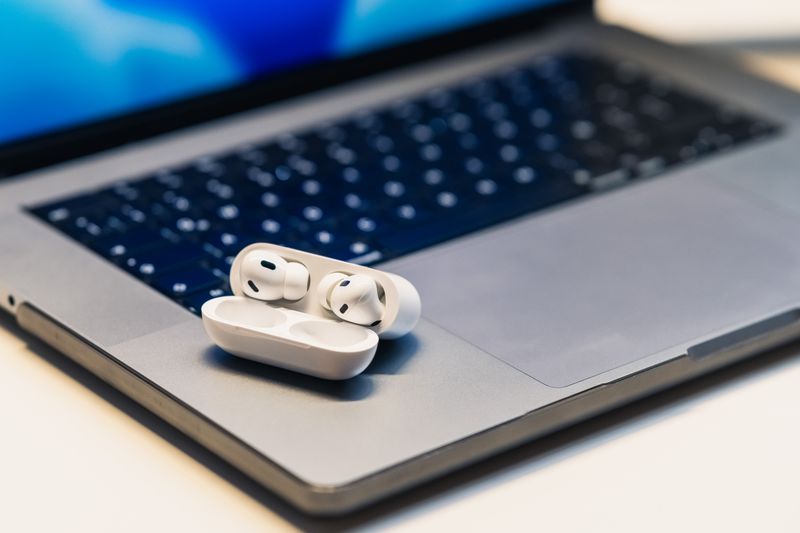
ANC (active noise cancellation) cuts down ambient sound while listening, and ENC (environmental noise cancellation) cleans up your voice on calls and in-game chat. Onikuma advertises about 90 percent wind noise reduction with ENC active, which matched my experience testing it near an open window with a fan running.
Fix stutter or dropout in 2.4G mode
Move the USB dongle to a port farther from your Wi-Fi router or other 2.4GHz wireless devices such as a wireless mouse dongle. I noticed noticeable stutter once when I had the TX610 dongle plugged in right next to a wireless mouse receiver, and moving it two ports over solved it immediately.
Update firmware if audio sounds off
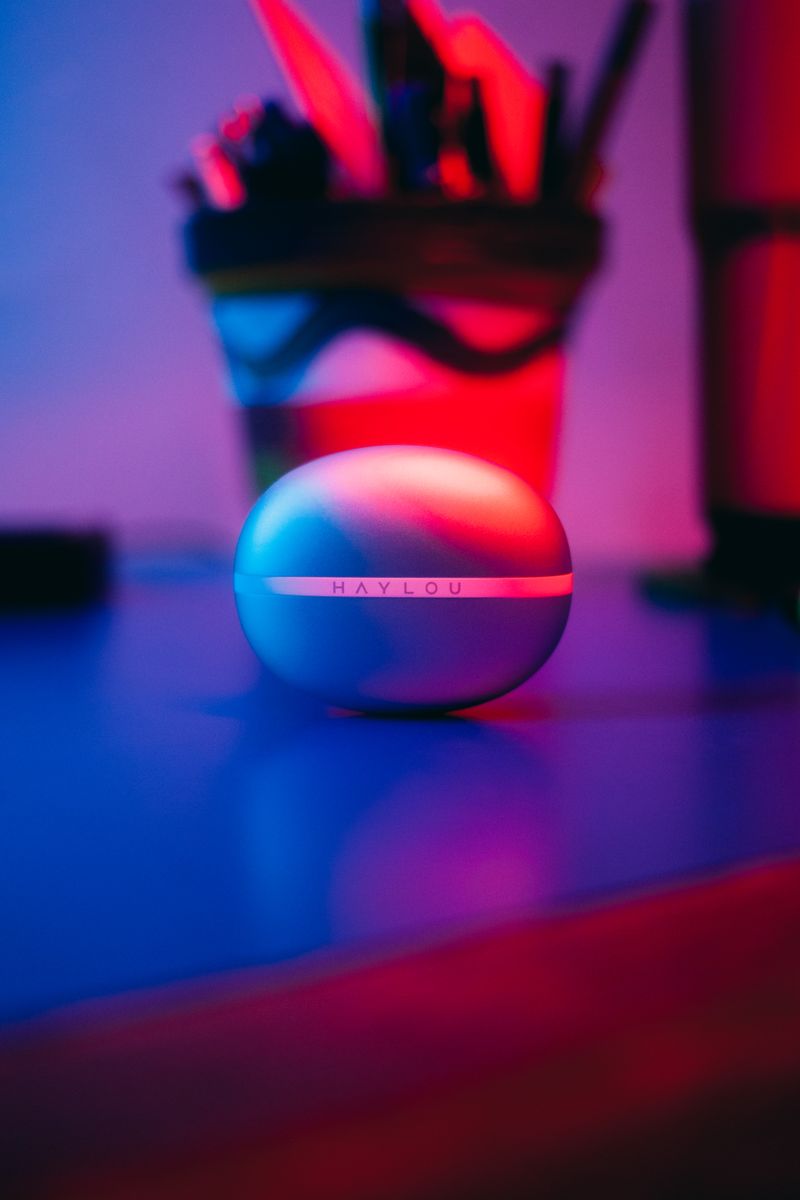
Onikuma occasionally pushes firmware fixes for its TX series earbuds through companion apps or direct download links on its official TX610 product page. If audio sounds unusually tinny or the ANC seems weaker than expected, checking for a firmware update is worth the five minutes it takes.
The TX610 uses a Jerry AC7003D4 chipset with Bluetooth 5.4, a 15 meter connection range, and 13mm HIFI drivers rated for around 7 hours of playtime per charge, extending to roughly 35 hours with the charging case. IPX4 water resistance means light sweat or rain will not damage the earbuds, though you should still avoid full submersion.
Per Grace L., who is a Network Support Analyst at a university IT department, “Dual-mode earbuds like the TX610 solve the biggest complaint I hear about gaming Bluetooth audio, which is delay. Once staff switch to the 2.4G dongle, the complaints about audio lag basically stop.”
Comparing the TX610 to Onikuma’s other TX series earbuds
Onikuma sells several TX-numbered earbuds, and the naming can be confusing if you are comparing models before buying. The TX610 sits as a dual-mode model with a single 2.4G receiver style, while later models in the same family add a second dongle type for tri-mode switching. If you already own a different Onikuma TX earbud, note that the receivers are generally not interchangeable between models even when they look similar, since each dongle is paired to its specific earbud set at the factory.
In day to day use, I found the TX610 held its connection reliably at typical desk distances, roughly two to three meters from the receiver with a clear line of sight. Walking to another room with walls in between did cause some expected signal degradation, which is normal for 2.4G wireless audio and not specific to this model.
Cleaning and long-term maintenance
- Wipe the earbud mesh and case charging pins with a dry cloth or cotton swab every one to two weeks depending on how often you use them
- Avoid leaving the case in a hot car, since heat is one of the fastest ways to degrade the internal lithium battery over time
- Store the USB dongles somewhere you will not lose them, since a missing dongle means falling back to standard Bluetooth mode with higher latency
- If the earbuds ever feel unusually warm while charging, disconnect and use a different USB cable before assuming the earbuds themselves are faulty
Frequently Asked Questions
What is the difference between ANC and ENC on the TX610?
ANC reduces ambient noise around you while listening, while ENC focuses on cleaning up your microphone input during calls or voice chat so others hear you more clearly.
Can I use both the USB-A and USB-C receiver at the same time?
No, only one receiver is active per pairing session. Use whichever matches the device you are currently connecting to.
Does the TX610 work with a Nintendo Switch or Steam Deck?
Yes, through the 2.4G dongle plugged into the console or handheld’s USB port, the TX610 works the same way it does on a PC, with the same low-latency benefit.
How do I know which connection mode is currently active?
Most units flash a different LED color pattern on the earbuds or the dongle depending on whether you are on 2.4G or Bluetooth. Check the quick-start card for the exact color meanings for your batch.
How long does the TX610 battery last?
Roughly 7 hours per charge on the earbuds themselves, with the charging case extending total playtime to about 35 hours before you need a wall charger.
Is the TX610 waterproof?
It carries an IPX4 rating, which protects against light splashes and sweat but is not rated for submersion or heavy rain exposure.
What chipset does the TX610 use and does it matter?
It runs on a Jerry AC7003D4 chipset, which mainly matters for firmware update compatibility. Onikuma occasionally releases chipset-specific firmware fixes rather than a universal update across all TX series models, so always match the update file to your exact model before flashing anything.
Conclusion
The Onikuma TX610 is a genuinely useful dual-mode earbud for anyone who splits time between gaming and everyday calls, thanks to the combination of a low-latency 2.4G dongle and standard Bluetooth in one package. Keep the dongle away from other 2.4GHz devices and check for firmware updates occasionally, and it should stay reliable for a long time.
Ryan
Computer Science grad · long-time hands-on troubleshooter