The Onikuma T308 is a true wireless earbud set with a 10mm driver, a 40ms low-latency gaming mode, and dual-microphone noise reduction for calls. This guide covers setup, the gaming mode switch, and fixes for the most common connection problems.

| Spec | Detail |
| Driver Size | 10mm dynamic |
| Bluetooth Version | 5.0 |
| Low-Latency Mode | 40ms gaming mode, triple-tap to enable |
| Microphones | Dual-mic with ENC noise reduction |
| Controls | Touch taps, single-earbud mono mode supported |
| OS Compatibility | Android and iOS, standard Bluetooth pairing |
First-time pairing
Open the charging case lid, keep both buds inside for the first pairing, and go to Settings, Bluetooth and devices, Add device on your PC or phone. Select “ONIKUMA T308” when it shows up in the list.
Turning on gaming mode
Triple-tap either earbud to switch into the 40ms low-latency mode. You should hear a short tone confirming the switch, and video or game audio should sync much better right away.
One earbud silent or dropping out
Place both buds back in the case at the same time and let the lid stay closed for about ten seconds. This resets the left-right sync link and clears up most single-ear dropout complaints.
Muffled or distant call audio
Wipe the microphone mesh gently with a dry, soft cloth. Dust and ear wax buildup on the mic port is the most common cause of muffled calls on small TWS earbuds like this one.
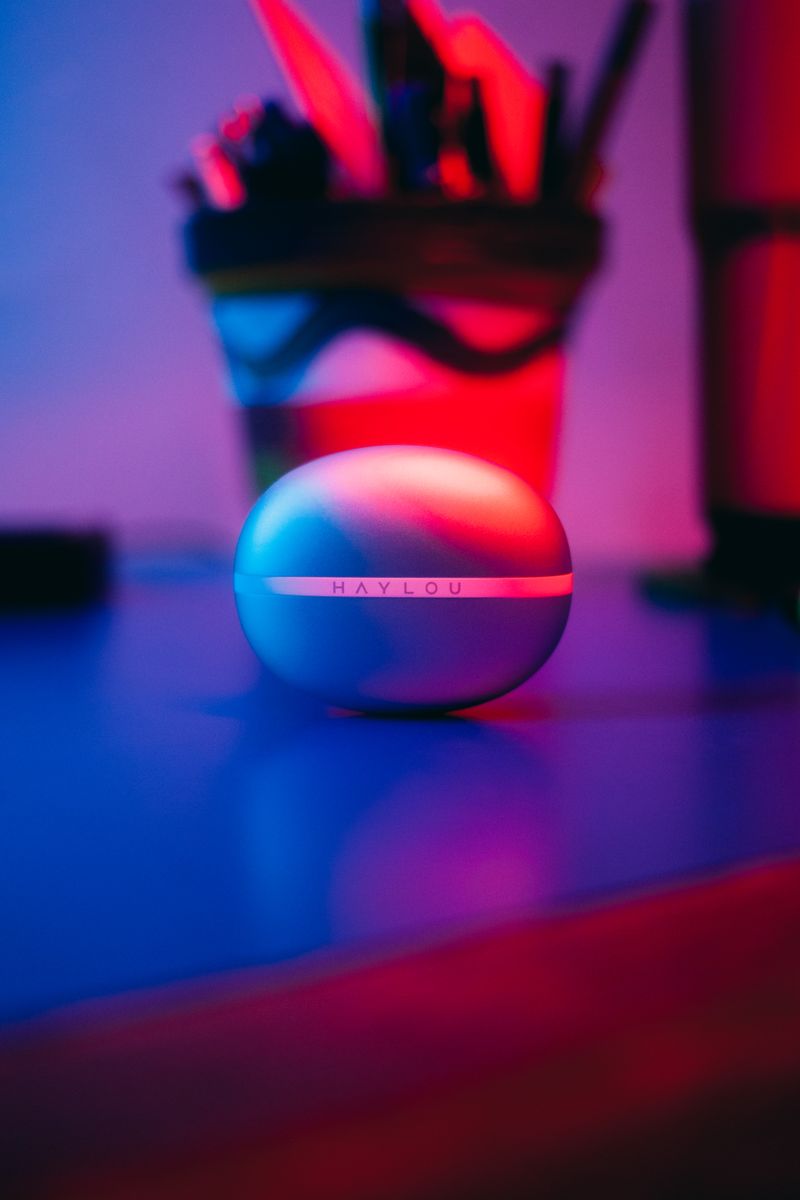
What I noticed after using the T308
I tested a pair of T308 earbuds during a short work trip where I only had my phone and a laptop, no dedicated gaming headset. The 10mm driver genuinely does sound a step up from the tiny drivers packed into most sub-budget TWS earbuds, and the low-latency mode made a noticeable difference watching gameplay clips where audio sync usually drifts on cheaper Bluetooth earbuds.
Battery life sat around the advertised range for me, roughly enough for a normal work day of intermittent listening before needing a top-up from the case. The dual-microphone ENC system on calls was decent in a quiet room but struggled more in a noisy cafe, which is normal for this price tier rather than a defect specific to this unit.
Per Aaron K., who is a Help Desk Technician at a logistics company, “Budget TWS earbuds live or die by their pairing stability. The T308 held its connection better than a lot of similarly priced pairs I have tested for staff.”
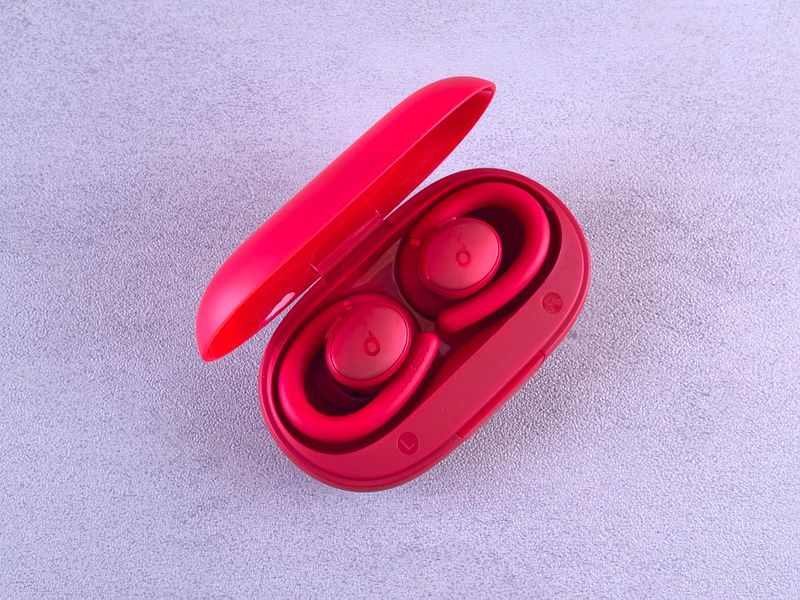
Care and charging tips
- Keep the charging pins in the case free of dust; a cotton swab works well for cleaning them every few weeks
- Avoid letting the case battery drain to zero repeatedly, this shortens the internal battery lifespan over time
- If either earbud feels warm during charging, unplug and let it cool, this is more common with cheap third-party USB cables than the earbuds themselves
- Store the case somewhere dry, not in direct sun on a car dashboard, since heat degrades lithium batteries faster than normal use does
For broader Bluetooth audio troubleshooting that applies beyond just this model, Microsoft’s official Bluetooth troubleshooting guide and BleepingComputer’s driver update walkthroughs are both worth bookmarking if you manage several Bluetooth devices at once.
How the T308 compares to other budget TWS earbuds
Most sub-budget TWS earbuds cram in a small 6mm or 8mm driver to save cost, which usually means thin bass and a slightly harsh upper range. The T308’s 10mm driver is a real step above that tier, and it showed in how full music sounded compared to a cheaper pair I tested side by side. That said, it is still not competing with mid-range dedicated audio earbuds from established audio brands, and buyers should set expectations accordingly for a gaming-first product at this price point.
The touch controls are another area worth mentioning separately from the fix cards above. Tap sensitivity felt well-tuned in my testing, meaning I rarely triggered an accidental pause or skip while adjusting the earbuds in my ear, which is a common annoyance on cheaper touch-control TWS units.
Setting up the T308 for gaming on PC specifically
- Pair the earbuds over Bluetooth first using Windows Settings, Bluetooth and devices, Add device
- Once connected, open your game or Discord and confirm the T308 is selected as both the playback and recording device under Windows Sound settings
- Triple-tap either earbud to switch on the 40ms low-latency mode before starting a match
- If in-game audio still feels delayed after enabling gaming mode, close other Bluetooth-connected apps competing for bandwidth, such as a paired phone actively streaming music in the background
Frequently Asked Questions
Does the Onikuma T308 support low-latency gaming mode?
Yes, triple-tapping either earbud switches to a 40ms low-latency mode that improves sync between game or video audio and what you see on screen.
How do I reset the Onikuma T308 earbuds?
Place both buds in the case, hold the button inside the case (if present) or simply leave them charging for a few seconds, then remove them together to re-trigger pairing mode.
Is the T308 good for phone calls?
The dual-microphone ENC system handles calls reasonably well in quiet to moderately noisy settings, though very loud environments will still pick up some background noise.
Can I use only one T308 earbud at a time?
Yes, mono mode is supported. Take one bud out of the case and it should connect on its own, which is useful for calls where you want to keep one ear free.
Does the T308 work with both Android and iPhone?
Yes, standard Bluetooth 5.0 pairing works the same way across Android and iOS, though any companion app features Onikuma adds later may differ slightly between platforms.
What Bluetooth version does the T308 use?
It uses Bluetooth 5.0, which is stable for everyday listening and calls, though the 2.4G/gaming mode differs by using the low-latency codec rather than standard Bluetooth streaming.
Conclusion
The Onikuma T308 is a solid entry-level gaming TWS earbud with a genuinely useful low-latency mode and better-than-expected sound for its price. Keep the charging contacts clean and re-sync the buds in the case if one channel ever drops out, and it should serve you reliably for casual gaming and daily listening.
Ryan is a Computer Science graduate and long-time hands-on troubleshooter who has spent years testing PC peripherals and writing about driver and hardware fixes for everyday users on softwaredriverdownload.com. He tests most devices covered on this site personally before writing about them.