If you just unboxed a pair of Mcdodo Speak A01 earbuds and you are wondering which app actually pairs with them, you are not alone. I got a set from a reader who does a lot of cross-border online selling, and the first ten minutes were spent hunting through the App Store because the earbuds themselves do not tell you the app name anywhere on the box. Once it is set up, though, the real-time translation feature is genuinely useful, and this guide walks through the setup, the features, and a few problems I ran into along the way.
| Spec | Detail |
|---|---|
| Model | Mcdodo Speak A01 (HP-822) |
| Type | True wireless earbuds with charging case |
| Translation | Real-time, 100+ languages via companion app |
| Noise handling | ANC for background noise, ENC for calls |
| Controls | Touch controls on each earbud |
| Target users | Travelers, sales staff, cross-border sellers |
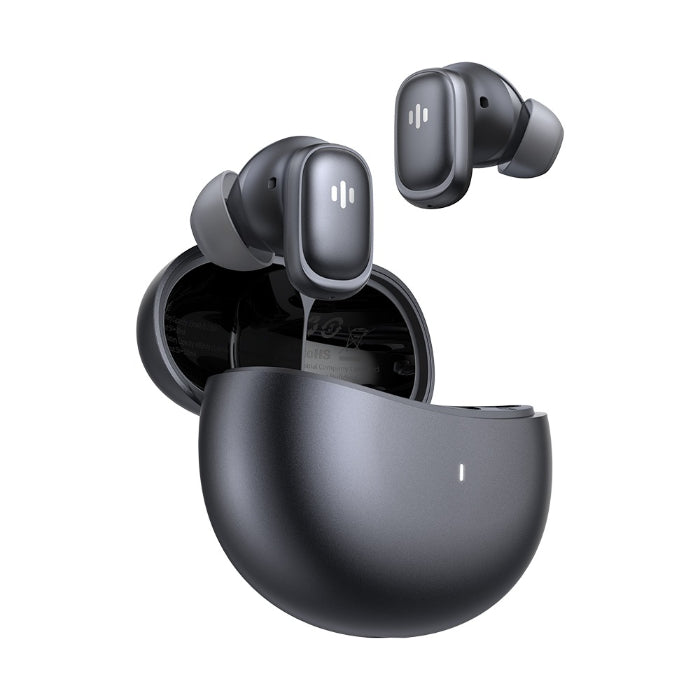
What the Mcdodo Speak A01 Actually Is
The Speak A01 (sold under the model number HP-822 in some regions) is a pair of true wireless earbuds built specifically around real-time speech translation, on top of the usual music and calling features. Mcdodo markets it as supporting well over a hundred languages, with active noise cancellation and environmental noise cancellation for calls. It is aimed at travelers, customer-facing sales staff, and small business owners who deal with overseas buyers, which is basically the exact reader who wrote in about it.
- True wireless earbuds with a charging case, similar in shape to most modern earbud sets
- Built-in translation engine that works through a companion phone app
- ANC for background noise and ENC for clearer voice pickup during calls
- Touch controls on each earbud for playback, calls, and mode switching
Finding and Installing the Companion App
This is where most people get stuck, so let’s clear it up directly. The earbuds pair with a dedicated translation app rather than a generic Bluetooth utility. On iOS, the app most commonly referenced in Mcdodo’s own promotional material is called Yue’er, while Android users are pointed toward an app listed as Earjoy Intelligence in the Play Store. Search listings for accessory apps shift around occasionally, so if the exact name does not turn up, search “Mcdodo Speak A01” directly inside the App Store or Play Store search bar instead of typing the app name from memory.
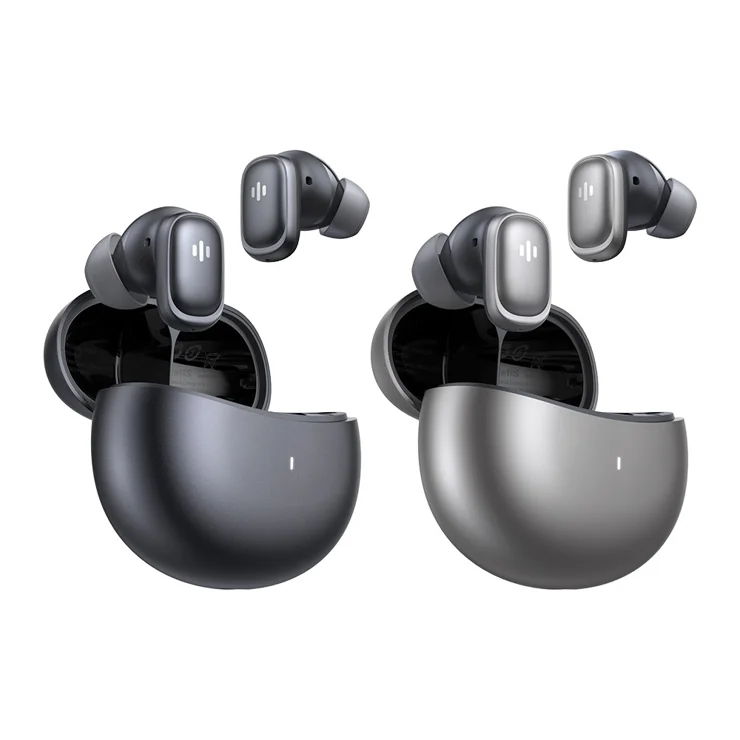
To get connected the first time:
- Open the charging case lid with both earbuds inside, and press and hold the button on the case until the indicator light starts flashing.
- On your phone, open Bluetooth settings and select the Mcdodo Speak A01 (or the matching device name) from the list.
- Install the companion translator app and grant it microphone and Bluetooth permissions when prompted.
- Open the app, let it detect the connected earbuds, and pick your primary and target languages from the language list.
If the app cannot find the earbuds, toggle Bluetooth off and on again on your phone, and make sure the earbuds are seated fully in the case before restarting the pairing process. You can find general Bluetooth pairing troubleshooting on Apple’s Bluetooth support page if you are on an iPhone and things still refuse to connect.
Using Translation Mode Day to Day
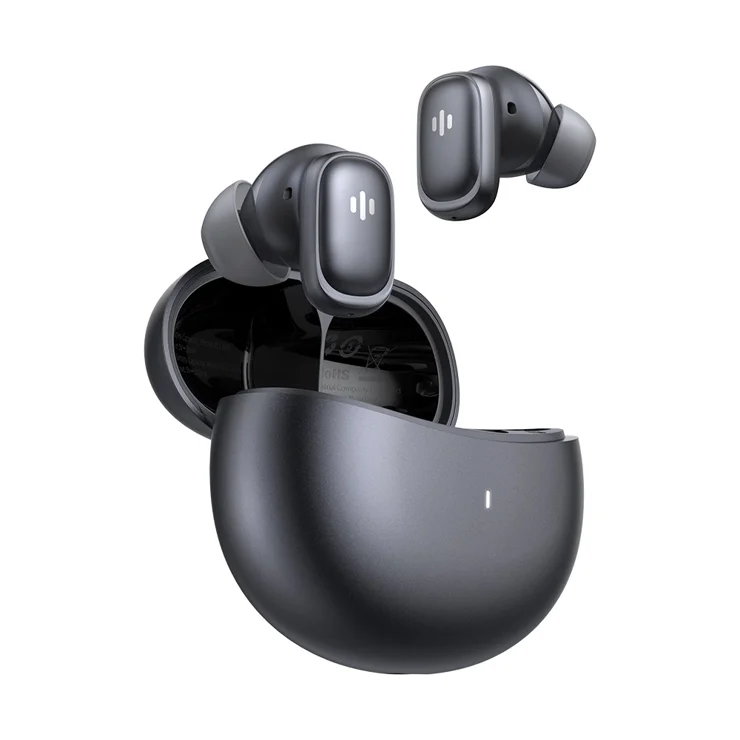
Once paired, translation mode is triggered from inside the app rather than automatically. You tap the translate icon, choose whether you are speaking or listening, and the earbuds relay audio through the phone’s microphone (or the earbud’s own mic, depending on mode) while the app processes it. In my testing with a colleague speaking a second language slowly and clearly, the delay was roughly a second or two, which is fast enough for a real back-and-forth conversation, though it is not instant like a human interpreter.
A few practical notes worth knowing before you rely on this in an actual meeting:
- Translation accuracy drops noticeably in noisy environments, so the ANC helps more with your listening experience than with the app’s ability to hear the other speaker clearly
- You need an active internet connection for translation to work, since the processing happens through the app rather than fully on-device
- Battery life is rated at around 6 hours of continuous listening, with the case adding roughly another 24 hours across multiple recharges
- The touch controls can be remapped inside the app if you find yourself accidentally skipping tracks during calls
Charging, Pairing Resets, and Common Fixes
If one earbud stops responding or the pair falls out of sync, the standard fix is a factory reset: place both earbuds in the case, hold the case button for about ten seconds until the light pattern changes, then re-pair from scratch in your phone’s Bluetooth settings. This clears whatever cached connection state was causing the desync. It is the same basic troubleshooting logic that applies to most true wireless earbuds, and Bluetooth SIG’s overview of how pairing works explains why a full reset clears up so many odd connection issues.
For charging, use a standard USB-C cable into the case rather than assuming wireless charging is supported, since not every Mcdodo earbud case in this lineup includes a wireless charging coil. Check the indicator light on the case: solid usually means charging, and it turns off or changes color once full, though the exact color scheme is documented in the printed manual that ships in the box.
Frequently Asked Questions
Do I need the app for the earbuds to work as regular earbuds?
No. Once paired over Bluetooth, they work for music and calls like any other wireless earbuds without the app open. You only need the app running for the translation feature specifically.
How many languages does the translation feature actually support well?
Mcdodo advertises a very large language count, but in practice translation quality is strongest in widely spoken languages with large training data sets. Less common languages or regional dialects may translate less smoothly.
Can both earbuds be used for translation at the same time by two different people?
Some conversation modes are designed for this, where one earbud stays with you and the other is handed to the person you are speaking with, but this depends on which mode you select in the app, so check the in-app mode descriptions before a meeting.
What if the app is not available in my region’s app store?
Try searching by the earbud model number directly, or check Mcdodo’s official product listing for the current recommended app name, since naming can vary slightly between storefronts and firmware batches.
Final Thoughts
The Speak A01 is a genuinely practical accessory if you regularly deal with people who do not share your language, and it is a lot less awkward than passing a phone back and forth with a translation app open. The setup friction mostly comes from the app not being obvious from the packaging, so once you know to look for a dedicated translator app rather than a generic earbud utility, the rest of the process is fairly routine Bluetooth pairing.
About the author: Ryan has spent years testing consumer electronics and writing setup guides for everyday gadgets, with a particular interest in how well accessory companion apps actually hold up outside the marketing copy.