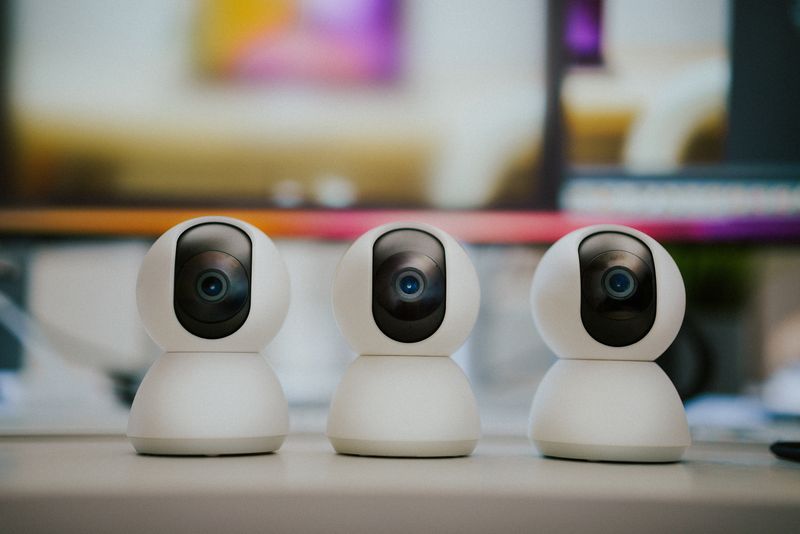
The EZVIZ C1HC is a plug-in indoor Wi-Fi camera built for continuous home monitoring, with 1080p video, motion tracking, and two-way audio. Unlike the battery-powered EZVIZ models, the C1HC stays plugged into power at all times, but setup still runs entirely through the EZVIZ mobile app rather than a Windows driver. Here is the setup process along with the fixes for common issues.
Setting Up the EZVIZ C1HC
- Download the EZVIZ app from the official EZVIZ Download page or your phone’s app store, then create or sign in to your account.
- Plug the C1HC into a power outlet and wait for the status light to start blinking, which signals it is ready to pair.
- In the app, tap “Add Device,” scan the QR code on the camera or its packaging, and follow the prompts to connect it to your 2.4GHz Wi-Fi network.
- Once connected, confirm the live view loads and adjust the camera’s pan/tilt position if your model supports it.
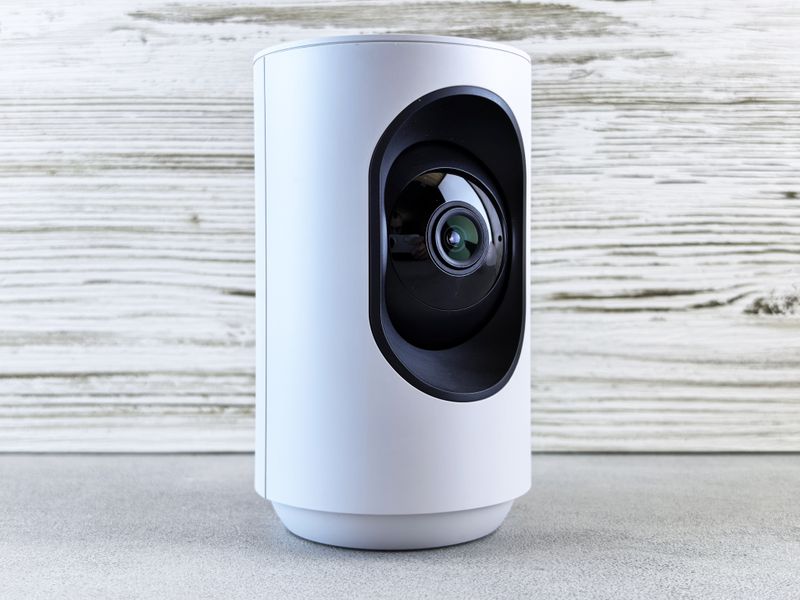
Common Problems and Fixes
- Camera will not pair via QR code — hold your phone about 20cm from the code in good lighting, and make sure the status light is actively blinking before scanning.
- Cannot connect to Wi-Fi — the C1HC only supports 2.4GHz networks, so connect to that band specifically if your router broadcasts a combined SSID.
- No motion alerts — check that notifications are enabled for the EZVIZ app in your phone’s settings, and that motion detection is turned on for the camera inside the app.
- Live view keeps freezing or lagging — move the camera closer to your router, or switch to a less congested Wi-Fi channel in your router settings.
- Cannot view on a computer — sign in with the same account on the EZVIZ web client to view the camera from a browser.
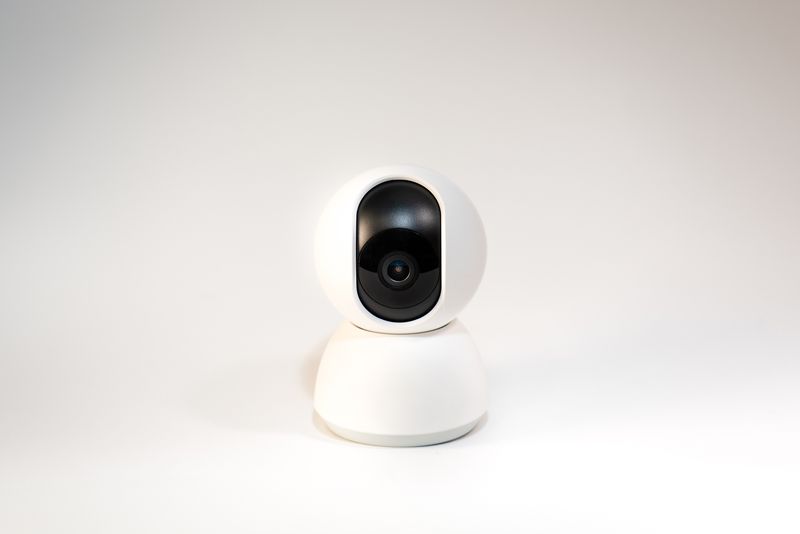
Frequently Asked Questions
Does the EZVIZ C1HC need a Windows driver?
No, it is set up and managed entirely through the EZVIZ mobile app or web client.
Does the C1HC support pan and tilt?
Most C1HC variants support remote pan/tilt control from within the app; check your specific model’s listing to confirm.
Is a subscription required to use it?
No, live viewing and basic motion alerts work without a paid plan; CloudPlay is only needed for extended cloud video storage.
Conclusion
Setting up the EZVIZ C1HC comes down to plugging it in, installing the EZVIZ app, and pairing it over a 2.4GHz Wi-Fi connection via QR code. Wi-Fi band mismatches and notification settings account for most issues afterward, both covered above.
Ryan
CS degree · 15 years hardware troubleshooting