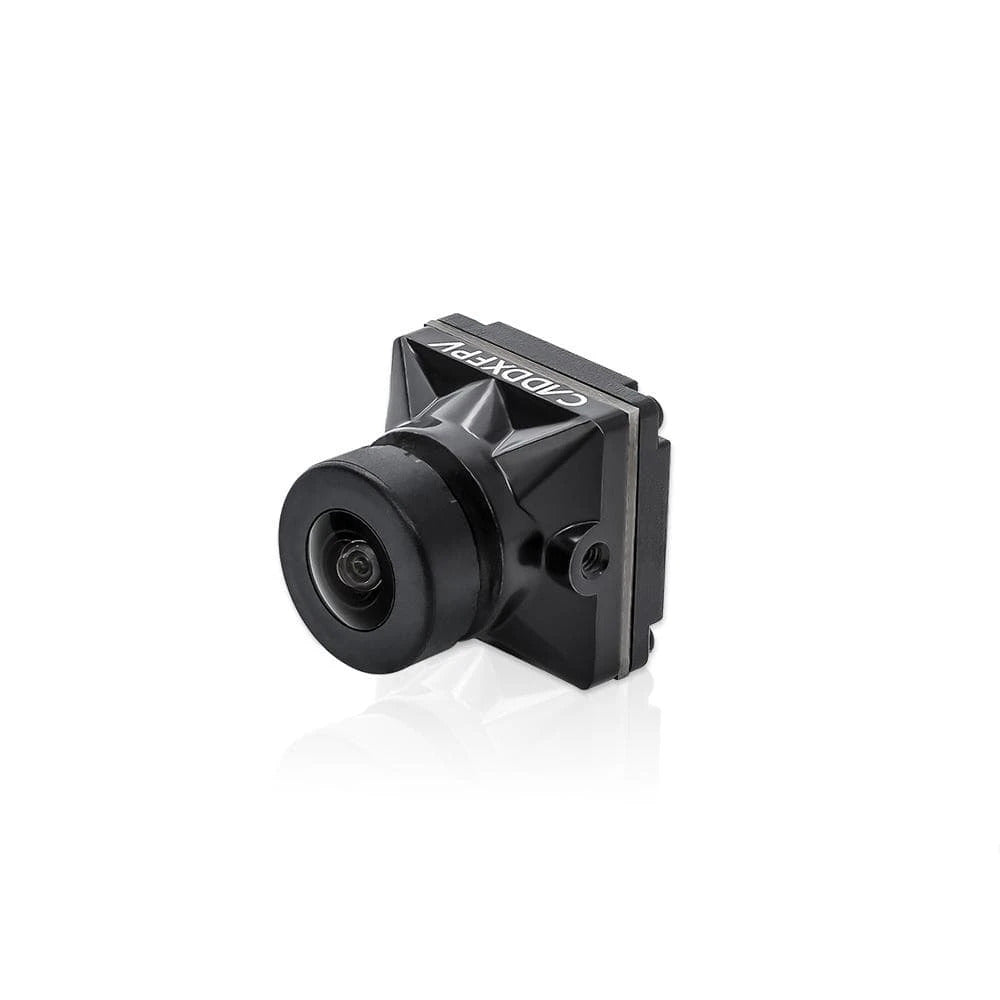
The Caddx Nebula Pro is a 19mm digital FPV camera made for the first-generation DJI HD system, including compatible Vista and Air Unit hardware. It is not an analog camera and will not produce video when connected directly to a normal analog VTX.
I swapped a Caddx Nebula Pro into a crashed quad and the goggles linked but showed a black screen until I found the MIPI cable had a hairline cut near the frame edge from the crash. Replacing just the cable, not the camera, restored the image immediately.
The Nebula Pro became popular because it is smaller and lighter than the original DJI camera while keeping similar in-goggle image quality. The important checks are camera size, MIPI cable condition, firmware support and the exact digital transmitter.
Nebula Pro key specifications
| Item | Nebula Pro |
|---|---|
| Camera type | Digital MIPI FPV camera |
| Sensor | 1/3-inch CMOS |
| Live resolution | 720p digital feed |
| Aspect ratio | 4:3 and 16:9 support |
| Lens | 2.1mm |
| Field of view | About 150 degrees |
| Body size | 19 × 19mm micro format |
| Weight | About 6g |
| Output | Digital camera link only, no analog CVBS output |
The 19mm size fits many micro camera mounts. The original DJI camera uses a different body size, so a frame designed tightly around the DJI housing may need a different bracket or printed adapter.
Nebula Pro vs the older Nebula camera
The Pro model is a major upgrade over the early Nebula Nano and Micro versions. It supports useful camera modes, better image processing and a picture closer to the original DJI camera.
| Feature | Nebula Pro | Older Nebula versions |
|---|---|---|
| Image quality | Closer to the original DJI camera | Softer image with weaker dynamic range |
| Aspect ratio | Switchable support | Some versions are limited |
| Low-latency mode | Supported with compatible system settings | May be restricted |
| Camera size | 19mm micro | Often smaller nano body |
How to install the Nebula Pro
- Disconnect the flight battery and USB power from the VTX.
- Release the coaxial connector lock carefully.
- Pull the cable straight without twisting the socket.
- Seat the Nebula Pro cable evenly and close the lock.
- Mount the camera without squeezing the cable between carbon plates.
- Power the system with an antenna attached to the transmitter.
- Check the camera settings in the goggles before flight.
Does Nebula Pro work with Vista and Air Unit?
The camera is commonly used with Caddx Vista and the original DJI Air Unit generation. Compatibility still depends on the VTX firmware and cable type. A camera that physically plugs in may show a black screen if the system firmware is too old or the cable is damaged.
Use the firmware tool and package listed for the transmitter, not a Walksnail Avatar update. Vista and Walksnail products are separate systems even though both have been sold by Caddx.
Common Nebula Pro problems
Goggles link but show a black image
Reseat the coaxial cable with all power removed. Inspect both ends under good light. A partly inserted connector can allow the VTX to link while the camera sends no image.
Image freezes after a crash
Check the camera cable where it enters the frame. Carbon edges can cut or crush the thin coaxial cable. Replace the cable before blaming the camera sensor.
Image is too cold or blue
The Nebula Pro colour profile can look cooler than the original DJI camera. Check the camera settings in the goggles before replacing hardware.
Low-latency mode is missing
Confirm the transmitter, goggles and camera firmware are compatible. Also check the selected frame rate and aspect ratio because some modes limit other options.
Buying a used Nebula Pro
Inspect the lens, housing and MIPI socket carefully. A camera can look normal from the front while the connector at the rear has been lifted by a crash. Ask whether the sale includes the coaxial cable and confirm its length is suitable for the frame.
Scratches on the outer lens can create flare when flying towards the sun. A loose lens barrel can also change focus after vibration. Replacement lenses are available, but refocusing requires a clear test pattern and care not to damage the sensor area.
- Check for a bent or cracked rear connector.
- Inspect the coaxial cable for flattened or cut sections.
- Confirm the camera is the Pro model, not the older Nebula.
- Verify the 19mm mount fits the frame.
- Ask which transmitter and firmware were used.
- Test both bright sky and shadow detail.
When the camera is installed, secure the cable so a crash pulls on the strain relief rather than the connector. Leave a small service loop instead of stretching the cable tightly between the camera and VTX. This reduces intermittent black screens caused by vibration.
How to isolate a Nebula Pro camera fault
A linked digital system can still show a black picture when the camera, coaxial cable or camera connector is faulty. Start by checking whether the goggles display normal link information. A stable link with no camera picture points towards the camera side, while a complete failure to link points towards the Vista, antennas, firmware or receiver mode.
Disconnect all power before touching the coaxial cable. Inspect both connector shells for bent edges, dust or a cable that enters at an angle. Press each connector straight into its socket rather than rocking it from side to side. The small contacts are easy to damage, and a partly seated cable may work on the bench but fail when the frame vibrates.
When another compatible camera or cable is available, change only one part at a time. First test a known-good coaxial cable. Then test a known-good camera. This order avoids replacing an expensive camera when the actual problem is a damaged cable near the frame edge. Secure the final cable with a gentle service loop and soft strain relief so crashes do not pull directly on the camera socket.
Frequently Asked Questions
Does Nebula Pro have analog video output?
No. It needs a compatible digital Vista or Air Unit transmitter.
Can it record video by itself?
No. Recording depends on the transmitter or goggles. A Vista normally does not provide the same onboard recording feature as the full-size Air Unit.
Can I use a DJI camera cable?
Use a cable specifically listed for the camera and transmitter combination. Length and connector orientation matter.
Is Nebula Pro good for low light?
It performs reasonably for general flying, but it is not a dedicated starlight camera. Use a low-light-focused camera when night performance is the main requirement.
Conclusion
The Caddx Nebula Pro is a practical replacement camera for compatible Vista and first-generation DJI digital FPV builds. Its main advantages are the standard 19mm size, low weight and strong image quality, while the main failure point is the delicate coaxial connection.
- Image 1: Caddx Nebula Pro digital camera for Vista FPV systems — source page | open image
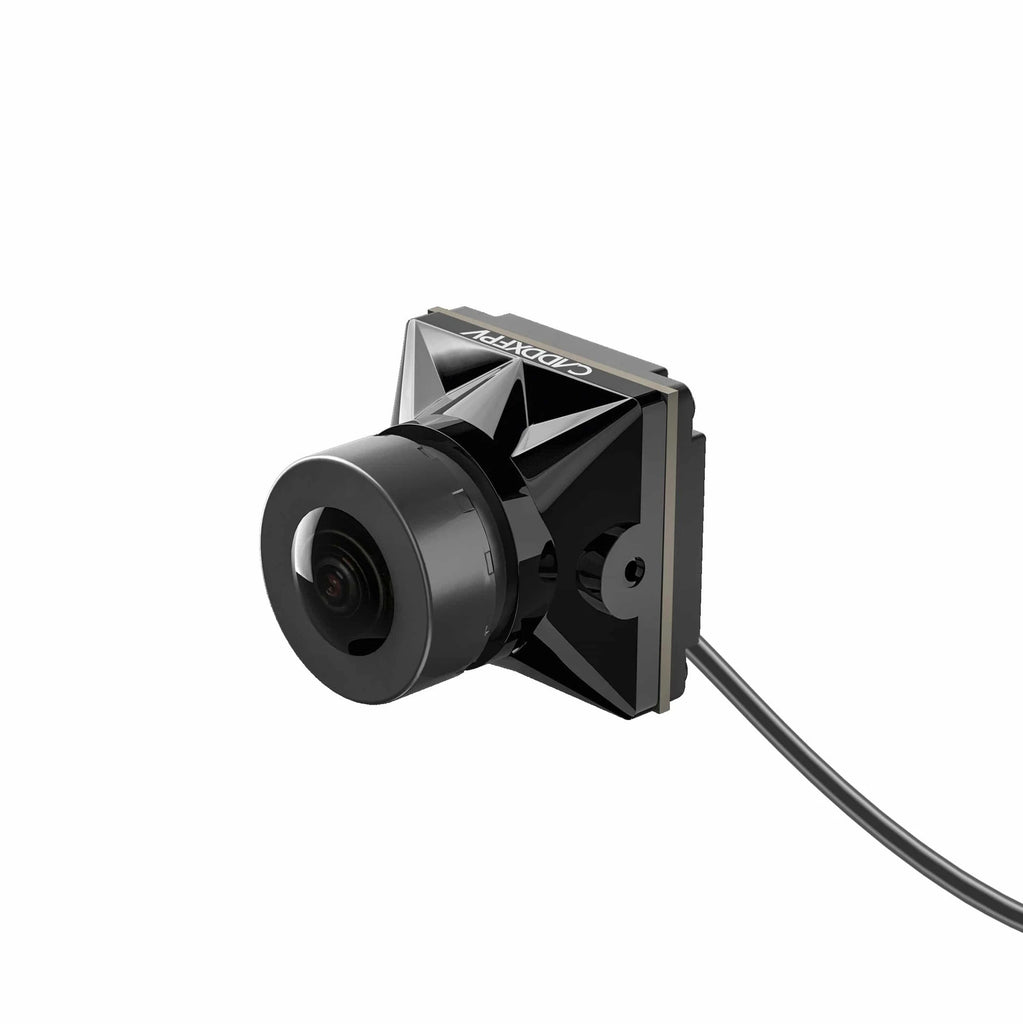
- Image 2: Nebula Pro camera size compared with original DJI FPV camera — source page | open image
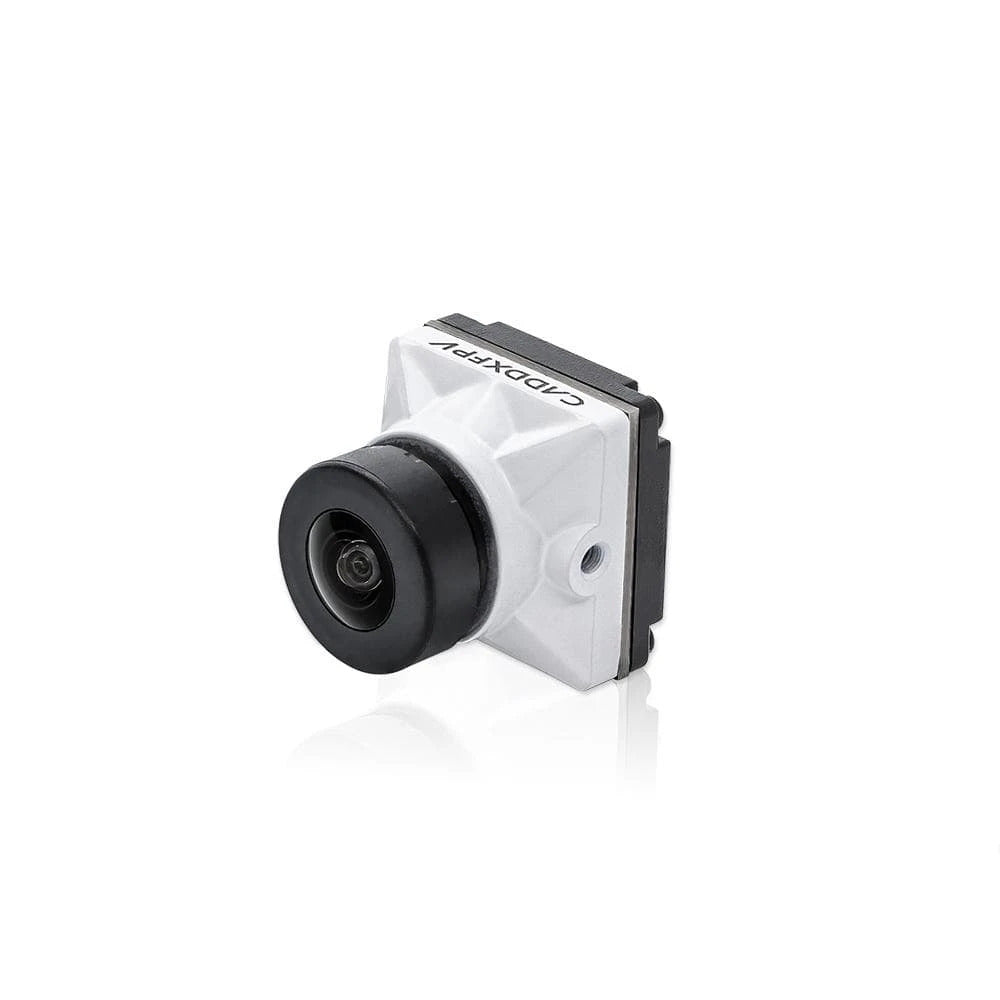
- Image 3: Caddx Nebula Pro coaxial connection to Vista digital VTX — source page | open image
Setup path
Ryan has tested digital FPV cameras, transmitters and goggles across several builds, picking up practical setup lessons through hands-on troubleshooting. He shares these findings at softwaredriverdownload.com.