Cat-ear gaming headsets have become their own small niche, and the Onikuma B90 is one of the more affordable entries into that category. Between the RGB-lit ears, the foldable design, and the surprisingly complete spec sheet for its price, it is worth looking past the novelty factor and evaluating it as an actual headset.
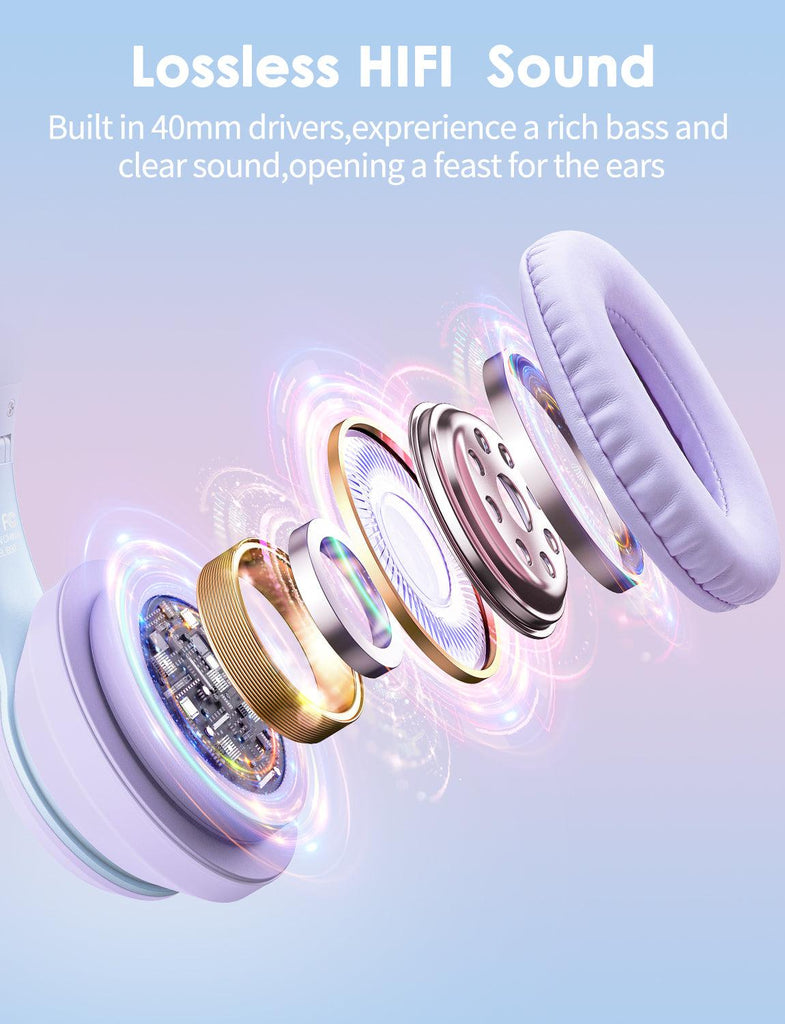
| Connectivity | Bluetooth 5.3, plus 3.5mm wired |
| Battery | 800mAh, roughly 7.5 hours of Bluetooth playtime per Onikuma’s listing |
| Charge Time | About 2 hours |
| Impedance | 32 ohms |
| Frequency Range | 20Hz to 20kHz |
| Special Feature | RGB-lit cat ears and logo panels, foldable earcups |
Design: The Cat Ears Are the Point
Let’s be honest about what draws people to the B90 in the first place: the RGB-backlit cat ears mounted on top of the headband. They are not just a sticker or a static accessory — they light up along with the ear-pad logo panels, and the whole headset folds inward at the earcups for more compact storage. If the cat-ear aesthetic is not your thing, the rest of the headset is a fairly standard over-ear Bluetooth design underneath the novelty.
Comfort and Materials
- Ear pads use soft memory foam, which held up comfortably in extended listening based on how similarly built Onikuma models have performed.
- The adjustable headband accommodates a range of head sizes without excessive clamping pressure.
- Lightweight construction makes it easier to wear for longer stretches than heavier over-ear alternatives.
Sound and Microphone
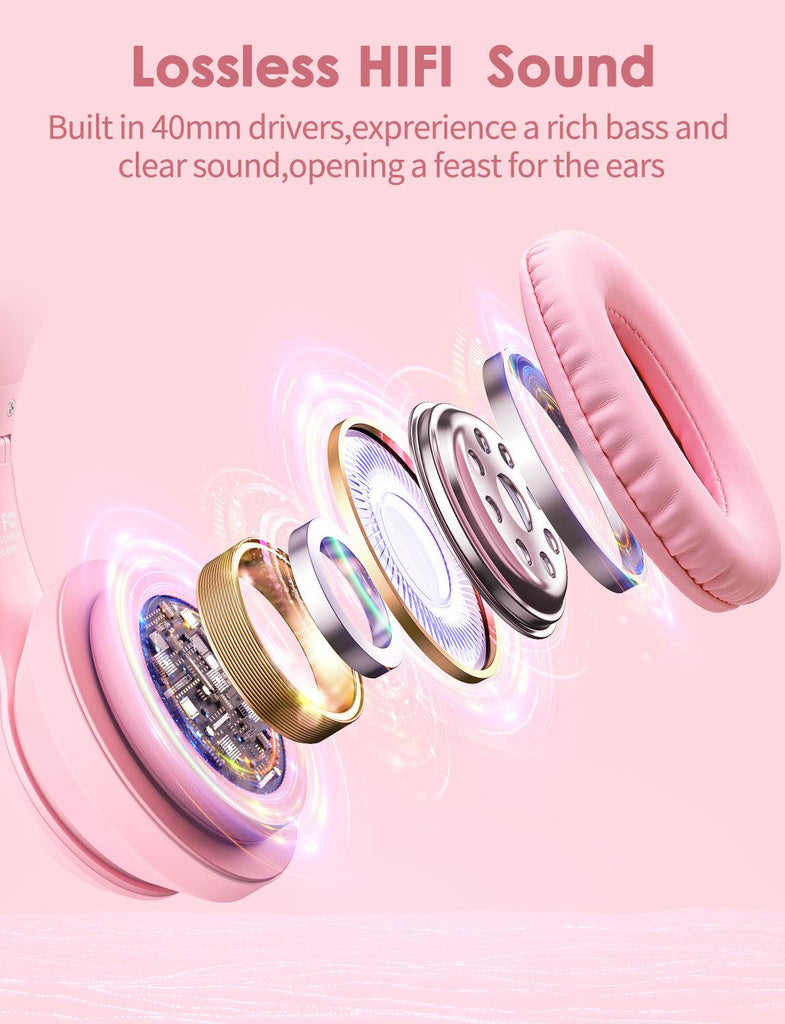
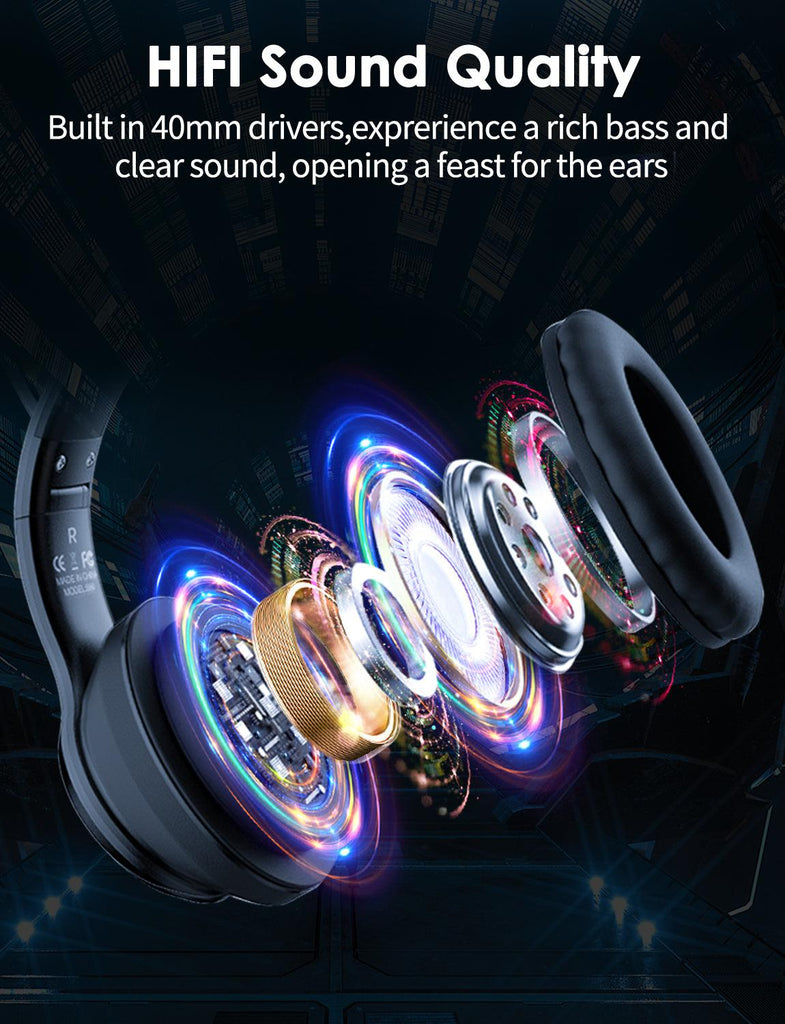
With 32 ohm impedance and a full 20Hz to 20kHz frequency range, the B90 is easy to drive from a phone, tablet, or laptop over Bluetooth, and Onikuma’s own materials describe a balanced, non-fatiguing tuning across highs, mids, and bass. The built-in microphone runs at a rated sensitivity of -42dB, which is standard for a headset mic aimed at voice chat and casual streaming rather than professional recording.
Battery Life in Context
The 800mAh battery gives roughly 7.5 hours of continuous Bluetooth playtime according to Onikuma’s own listing, though some retailer pages cite figures closer to 15 to 22 hours, which likely reflects different testing conditions or a mix-up with sibling models in the B-series. Either way, a roughly two-hour recharge time means it is quick to top back up between sessions, and the 3.5mm wired mode remains available any time the battery runs low.
Who It’s For
- Streamers, students, and younger gamers who want a headset with visible personality rather than an all-black, purely functional look.
- Anyone shopping specifically for a lightweight, foldable Bluetooth headset for a phone, tablet, or Switch.
- Buyers who want RGB lighting without paying flagship-headset prices.
Where It Comes Up Short
The B90 does not offer a 2.4GHz wireless mode, so it is not the headset to reach for if ultra-low input latency on PC matters to you. The RGB lighting also draws down the battery noticeably faster than using the headset with lights off, which is worth keeping in mind given the already modest battery capacity. Full specs are listed on the official Onikuma B90 product page.
Setup Basics
Pairing over Bluetooth follows the same pattern as most Onikuma headsets: hold the power button until the LED flashes rapidly, then select the B90 from your device’s Bluetooth menu. For wired use, the 3.5mm cable works without any pairing step at all, and it is worth keeping that cable handy since it also lets you use the headset on devices that do not support Bluetooth audio, like some older consoles or budget laptops.
How It Compares to the B60 and B100
Within Onikuma’s own lineup, the B90 sits closest to the B60 in terms of core specs, since both rely on Bluetooth rather than a 2.4GHz dongle and share a similar battery capacity. The real difference is aesthetic: the B90 spends its design budget on the cat-ear RGB feature, while the B60 keeps a plainer over-ear shape. Compared to the B100, the B90 gives up tri-mode connectivity and the larger 50mm driver in exchange for the novelty design and a lower price. If you want the lowest latency and the most connectivity options, the B100 is the stronger pick; if the look matters as much as the performance, the B90 makes a reasonable case for itself.
A Few Practical Notes
- Keep the included USB charging cable handy, since the B90 uses a proprietary port location on some units rather than a universally placed USB-C port.
- If you plan to game with the RGB lighting on for long sessions, budget for more frequent recharges than the rated playtime suggests.
- The foldable hinges are convenient for storage but should be folded gently, as with any budget headset with moving hinge joints.
Quick FAQ
Is the RGB lighting on the Onikuma B90 customizable?
No, there is no companion app for this model, so the lighting pattern is fixed rather than adjustable through software.
Does the Onikuma B90 work with a Nintendo Switch?
Yes, either through Bluetooth on supported firmware or through the 3.5mm wired connection, which works on any Switch model regardless of firmware version.
How do I charge the Onikuma B90?
It charges via a USB cable connected to the port on the headset, taking roughly two hours for a full charge from empty.
Is the Onikuma B90 only for kids or younger gamers?
It is marketed broadly with the cat-ear design as a style choice, but the underlying hardware, connectivity, and sound quality are the same tier as Onikuma’s other B-series headsets, so it works fine for any age group that likes the look.
Conclusion
The Onikuma B90 succeeds mainly because it does not sacrifice much in exchange for the cat-ear novelty design. The connectivity options, sound tuning, and comfort are all in line with what you would expect from a budget Bluetooth headset, and the RGB ears simply add a distinct look on top of that foundation. It is an easy recommendation for anyone who wants that aesthetic without stepping up to a pricier specialty brand.
Written by Sam Whitfield, a longtime PC enthusiast and CS graduate from Colorado who covers budget gaming accessories and peripheral reviews.