Follow each step in order until your USAMS Echo E05 earbuds are working the way they should.
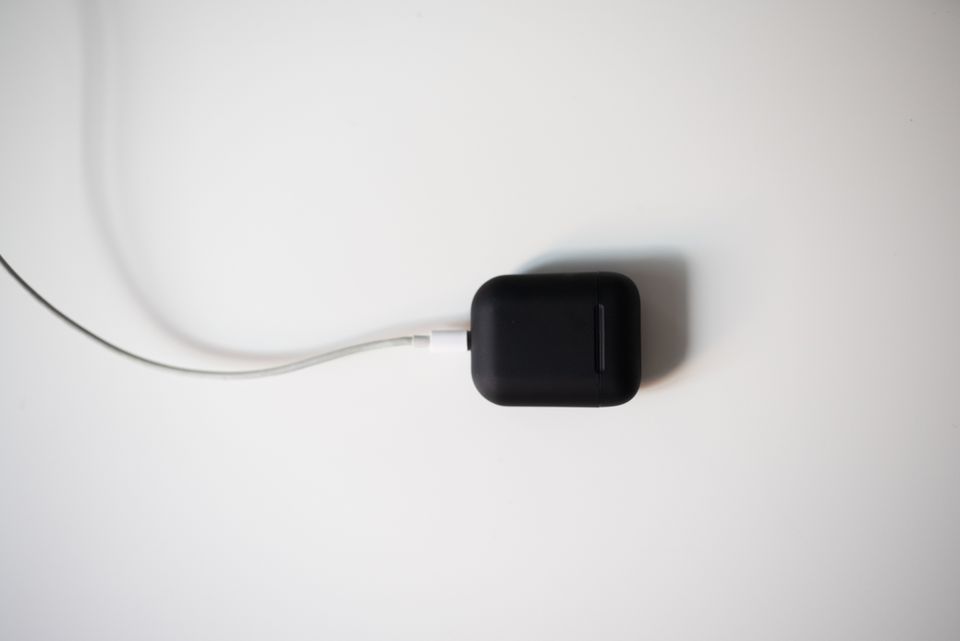
The USAMS Echo E05 is a true wireless earbud built around Bluetooth 6.0 and a 13mm dynamic driver, aimed at everyday listening rather than gaming or studio work. Since USAMS does not sell a companion app for this model, most “problems” people report are actually pairing or connection habits rather than hardware faults. Below is a step-by-step path through the most common issues, in the order I would actually try them.
| Spec | Detail |
| Bluetooth Version | 6.0 |
| Driver Size | 13mm dynamic |
| Earbud Playtime | Roughly 3.5 hours per charge |
| Charging Case Battery | 200mAh |
| Codec Support | AAC, SBC |
| Weight | Around 33g total |
| Case Dimensions | 58 x 46 x 25mm |
| Companion App | None |
Reset both earbuds together (fixes most issues)
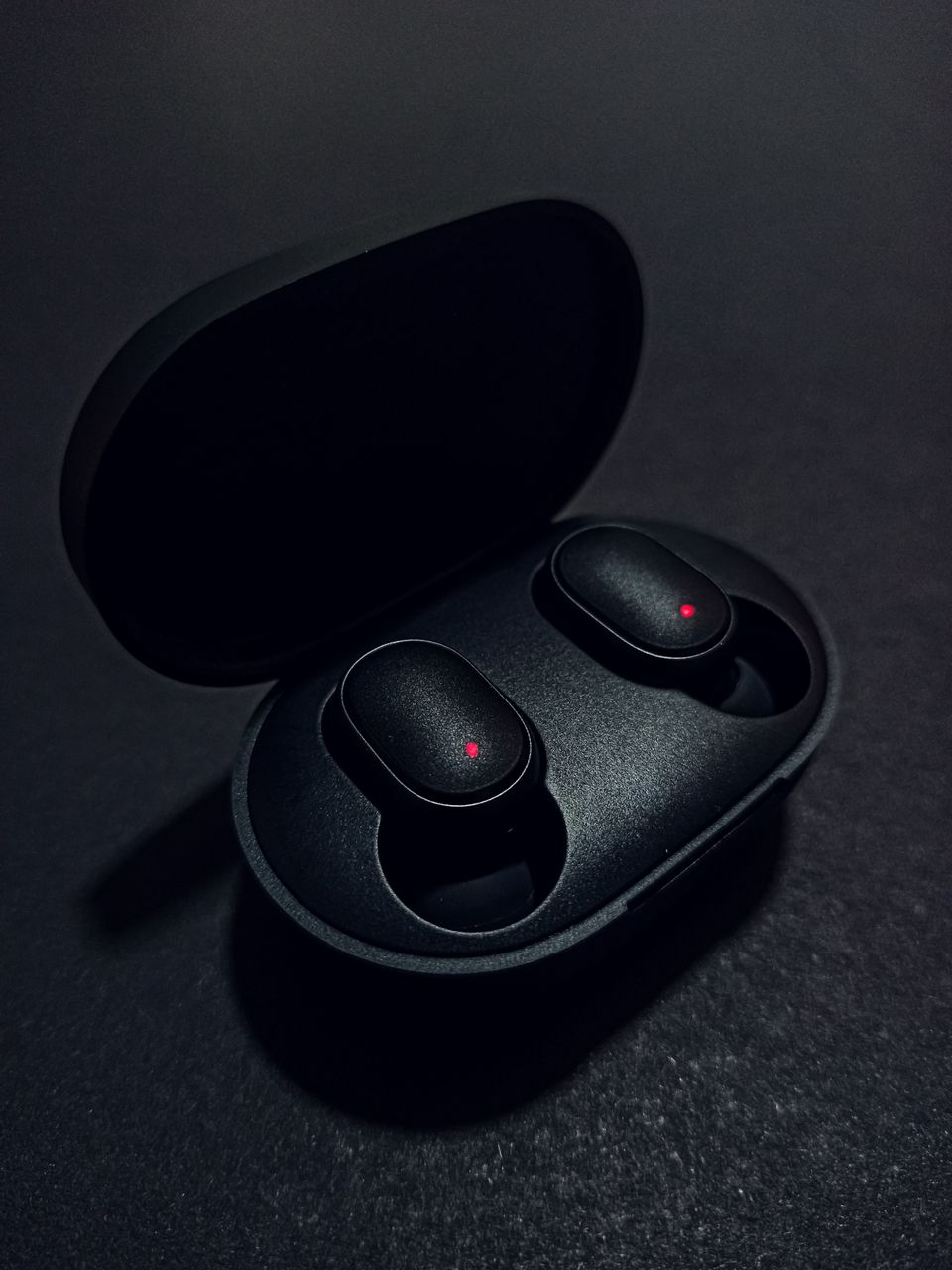
Place both buds in the case, close the lid, wait about ten seconds, then open it again. This forces the two earbuds to re-sync with each other before they try to connect to your phone, which clears up the majority of one-side-silent or non-pairing complaints.
Forget the device on your phone before re-pairing
Go into your phone’s Bluetooth settings, remove “USAMS E05” (or “Echo E05”) from the paired list, then search again fresh. This clears out any stale connection profile that could be causing dropouts, which the Bluetooth SIG’s own guidance notes is a common cause of intermittent audio issues on TWS earbuds in general.
Check the battery on both earbuds, not just one
USAMS rates the E05 at roughly 3.5 hours of playtime per charge, which is on the shorter side for daily use. If one earbud sat slightly less charged than the other in the case, it can disconnect first and make you think there is a defect when it is simply out of battery.
Rule out interference and distance
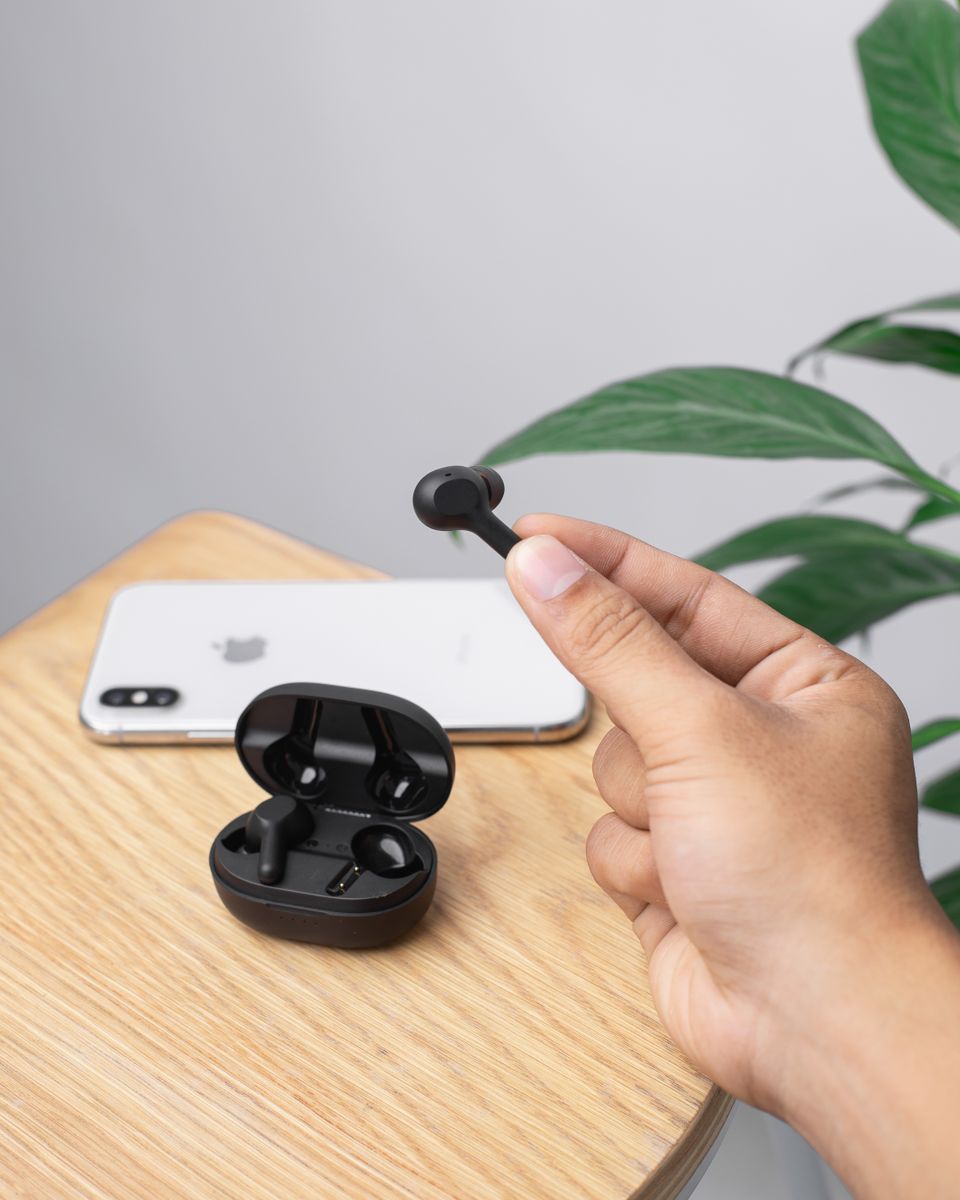
Since the E05 uses standard Bluetooth radio, thick walls, crowded Wi-Fi channels, and being more than around 10 meters from your phone can all cause dropouts that have nothing to do with the earbuds themselves.
If nothing works, test with a second phone
Pairing the E05 with a completely different phone or tablet tells you quickly whether the issue is with the earbuds or with your original phone’s Bluetooth stack.
Bluetooth 6.0: Does the Newer Version Actually Matter?
The E05 is one of the newer USAMS earbuds to list Bluetooth 6.0 rather than 5.3 or 5.0. In practical terms, most of the improvements in newer Bluetooth versions focus on power efficiency and connection stability rather than a dramatic jump in audio quality you would notice by ear. The bigger factor for sound quality is still the driver size and tuning, not the Bluetooth version number. That said, a newer Bluetooth chipset generally means slightly better coexistence with crowded 2.4GHz environments — useful if you live in an apartment building with dozens of nearby Wi-Fi networks and Bluetooth devices competing for the same spectrum.
What the E05 Is Actually Good For
At around 33g total weight and a 58 x 46 x 25mm charging case, the E05 is genuinely pocket-friendly. The 13mm driver is on the larger side for a budget earbud, which usually means a bit more bass presence than smaller 6-8mm drivers found in cheaper models, though tuning still matters more than raw driver size for how something actually sounds.
- Good for: casual music listening, calls, podcasts, everyday commuting
- Not built for: competitive gaming (no dedicated low-latency mode advertised), workouts in heavy rain, or long work-from-home days without a mid-day recharge
Comparing the E05 to USAMS’s Other Budget Earbuds
USAMS sells several TWS earbud lines at similar price points, and it is easy to get them confused. Compared with the IF27 (13mm driver, IPX4, capsule case) or the BE16 (transparent Ice Tray shell, BT5.3), the E05’s main differentiator is the newer Bluetooth 6.0 radio and its “Echo” branding, which USAMS markets more toward general everyday listening than sport or gaming use. None of these differences are dramatic enough to call one line objectively better across the board — the right pick usually comes down to which design and case size you personally prefer, since core audio performance across USAMS’s budget lines tends to land in a similar tier.
Frequently Asked Questions
Why does my USAMS E05 keep disconnecting?
Try the reset-and-forget-device steps above first. If it still disconnects only in specific rooms or areas of your house, interference is the likely cause rather than a defective earbud.
How long does the case itself last before needing a recharge?
USAMS lists a 200mAh charging case battery, which is enough for a couple of extra full charges of the earbuds before the case itself needs to be plugged in.
Does the E05 support AAC audio for better quality on iPhone?
Yes, USAMS lists AAC and SBC codec support, and AAC is the codec Apple devices prefer, so iPhone users should get reasonably good quality automatically.
Can I use the E05 for gaming?
You can, but without a dedicated low-latency mode you may notice slight audio delay in fast-paced games, which is more noticeable in competitive titles than casual ones.
Everyday Care Tips
Keep the charging case’s lid closed when not in use to keep dust off the internal contacts, and avoid leaving the earbuds in a hot car for long periods, since lithium batteries degrade faster under sustained heat. Wiping the earbud tips with a dry cloth after workouts or humid days also helps prevent earwax buildup from affecting sound quality over time.
A Quick Note on Fake or Mislabeled Listings
Because the E05 name is short and generic-sounding, it is worth double-checking that any listing you buy from actually specifies “USAMS” and, ideally, the “Echo” sub-branding, since generic marketplace searches can sometimes surface unrelated earbuds using similar-sounding model codes from other small brands. Checking seller ratings and looking for the exact USAMS packaging in product photos is the simplest way to avoid an unrelated knockoff.
Conclusion
Most USAMS E05 problems come down to a quick case reset or a stale Bluetooth pairing rather than a hardware fault. Work through the steps above in order, and if the earbuds still will not connect reliably after testing on a second device, that is the point where a warranty claim through your seller makes more sense than continuing to troubleshoot.
Ryan is a Computer Science graduate and the writer behind softwaredriverdownload.com, where he covers driver issues and gadget troubleshooting drawn from years of hands-on testing across budget and mid-range consumer electronics.