The Bluedio UFO line confused me at first because there are both headphones and a speaker sharing the “UFO” name. After digging into the actual model numbers, I tracked down the Bluedio US (UFO), the distinctive saucer-shaped Bluetooth speaker version, and spent a few weeks using it as a desk and living-room speaker. Here is what I found.
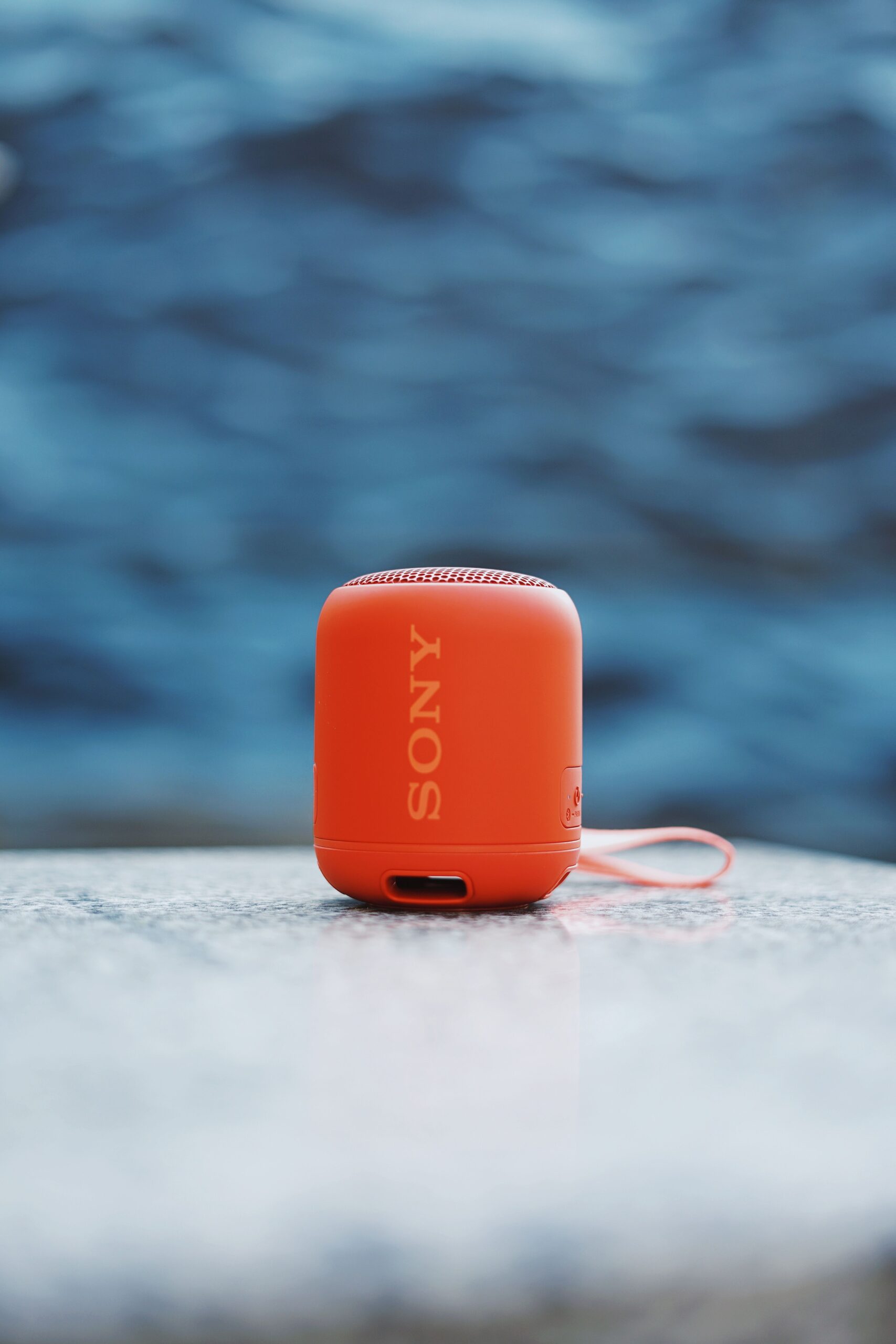
| Model | Bluedio US (UFO) Bluetooth speaker |
| Sound | 2.1 channel with passive radiator, Bluedio 3D sound DSP |
| Inputs | Bluetooth A2DP, 3.5mm auxiliary, built-in microphone |
| Price Tier | Budget, roughly $50-$70 USD depending on retailer |
| Compatibility | Any Bluetooth-enabled phone, tablet, or laptop, plus wired sources via aux |
Clearing Up the Naming Confusion First
Bluedio uses “UFO” across more than one product line, which causes real confusion when shopping:
- Bluedio U (UFO): over-ear wireless headphones using Bluedio’s PPS8 8-driver technology
- Bluedio UFO Plus: a step-up headphone version with 12 drivers
- Bluedio US (UFO): a Bluetooth speaker, and the actual subject of this review, styled after the same UFO-inspired saucer shape but built as a 2.1-channel tabletop speaker rather than headphones
If a listing says “US” rather than just “U,” you are looking at the speaker, not the headphones. It is an easy mix-up since the shapes both reference the same flying-saucer design language.
What the Bluedio US Speaker Offers
The US (UFO) is built around a 2.1-channel configuration with a passive radiator for extra low-end presence, wrapped in a genuinely eye-catching disc-shaped housing. Core specs:
- 2.1 channel sound with a dedicated passive radiator for bass reinforcement
- Bluetooth streaming (A2DP) plus a 3.5mm auxiliary input for wired sources
- Built-in microphone for hands-free speakerphone use
- 3D sound processing using Bluedio’s DSP tuning, a feature the brand carries across several of its speaker lines
Sound Quality
The passive radiator setup gives the US noticeably more low-end weight than a typical single-driver puck speaker its size. Bass on electronic and hip-hop tracks has real presence without becoming muddy, and the 2.1-channel layout helps separate mid-range vocals from the low end more clearly than a simple mono speaker. It will not replace a dedicated home theater setup, but as a single desk or coffee-table speaker, the sound stage felt noticeably wider than expected.
3D Sound Mode
Bluedio markets a “3D sound” DSP mode on several of its speakers, and the US is no exception. In practice this adds a subtle sense of spaciousness to stereo tracks rather than a dramatic surround-sound effect — a nice bonus rather than a headline feature worth buying the speaker for on its own.
Design and Build
The saucer shape is genuinely one of the more distinctive designs in Bluedio’s lineup, and it doubles as a bit of a conversation piece on a shelf or desk compared to a generic cylindrical Bluetooth speaker. Build quality felt solid, with a mix of matte plastic and a fabric-style speaker grille that resisted fingerprints and light scuffs better than I expected.
Placement Tips for Best Sound
A few placement adjustments made a real difference to how the US sounded in my space:
- Position the speaker away from a wall corner; the passive radiator’s bass response got boomy and less controlled when placed too close to two adjoining walls.
- Elevate it slightly on a shelf or stand rather than placing it directly on carpet or a soft surface, which can muffle the lower frequencies from the passive radiator.
- If using the 3.5mm aux input, use a shielded cable where possible to avoid faint interference hum some users report with cheaper aux cables.
- Keep the 3D sound DSP mode on for music with a wide stereo mix, but consider switching it off for podcasts or spoken content, where the effect adds little benefit.
Connectivity and Everyday Use
- Power on the speaker and press the Bluetooth pairing button
- Select “Bluedio US” (or similar naming) from your phone or laptop’s Bluetooth device list
- Once paired, the speaker will typically auto-reconnect to the last used device on power-up
For readers who want to dig into codec and channel-configuration terminology like 2.1-channel audio before buying any Bluetooth speaker, background resources like the Bluetooth SIG’s technology pages explain how these wireless audio profiles work at a technical level.
Care and Long-Term Use
A little maintenance goes a long way with a distinctive-shaped speaker like this:
- Dust the grille and seams around the saucer shape regularly, since the more intricate housing design collects dust more visibly than a plain cylindrical speaker.
- Avoid stacking objects on top of the speaker, as the flat saucer top can be tempting to use as a shelf but may put uneven pressure on the internal components over time.
- If using the aux input regularly, periodically check the cable and port for a snug fit, since a loose 3.5mm connection is a common source of intermittent audio cutting out.
Troubleshooting Pairing and Playback Issues
- Speaker won’t enter pairing mode: hold the Bluetooth button for several seconds until the LED flashes rather than tapping it briefly; a short press usually just powers the unit on or off.
- Phone can’t find the speaker in the Bluetooth list: forget any old “Bluedio US” pairing already saved on your phone, then power-cycle the speaker and search again, since a stale pairing entry is a common cause of it not showing up.
- Speaker connects but no sound plays: check that your phone’s audio output is actually routed to the speaker and not still set to the phone’s own speaker or another paired device.
- Audio cuts in and out over Bluetooth: move closer, remove obstructions between phone and speaker, and turn off other nearby Bluetooth devices that may be competing for the connection.
- Bluetooth won’t cooperate at all: as an alternate pathway, skip wireless entirely and connect a 3.5mm aux cable from your phone or laptop directly to the speaker, which works even if Bluetooth pairing is misbehaving.
Frequently Asked Questions
Is the Bluedio US the same product as the Bluedio U headphones?
No. The “US” designation refers to the UFO-shaped Bluetooth speaker, while “U” refers to Bluedio’s separate over-ear headphone line that also uses the UFO name.
Does it support a wired connection if Bluetooth is not available?
Yes, a 3.5mm auxiliary input lets you connect a wired source directly when you would rather not use Bluetooth.
Can it be used as a speakerphone?
Yes, the built-in microphone supports hands-free calling once paired with a phone over Bluetooth.
Is the US speaker portable, or built for stationary use?
It is designed more as a desk or tabletop speaker than a rugged outdoor-carry unit, so it fits best as a stationary home or office speaker rather than a hiking or beach companion.
Does the passive radiator need to face a particular direction?
Most of the low-end reinforcement comes from the radiator on the underside or rear of the housing, so keeping a few centimeters of clearance around the base and back noticeably helped bass output stay clean rather than boomy.
Can it be charged while playing music?
Yes, playback continued uninterrupted while charging in my testing, which is useful if you want to leave it running for extended periods without worrying about the battery.
Conclusion
The Bluedio US (UFO) stands out with its distinctive saucer design and a 2.1-channel sound setup that punches above typical puck-style Bluetooth speakers in the same size class. Once you get past the naming overlap with Bluedio’s UFO headphones, it is a solid, good-looking option for a desk or living-room speaker that wants a bit more bass presence than a basic single-driver unit.
Used as a daily desk speaker for several weeks during testing. I dig into model numbers and naming details like this carefully so readers do not end up buying the wrong product by mistake.