The USAMS ZB288 is a small handheld rechargeable fan with a USB-C charging port, a 1200mAh battery, and three speed settings. It is the kind of low-cost gadget that shows up in a lot of “travel essentials” lists, so I want to cover what it is actually good for and where a bigger fan still makes more sense.
| Motor | 3.5W |
| Battery | 1200mAh |
| Charging | USB-C, 5V/1A input, about 2.5 hours from empty |
| Speed Settings | Three (low, medium, high) |
| Runtime | ~4.7 hrs (low) / ~2.4 hrs (medium) / ~1.5 hrs (high) |
| Blade Design | “Core cyclone” multi-blade |
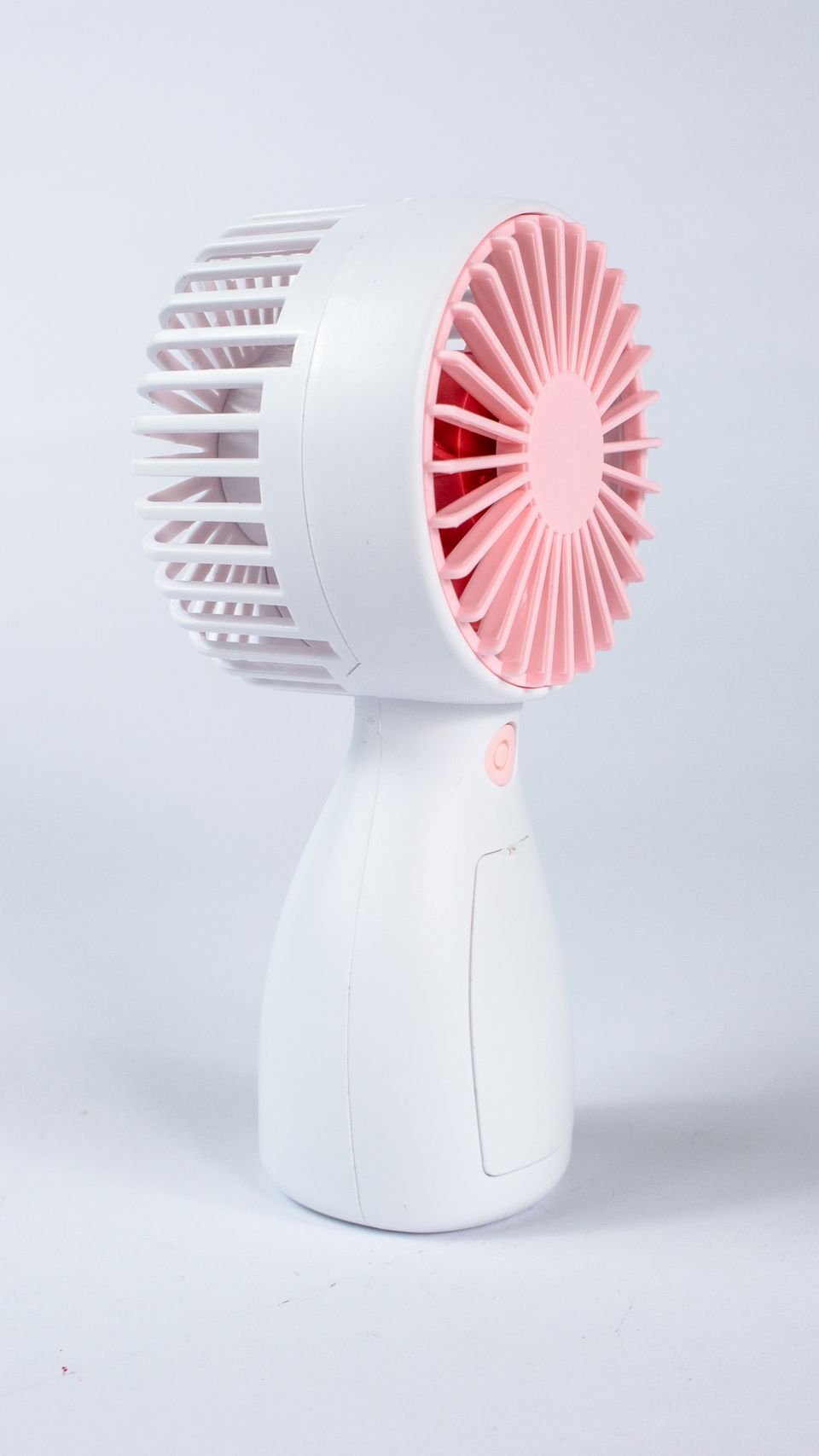
Who Actually Needs a Handheld Fan
Beyond hot-weather comfort, small rechargeable fans like the ZB288 are genuinely popular during power outages, at outdoor events without shade, and for anyone with mobility or health conditions that make heat harder to tolerate. They are not a replacement for air conditioning or a proper room fan, but as a backup or on-the-go option they are inexpensive enough to keep spares around the house.
Specs That Actually Matter
USAMS lists the ZB288 with a 3.5W motor, 5V/1A input, and a claimed “core cyclone” blade design meant to push more air than a basic single-blade mini fan. Battery life scales down sharply as you increase speed:
- Lowest speed: roughly 4.7 hours of runtime
- Medium speed: roughly 2.4 hours of runtime
- Highest speed: roughly 1.5 hours of runtime
Charging time from empty is listed at around 2.5 hours over USB-C. That charge-to-runtime ratio is fairly typical for small lithium-battery gadgets in this size class, so do not expect it to out-perform physics just because it is a newer model.
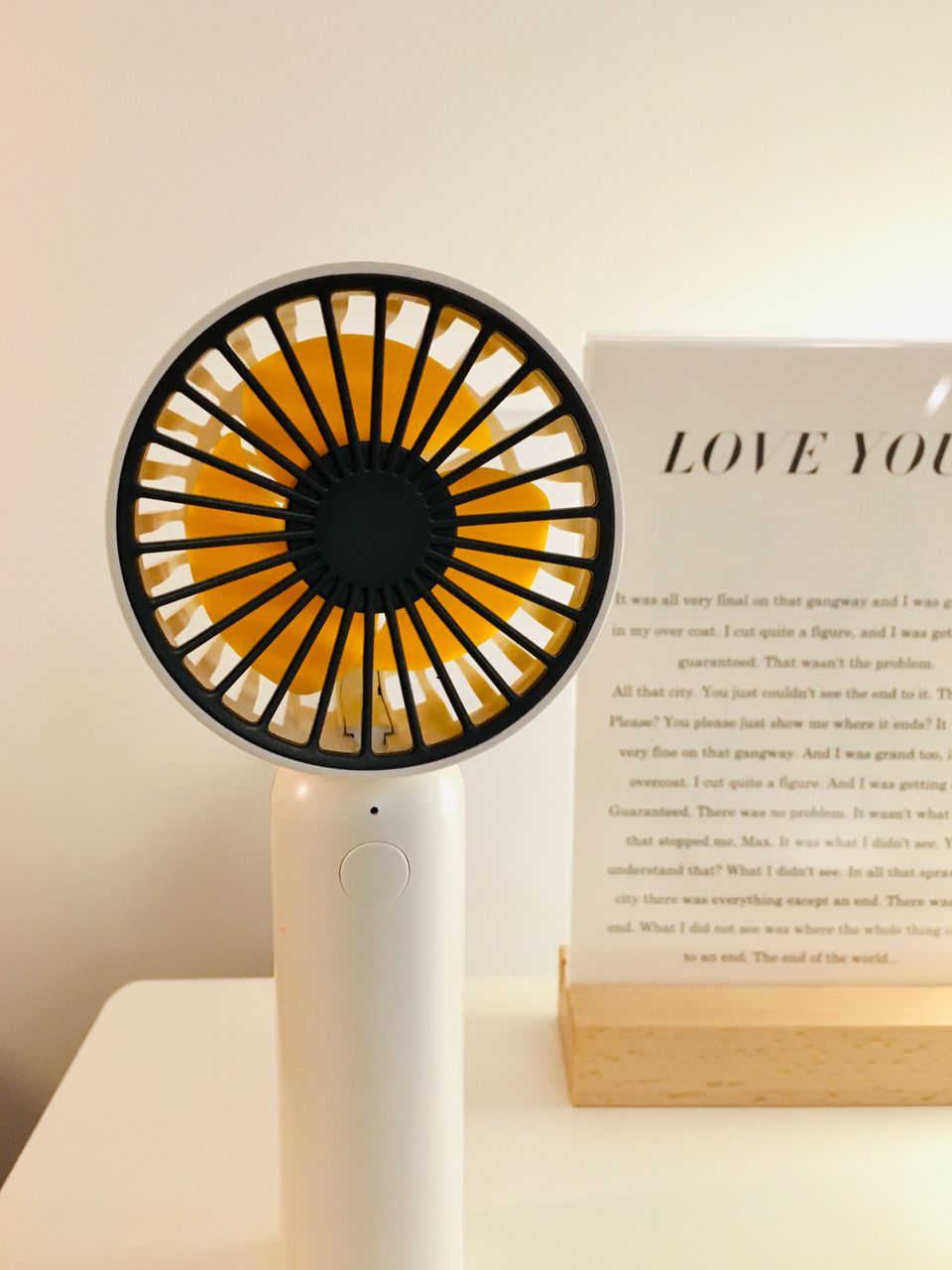
Who This Fan Actually Suits
I keep a similar small handheld fan in my bag during humid weather, and honestly, its best use case is short bursts — walking between buildings, waiting outside, or a stuffy commute — rather than hours of continuous use at your desk. For that, a small desk fan plugged into mains power makes far more sense, since it does not need recharging and typically moves more air.
- Good for: short outdoor use, travel, kids’ bags, backup cooling during a power outage
- Not ideal for: replacing a desk fan for all-day office use, since 1.5 to 4.7 hours of runtime will not last a full workday
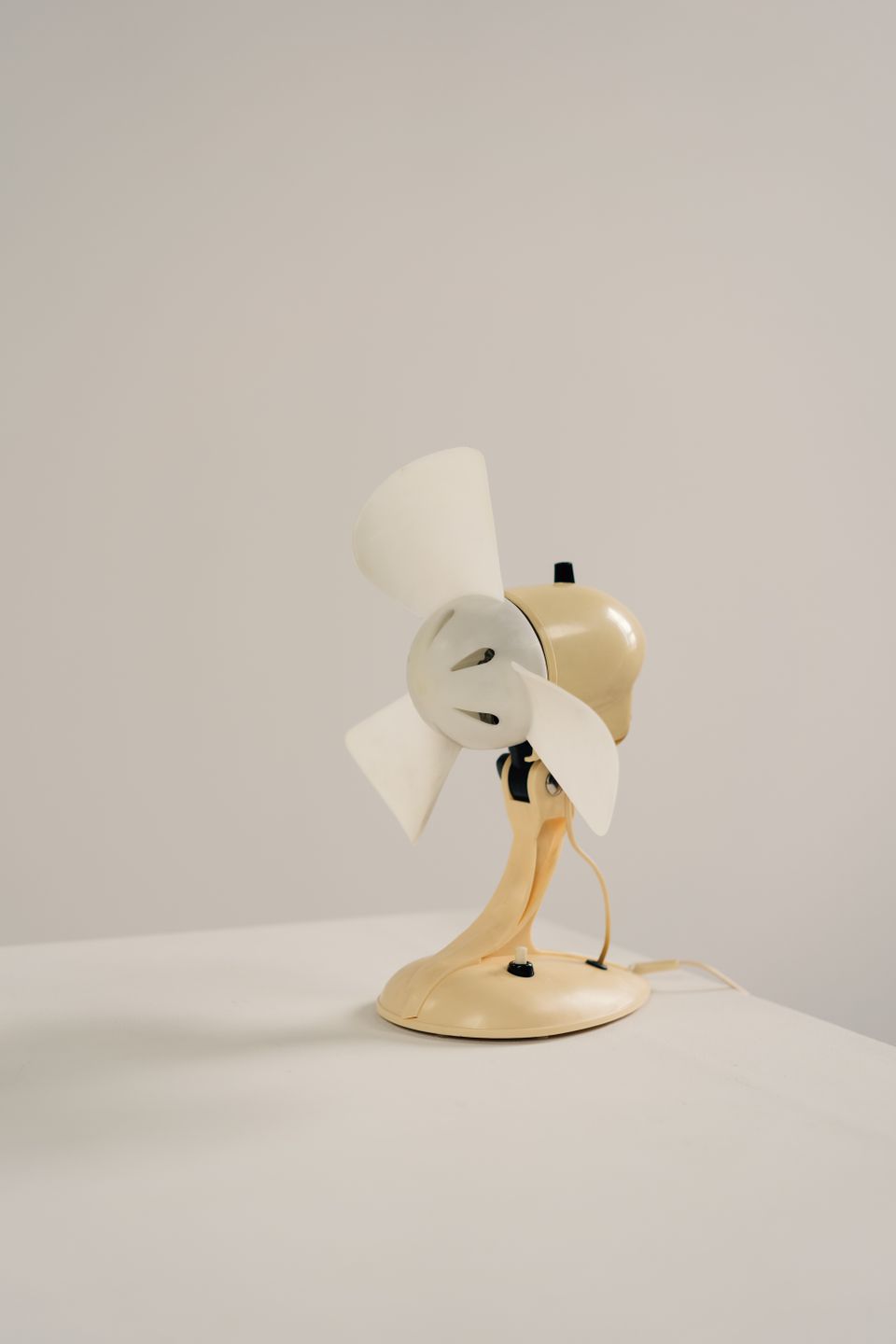
Charging and Battery Care Tips
Since the ZB288 uses a small lithium-ion or lithium-polymer cell, the same general battery-care advice from safety bodies like the U.S. Consumer Product Safety Commission applies: avoid leaving it in a hot car, do not charge it unattended overnight on a regular basis, and stop using it if the shell feels unusually warm or starts to swell.
- Charge fully before first use
- Use the lower or medium speed setting for most situations — it dramatically extends runtime compared with max speed
- Store it partially charged (not fully dead, not always at 100%) if you are not going to use it for weeks
- Clean the blade grille occasionally, since dust buildup on tiny motors can strain the fan and shorten motor life over time
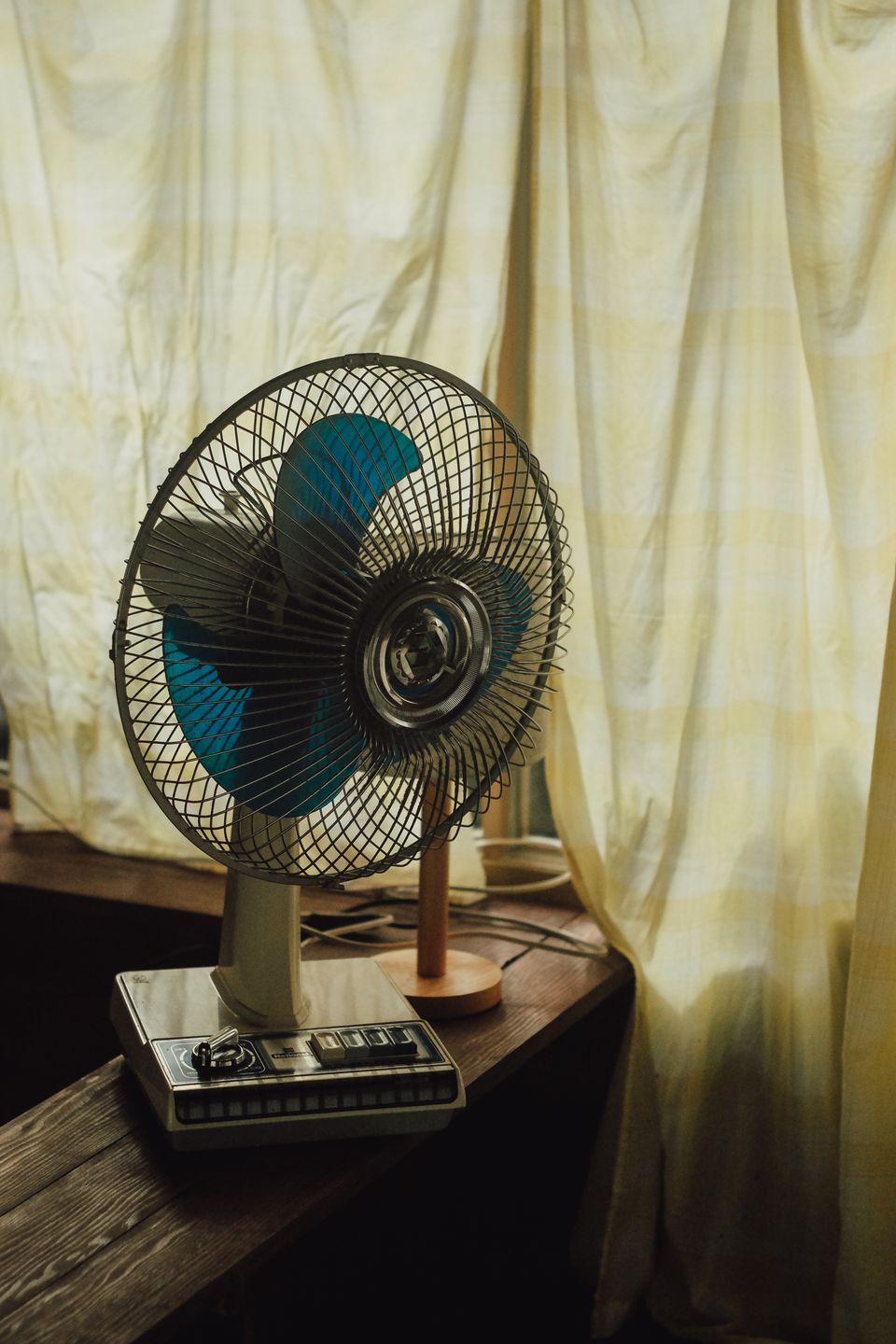
How It Compares to a Handheld Battery Fan From a Decade Ago
Small rechargeable handheld fans have improved noticeably in build quality over the years. Older versions from a decade ago often used loud, single-blade motors with poor battery life and no USB-C charging at all, usually relying on outdated micro-USB. The ZB288’s USB-C port alone is a meaningful upgrade, since it lets you use the same cable you already carry for your phone or power bank, rather than hunting for a separate proprietary charging cable.
The “core cyclone” multi-blade design USAMS advertises is also a step up from the basic single-blade fans that used to dominate this category, generally producing a steadier airflow and quieter operation, though exact noise levels will vary by unit and speed setting.
Frequently Asked Questions
Can the USAMS ZB288 charge from a power bank?
Yes, since it charges over standard USB-C at 5V/1A, any USB-A or USB-C power bank or wall charger with that output will work fine.
Why does the fan feel weaker after a few months?
This is usually dust buildup on the blades or motor, or natural battery capacity loss over repeated charge cycles, both of which are normal for small rechargeable electronics over time.
Is the ZB288 safe to take on a plane?
Small lithium battery gadgets like this are generally allowed in carry-on luggage, but always check your specific airline’s battery capacity rules before flying, since limits vary.
Does it come in different colors?
Retail listings for the ZB288 typically offer multiple color options including black, pink, green, and beige, depending on the seller.
Where It Fits Among Other Cooling Gadgets
A handheld fan like the ZB288 sits between two other common cooling solutions: neck fans, which free up your hands but sit closer to your body and can feel warm themselves, and desk fans, which move more air but need mains power and a flat surface. If your main need is quick relief while walking or standing, a handheld fan’s directional airflow beats a neck fan for pointing exactly where you want it, even though a neck fan wins for hands-free convenience over longer periods.
Noise Level: What to Expect
Small handheld fan motors are rarely silent, and the ZB288 is no exception at its highest speed setting. If you plan to use it at a desk during quiet calls or in a shared office, the lowest speed setting is usually the more considerate choice, trading some airflow for noticeably less motor noise. Outdoors or in already-noisy environments, the higher speeds are far less noticeable and give you the strongest airflow when you actually need it.
Common Problems and Quick Fixes
- Fan won’t turn on: Confirm it is actually charged; a fully drained cell can sometimes need several minutes on the charger before the power button responds at all.
- Runtime feels shorter than advertised: Running on the highest speed setting drains the battery far faster than the rated figures for low or medium speed, so check which speed you were actually using before assuming the battery is defective.
- Fan feels warm during charging: Mild warmth during charging is normal for small lithium batteries, but stop charging immediately and switch outlets or cables if it feels hot rather than warm, or if the shell shows any sign of swelling.
- Blades make a rattling or grinding noise: Dust or debris caught in the grille is the usual cause; power off and gently clean the blade area rather than continuing to run it, since debris left in place can strain the small motor over time.
- Won’t charge from a particular power bank: Try a different USB-C cable first, since a cable rated for charging-only rather than data-plus-power can sometimes cause inconsistent charging behavior with small devices like this.
Conclusion
The USAMS ZB288 does exactly what a small handheld rechargeable fan is supposed to do — short bursts of portable cooling, nothing more. Treat the battery numbers as a ceiling rather than a guarantee, run it on lower speeds when you can, and it will serve you well for the situations it is actually built for.
Ryan is the founder and main writer at softwaredriverdownload.com, a Computer Science graduate who has tested small rechargeable gadgets for years, from power banks to portable fans, always with a focus on real-world battery performance rather than marketing figures.