Screen protector shopping is confusing because so many brands reuse the word “Pro” across multiple different product lines, and Nillkin is no exception. The Amazing H+ Pro is a specific tempered glass line, distinct from Nillkin’s other glass options, and it is worth understanding what actually makes it different before you buy one for your phone. I put one on my own device a few months back after a cracked protector on an older phone finally gave up, and here is what I found once I dug into the specs and used it for a while.
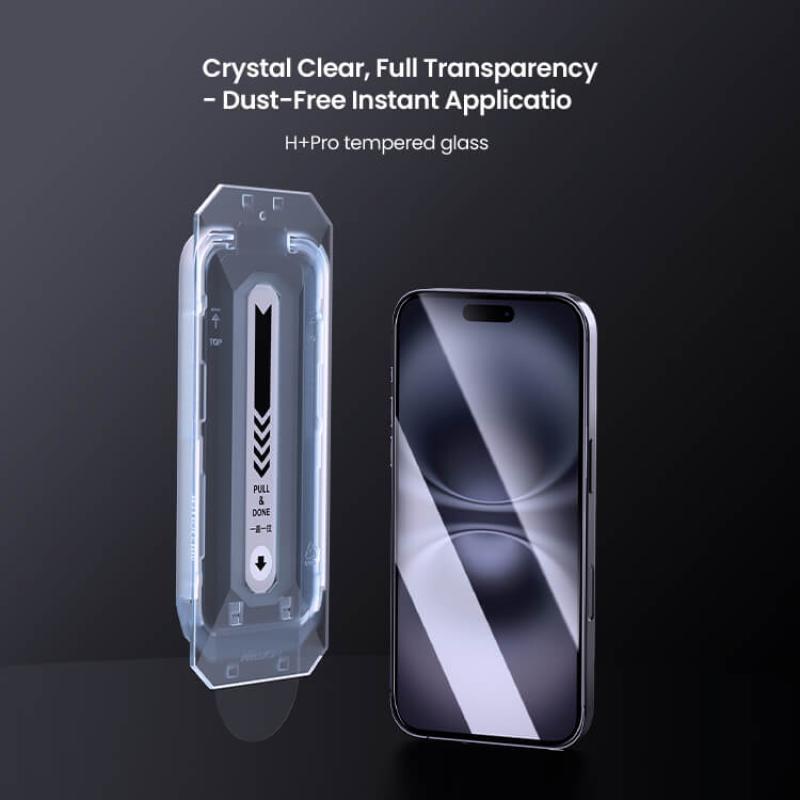
Quick Facts: Amazing H+ Pro
| Spec | Value |
|---|---|
| Material | Japanese AGC glass with HARVES nanocoating |
| Hardness | 9H |
| Thickness | ~0.2mm |
| Edges | 2.5D curved |
| Coatings | Oleophobic + UV filtering |
| Fit | Device-specific cut |
What Makes the H+ Pro Different From Standard Glass
The Amazing H+ Pro uses Japanese AGC glass material with a nanocoating process Nillkin brands as HARVES, which is meant to improve scratch resistance and clarity compared to generic tempered glass. It is rated at 9H hardness, which is the standard top-tier rating used across most premium screen protectors, and it is cut to around 0.2mm thick so it does not add noticeable bulk under a case.
- 9H hardness rating for scratch and light impact resistance
- Oleophobic coating to reduce fingerprint smudging and oil residue
- UV filtering layer, which is a feature not every budget glass protector includes
- 2.5D curved edges for a more comfortable feel under your thumb during swipes
It is sold as a device-specific cut rather than a universal sheet, meaning you need to buy the exact listing that matches your phone model, since camera cutouts, sensor placement, and edge curvature vary across devices.
Installation Without Bubbles or Dust
Most H+ Pro kits include an alcohol wipe, a dust-removal sticker, and a plastic alignment frame, which makes installation considerably easier than freehand placement. Here is the process that worked cleanly for me on the second attempt, after messing up the first one with a stray dust speck:
- Clean the screen thoroughly with the included alcohol wipe and let it dry for a minute.
- Use the dust-removal sticker to lift any remaining lint or particles, checking under strong light at an angle.
- Snap the alignment frame onto the phone so the cutouts line up with the camera and sensors.
- Lower the glass slowly into the frame, letting it drop into place rather than pressing from one corner first.
- Smooth out any trapped air from the center outward using the included squeegee or a soft cloth wrapped card.
If a small bubble persists near the edge after a few hours, it is usually residual air working its way out and typically settles on its own within a day. A workspace tip that helped me: install it in a bathroom right after a hot shower, since the extra humidity in the air cuts down on static that attracts dust to the screen.
Compatibility and Which Phones It Covers
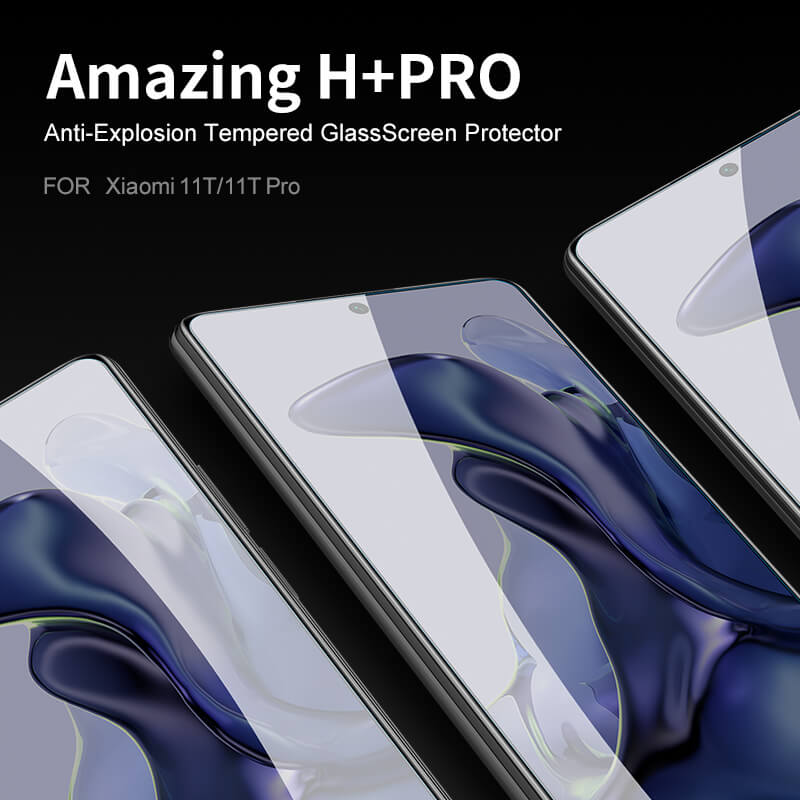
Nillkin sells the H+ Pro across a wide device range, including recent iPhone, Samsung Galaxy, and Xiaomi models, along with a handful of non-phone products like smartwatches and the Nintendo Switch. Because it is sold per device rather than as one universal product, always check the listing title against your exact model and storage variant, since screen dimensions can differ slightly between a base model and its Pro or Plus counterpart even within the same phone generation.
- Double check whether your specific phone variant has a flat or curved edge display, since Nillkin sometimes offers separate cuts for each
- Front-facing camera and sensor cutout placement should match your device exactly in the product photos before ordering
- If your phone was released very recently, availability may lag a few weeks behind launch while Nillkin finalizes the cut
Troubleshooting Common Issues
A few practical issues come up often enough with tempered glass installs like this one that they’re worth covering directly.
- A bubble persists near the edge after a day: Lift that corner gently with tape and use the squeegee to push the air out toward the edge; if it hasn’t settled within 48 hours on its own, it likely needs to be manually pushed out rather than left to resolve.
- A dust speck gets trapped under the glass: Lift the nearest edge with tape within the first hour before the adhesive fully sets, use the dust-removal sticker to lift the particle, then re-lower the glass into place.
- Fingerprint sensor stops registering reliably after install: Re-enroll your fingerprint after applying the protector, since the added glass layer changes the sensor’s read slightly and a fresh enrollment usually resolves it.
- Edges start lifting or peeling after a few weeks: Clean along the edge with an alcohol wipe to remove trapped oil or debris, then press firmly along the perimeter; also check that your case cutout isn’t catching the edge every time it’s removed.
- Glass cracked despite the 9H rating: 9H measures scratch resistance, not impact resistance, so a hard drop can still crack it even though it resists everyday scuffs; that’s expected behavior for tempered glass generally, not a defect specific to this product.
How It Holds Up Over Time
After several weeks of regular pocket and bag use, the oleophobic coating on mine is holding up better than cheaper glass I have used in the past, with fingerprints wiping away easily rather than smearing. Clarity has stayed sharp with no noticeable haze, and I have not picked up any visible scratches despite tossing the phone into a bag with keys more than once, which is exactly the kind of low-effort daily test that matters more than a spec sheet. For more general background on tempered glass protector standards, Consumer Reports has covered how hardness ratings translate to real-world durability across different protector brands.
Frequently Asked Questions
Does the H+ Pro affect touchscreen sensitivity?
I did not notice any lag or reduced sensitivity in daily use, including with gaming apps that need fast, precise taps. The 0.2mm thickness keeps it thin enough to avoid noticeable interference.
Is it compatible with in-display fingerprint sensors?
Nillkin’s listings for phones with in-display fingerprint sensors are designed to work with them, but sensitivity can vary slightly by phone model, so check user feedback on your specific device’s listing if that is a priority.
How long does the coating typically last before wearing off?
Oleophobic coatings on most glass protectors, including this one, gradually wear down with heavy use over several months. It is a normal part of the product’s lifespan rather than a defect, and a replacement is the standard fix once smudging becomes noticeably worse.
Can I reuse it if I remove it to clean underneath?
Nillkin markets the coating as reusable after cleaning in some of its glass lines, but tempered glass in general is fragile once lifted, so treat any reinstall attempt carefully and expect it may not seat as perfectly the second time.
Comparing It to Other Nillkin Glass Lines
Nillkin sells several tiers of tempered glass beyond the H+ Pro, and it is easy to grab the wrong listing if you are not paying attention to the exact product name. The standard H+ line generally skips the UV filter and uses a simpler coating, while privacy-focused glass options trade some brightness for anti-peeking angles. The H+ Pro sits in the upper-middle of that lineup, positioned as a step up from the basic line without reaching into Nillkin’s most premium ceramic-style glass options, which cost more and claim even higher flexibility and impact resistance.
If you are comparing listings side by side, look specifically for “Amazing H+ Pro” in the title rather than just “H+”, since the naming difference reflects a real difference in the glass and coating used, not just a marketing variation.
Cost Versus Cheaper No-Name Alternatives
It would be dishonest to pretend generic no-name glass protectors do not exist at a fraction of the price, because they do, and some perform adequately for basic scratch protection. Where a branded option like the H+ Pro tends to justify its higher price is consistency: batch to batch cutout precision, coating durability, and clarity tend to be more reliable with an established brand than with unlabeled marketplace listings that can vary wildly between sellers even when the product photos look identical.
- Cutout precision around cameras and sensors is generally tighter with branded glass
- Coating durability is more consistent, since generic glass sometimes uses thinner or lower-grade oleophobic layers
- Packaging typically includes a proper installation kit, which reduces the odds of a wasted first attempt
Final Thoughts
For the price point, the Amazing H+ Pro delivers on the basics that actually matter day to day: it stays clear, resists smudging reasonably well, and the installation kit makes a bubble-free application realistic even for someone who has fumbled screen protectors before. If your phone model is covered by Nillkin’s lineup, it is a solid, low-drama choice.
About the author: Ryan has installed more screen protectors than he can count over the years and writes hands-on guides based on what actually survives daily pocket and bag use.