The original Haylou GT1 predates most of the brand’s current lineup, but it still shows up in secondhand marketplaces and old Amazon orders, usually without the printed manual. Since the GT1 and the GT1 Plus are genuinely different earbuds under the hood, I wanted to write a manual specific to the original GT1 rather than reuse instructions meant for its Plus sibling.
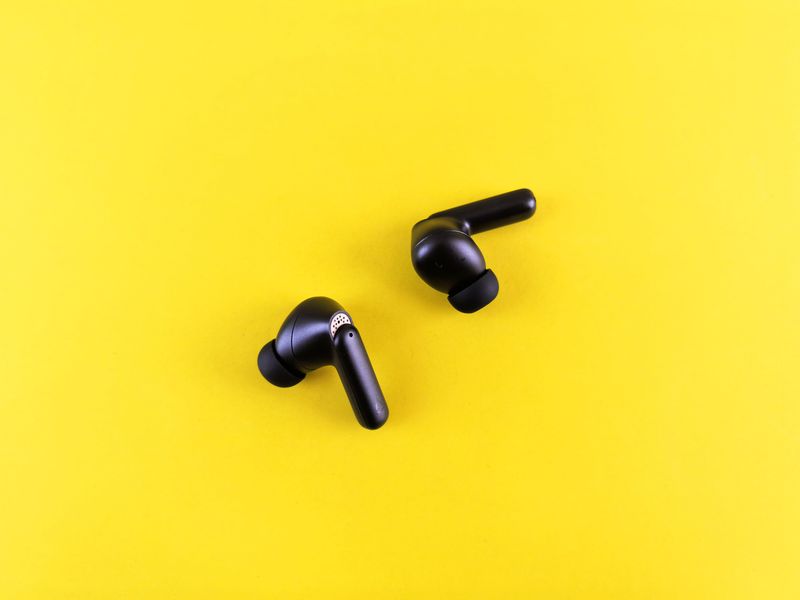
Haylou GT1 Hardware Overview
The GT1 runs on a standard Bluetooth 5.0 chipset with a 7.2mm dynamic driver using polymer resin diaphragms, decoded through AAC. It has its own separate DSP for noise reduction on calls, and includes a game mode that cuts audio delay down to roughly 65 milliseconds — useful for mobile gaming where lip-sync matters. Each earbud weighs under 4 grams, and the pair is IPX5 rated against sweat and light rain.
Charging
- The charging dock has a 310mAh battery, good for multiple full recharges of the earbuds
- Total battery life across the earbuds and case reaches about 12 hours combined
- Use the supplied USB cable; a depleted case typically needs about 90 minutes to fill up
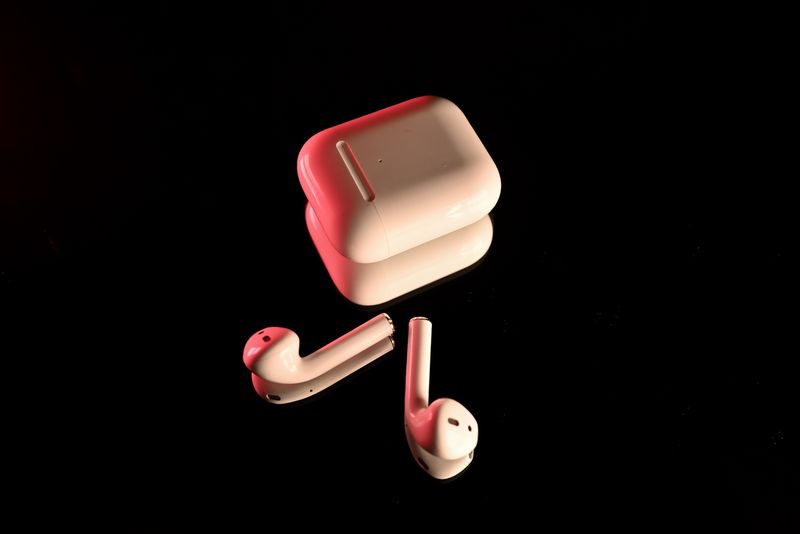
Pairing The GT1 (Stereo Mode)
- Remove both earbuds from the case — they auto-pair to each other within two to three seconds
- Wait until the LED on the right earbud blinks white slowly, which means it is ready to pair with a phone
- On your phone, open Bluetooth settings and search for “Haylou-GT1_R”
- Tap to connect, and enter 0000 if a passcode is requested
If the connection fails on the first try, put both earbuds back into the case, wait a few seconds, then take them out again and repeat the steps. This resets the Bluetooth broadcast state cleanly.
Mono Mode
Removing only one earbud (left or right) puts that single earbud into mono mode. Search for “Haylou-GT1_R” or “Haylou-GT1_L” on your phone depending on which one you took out, and connect the same way. This is useful for phone calls where you want to leave one ear open.
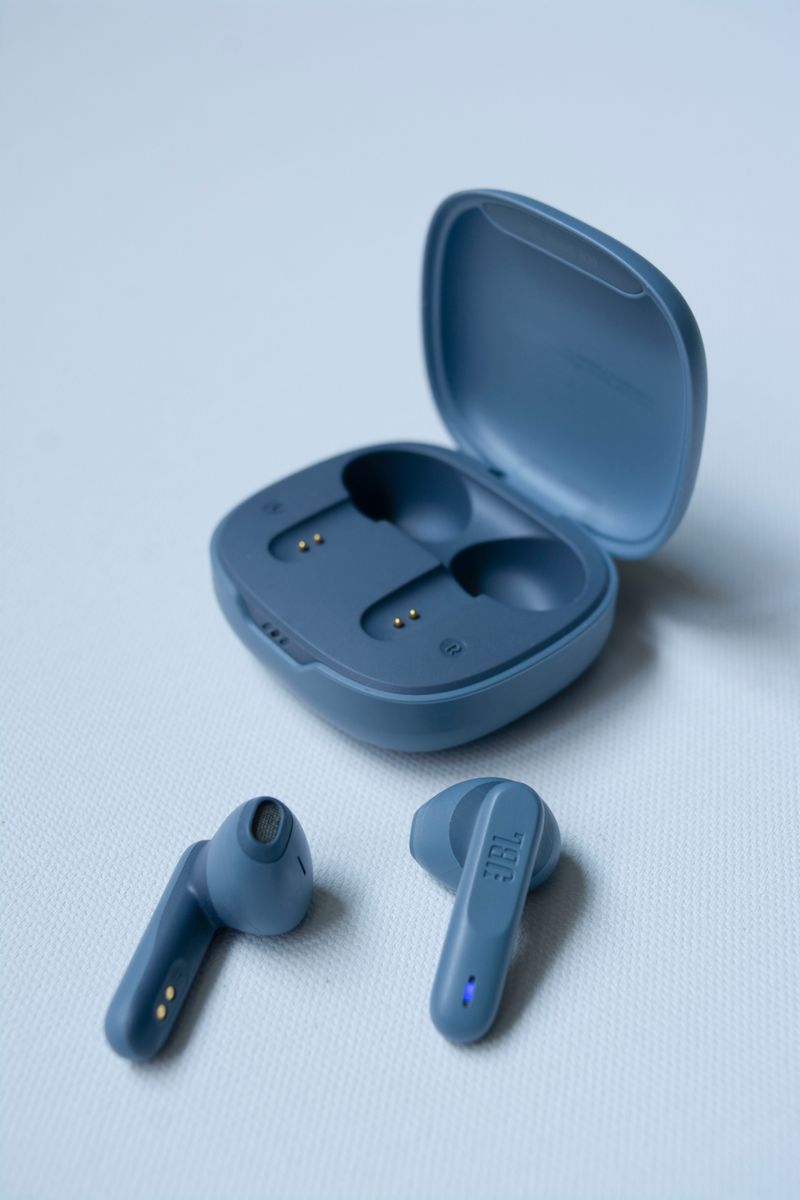
Reconnecting To A Known Device
Once paired, the GT1 automatically reconnects to the last device it was used with, as long as Bluetooth is on and the earbuds are out of the case. If reconnection stops working after months of use, it is usually faster to forget the device on your phone and pair from scratch rather than troubleshoot further. A step-by-step breakdown with photos is also available from Manuals Plus’ GT1 earbuds manual.
Touch Controls
- Single tap: play/pause
- Double tap: next track (right earbud) or previous track (left earbud)
- Long press: activate game mode for lower audio latency
Fitting The Ear Tips Correctly
The GT1 ships with a single tip size pre-installed on most units, and since it does not include multiple silicone tip sizes the way newer Haylou earbuds do, comfort largely depends on your own ear shape. If the stock fit feels loose, third-party silicone or foam tips designed for small nozzle earbuds are widely available and can noticeably improve both comfort and passive noise isolation.
Extending Battery Lifespan
- Do not leave the earbuds in a hot car or direct sunlight, since heat accelerates battery wear more than normal usage does
- Recharge the case regularly rather than letting it sit fully depleted for weeks at a time
- If you notice one earbud draining faster than the other, this is usually a sign of uneven battery aging rather than a software fault, and is common in older units
Given how long the GT1 has been on the market, most surviving units are several years old at this point, so some battery degradation compared to day-one performance should be expected. A pair that still holds 3-4 hours per charge is generally still usable for daily commuting or short workouts.
Game Mode In Practice
Activating game mode on the GT1 through the long-press gesture noticeably tightened up audio sync in a couple of casual mobile games I tried, dropping perceived delay enough that on-screen taps and sound effects felt reasonably aligned. It is not a true wired-latency experience, but for casual mobile gaming rather than competitive play, the difference between normal mode and game mode is genuinely noticeable rather than a marketing footnote.
Cleaning And Long-Term Care
- Remove ear tips occasionally and rinse them separately with water, drying fully before reattaching
- Wipe the case and earbud shells with a dry microfiber cloth rather than anything abrasive
- Avoid submerging the earbuds even briefly, since the original GT1 does not carry a formal waterproof rating beyond basic sweat resistance
Given how affordable the GT1 was at launch, most owners treat it as a disposable accessory rather than something worth maintaining carefully, but a small amount of routine care meaningfully extends how long a pair stays usable.
Bluetooth Range And Signal Tips
The original GT1 uses a basic Bluetooth 5.0 chipset without the range-extending tricks found in newer Haylou earbuds, so keeping your phone within roughly ten meters and avoiding thick walls or crowded Wi-Fi environments helps prevent dropouts. If you regularly leave your phone in another room while wearing the earbuds around the house, occasional stutter is expected rather than a sign of a defective unit.
Where To Buy Replacement Parts
Since Haylou no longer actively markets the original GT1, replacement ear tips and charging cables are mostly sourced from third-party sellers on marketplaces like AliExpress and eBay rather than official Haylou channels. Search using the exact model name to avoid accidentally ordering parts meant for the GT1 Plus, since the two models are not interchangeable in every respect despite looking similar.
Frequently Asked Questions
Is the original GT1 still worth using?
For casual listening and calls, yes — the hardware is basic by current standards but still functions reliably if the battery has not degraded significantly.
Why does one earbud disconnect randomly?
This is typically a sign of aging battery contacts inside the case. Clean the charging pins with a dry cotton swab and make sure both earbuds sit flush in the case while charging.
Does the GT1 support the same app as newer Haylou earbuds?
No, the GT1 does not use a companion app — all controls are handled through touch gestures directly on the earbuds.
Conclusion
The Haylou GT1 is a simple, no-frills pair of true wireless earbuds, and this manual covers everything needed to get a pair working again: charging, stereo pairing, mono mode, and basic touch controls. If your earbuds refuse to pair after following these steps, a factory reset via a full charge-discharge cycle usually resolves lingering Bluetooth memory issues.
My background in IT support means I get asked about gadget compatibility constantly — this guide reflects what I actually tell friends and family when they ask.
\n