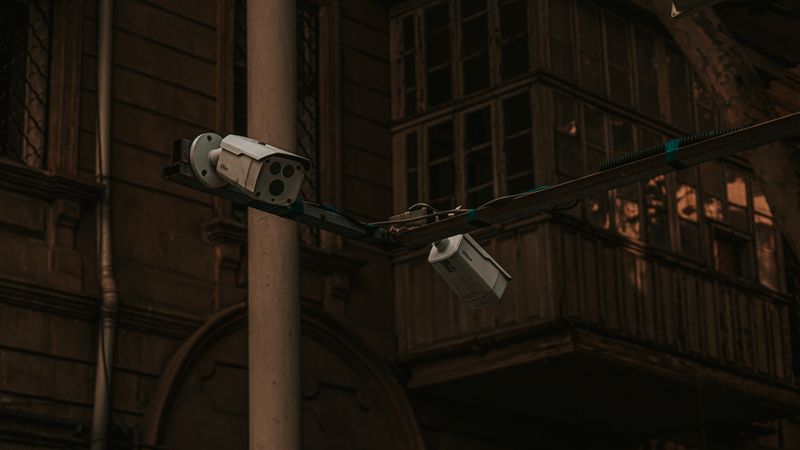
Install the EZVIZ app
The EZVIZ C8C is a plug-in outdoor 2K camera with a wide field of view, and it skips a Windows driver entirely. Download the EZVIZ app from the official EZVIZ Download page or your phone’s app store and create or sign in to your account.
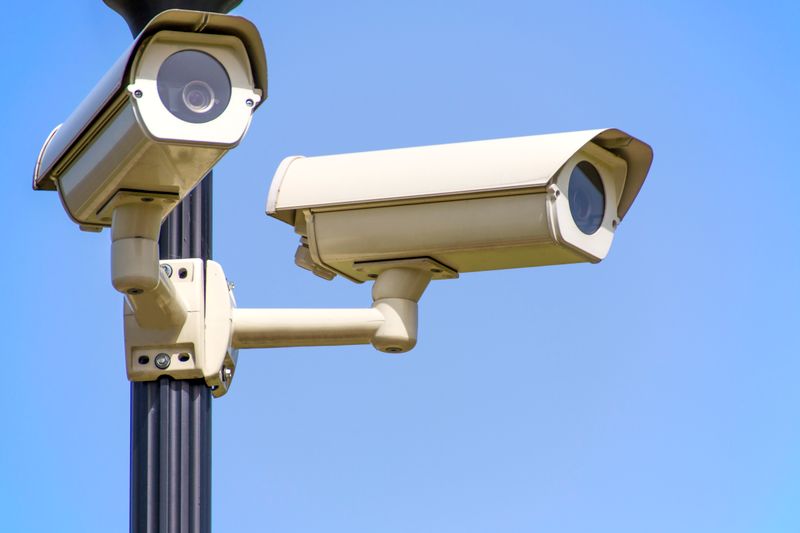
Power it on and pair
Plug the camera into a power outlet and wait for the status light to blink, signaling pairing mode. In the app, tap “Add Device,” scan the QR code on the camera or its box, and connect it to your 2.4GHz Wi-Fi network.
Mount and adjust the angle
Once connected, mount the C8C using the included bracket, then use the app’s live view to fine-tune the angle for the widest useful coverage of your yard or entryway.
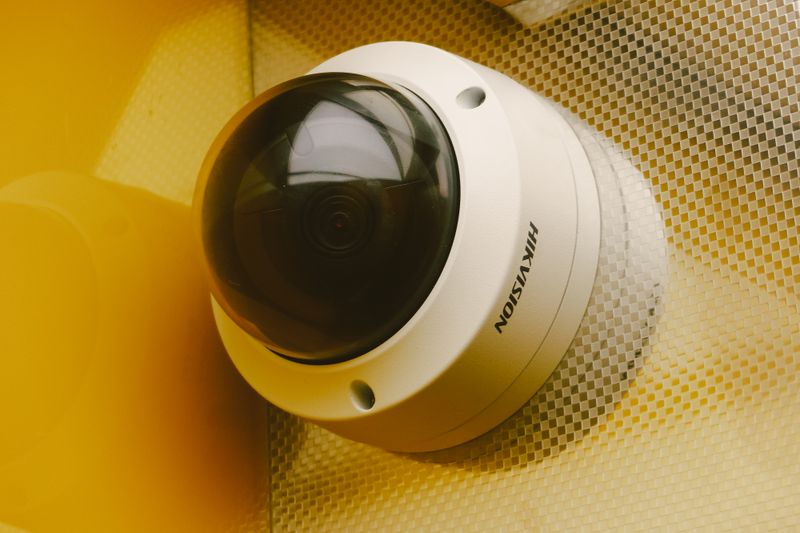
Set up motion alerts
Turn on motion detection and set an activity zone in the app so you get relevant alerts instead of notifications for every passing car or tree branch.
Common Problems and Fixes
- Camera will not pair — confirm the status light is actively blinking and hold your phone about 20cm from the QR code in good lighting.
- Cannot connect to Wi-Fi — the C8C only supports 2.4GHz networks, so connect to that band specifically if your router combines 2.4GHz and 5GHz under one name.
- Too many false motion alerts — narrow the activity zone in the app’s motion detection settings to exclude roads, sidewalks, or moving trees.
- Weak Wi-Fi signal outdoors — consider a Wi-Fi extender near the mounting spot, since outdoor placement is often farther from the router than indoor cameras.
Frequently Asked Questions
Does the EZVIZ C8C need a Windows driver?
No, it is set up and managed through the EZVIZ mobile app or web client.
Is the C8C weatherproof?
Yes, it is built for outdoor use; check its official IP rating on EZVIZ’s product page before mounting it somewhere very exposed.
Can I view the C8C on a computer?
Yes, sign in with the same account on the EZVIZ web client to view it from a browser.
Conclusion
Setting up the EZVIZ C8C mainly comes down to a stable outdoor power source, the EZVIZ app, and pairing over 2.4GHz Wi-Fi. Fine-tuning the motion activity zone afterward solves most of the false-alert complaints people run into.
Ryan
Computer Science grad · long-time hands-on troubleshooter