| Applies To | Canon Pixma MP258 (Possible all MP250 series) Photo All-In-One Printer |
|---|---|
| Author | Canon.com |
| Driver Date | 02/01/2014 |
| Driver Version | ver. 1.05 |
| File Name | mp68-win-mp250-1_05-ea24.exe |
| File Size | 20.09 MB |
| Requirements | Windows 8.1/8.1 x64/8/8 x64/7/7 x64/Vista/Vista64/XP , USB 2.0 connection |
| Description | 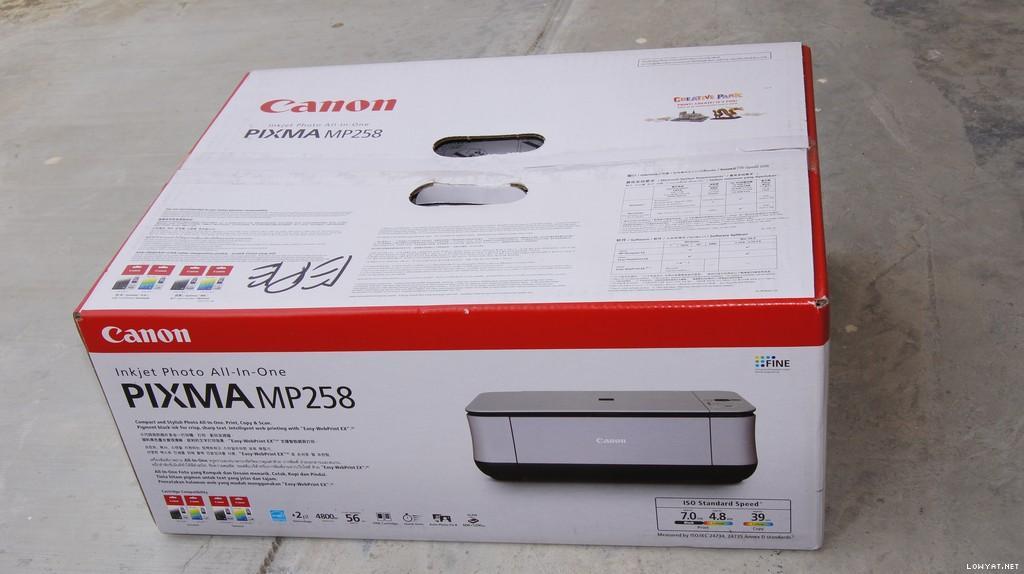
The driver mentioned here is for model MP250. MP258 probably is a region-specific model so I think the driver for MP250 will work as well. The driver is for the latest Windows 8.1 all the way down to XP (Windows 8.1/8.1 x64/8/8 x64/7/7 x64/Vista/Vista64/XP). You will also need a high-speed USB 2.0 connection but I think a slower USB1.1 will work too, maybe slower. As always, make a backup of your important files because installing this driver.
You should install the latest version of MP258 driver if you are upgrading from Windows 8 to 8.1 as the driver fixes two major bugs:
|