I keep an AUKEY PA-D4 in my everyday bag specifically because it charges a laptop and a phone at speeds that don’t feel like a compromise, while taking up barely more room than the block that came with an old phone charger. It is a small charger, but it gets asked to do a lot, so this guide covers what it actually supports, common problems people run into, and quick fixes for each.
What the PA-D4 Delivers
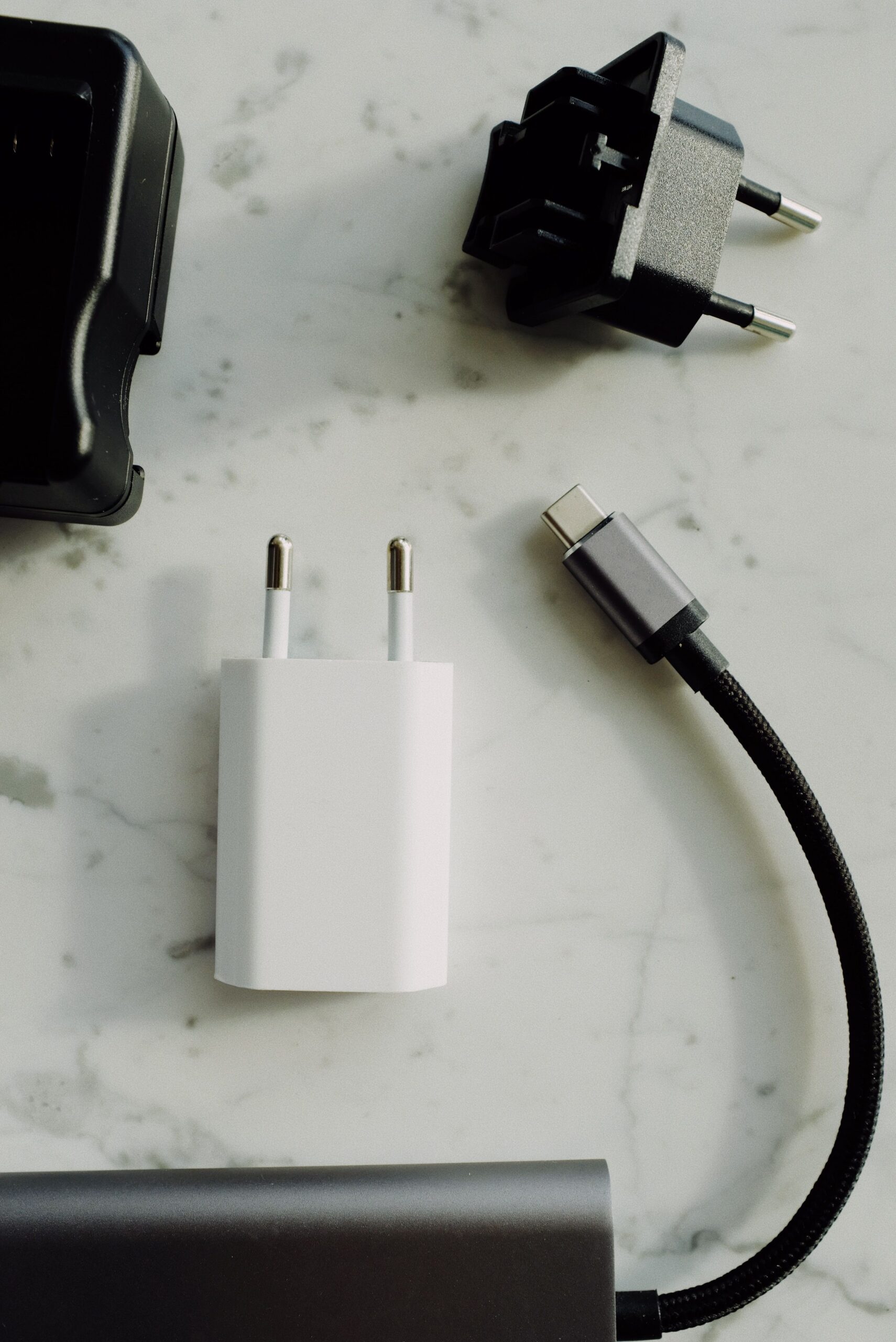
The PA-D4, part of AUKEY’s Focus line, is a single-port 60W USB-C PD charger built on GaN power tech. It outputs Power Delivery 3.0 across a range of voltages: 5V, 9V, 12V, 15V, and 20V, topping out at 60W total.
- Charges a 13-inch MacBook Pro at close to full speed
- Fast-charges USB-C Power Delivery phones, including several iPhone generations
- Works with the Nintendo Switch’s USB-C port
- Dimensions around 64 x 60 x 29mm, weighing about 122g
Setup Basics
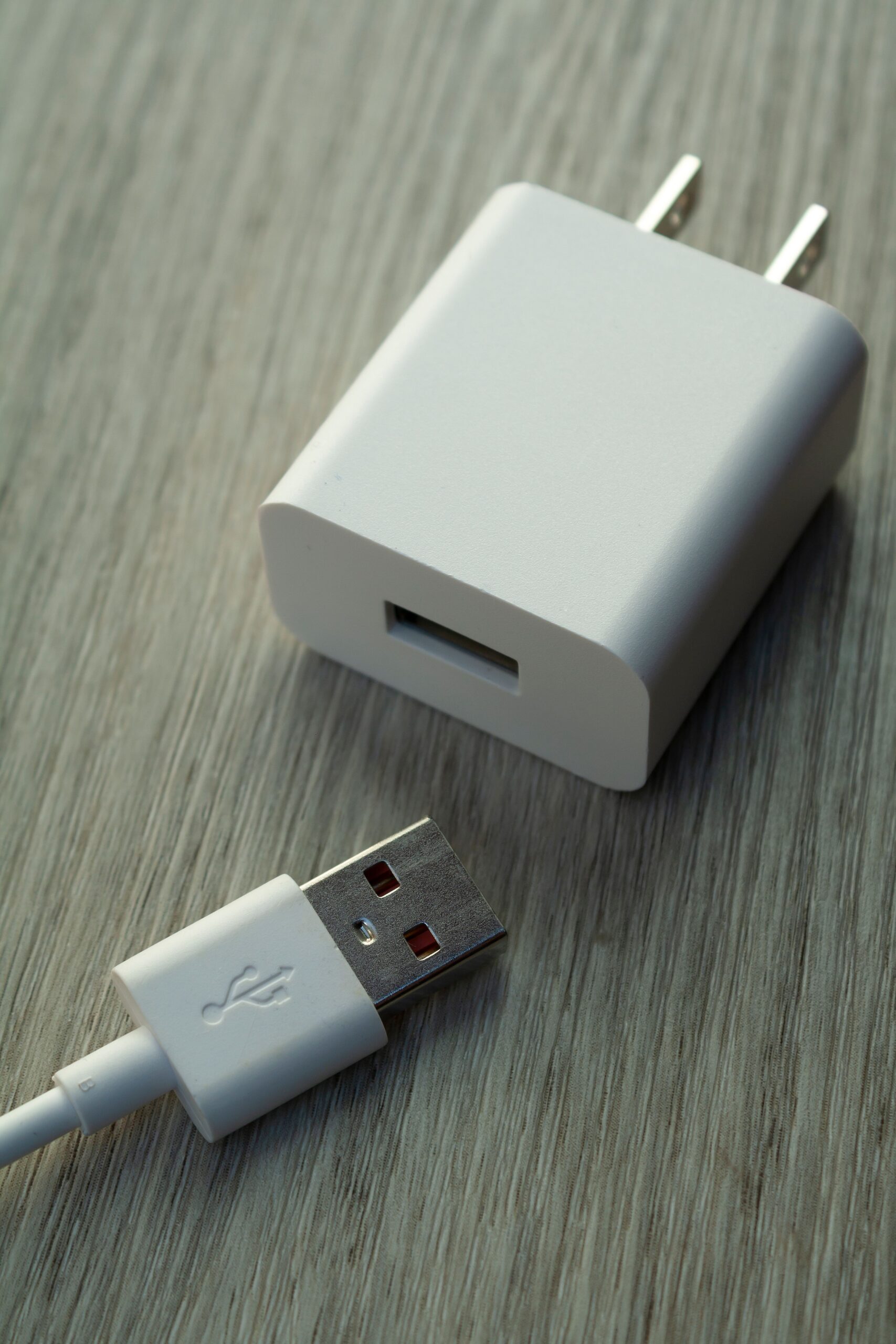
- Plug the PA-D4 directly into a wall outlet
- Use a USB-C to USB-C cable rated for at least 60W if you’re charging a laptop, since some older or thin cables cap out lower and silently throttle speed
- Connect your device; PD negotiation happens automatically, no settings to configure
Common Problems and Quick Fixes
Charging seems slow
Swap in a certified 60W-rated USB-C cable. Many “charging only” cables physically can’t carry PD’s higher voltage tiers, so the charger silently falls back to a lower default speed.
Device not recognized
Unplug both ends, wait a few seconds, and reconnect. If that fails, test the charger with a second device to isolate whether the issue is the charger, the cable, or the device’s own port.
Charger gets warm
Expected under sustained 60W laptop charging. GaN chargers run warm but should not be hot enough to be uncomfortable to hold; if it is, stop use and inspect the unit and cable for damage.
Switch won’t charge in handheld mode
Confirm the cable and charger combination outputs at least 15W via PD, since Nintendo enforces a minimum wattage for in-use charging versus dock charging.
Power Output by Device Type
| Device | Typical Draw |
|---|---|
| 13″ MacBook Pro / similar ultrabook | Up to 60W |
| USB-C PD smartphone | 18-30W |
| Nintendo Switch (docked/handheld) | Up to 39W (dock) / ~10-18W (handheld) |
| Tablet | 18-30W depending on model |
Packing It for Travel
Since the whole appeal of a single-port 60W charger is portability, it’s worth thinking about what you pair it with in a bag. I carry the PA-D4 with one 6-foot USB-C to USB-C cable rated for 100W (more than the charger needs, but it means the cable is never the bottleneck regardless of what I plug in later) and a short USB-C to Lightning cable for an older iPhone. That combination covers a laptop, a phone, and in a pinch, wireless earbuds through their charging case, off one wall socket. It’s a small detail, but buying a cable rated well above what the charger outputs removes one entire category of “why is this charging slowly” troubleshooting before it starts.
For flights, note that PD chargers like the PA-D4 are generally fine in carry-on bags following standard airline electronics rules, since the charger itself carries no battery — the only battery-related restrictions that typically apply are to power banks and spare device batteries, not to the wall charger itself. Still, it’s worth checking your specific airline’s current policy before a trip, since rules do vary and change over time.
Frequently Asked Questions
- Can the PA-D4 replace my laptop’s original charger?
- For most 13-inch ultrabooks rated at 60W or less, yes. Larger 16-inch laptops that need 96W or more will charge more slowly, or in some cases not maintain charge under heavy load.
- Is it safe for phones that don’t support fast charging?
- Yes, PD chargers negotiate speed with the connected device, so older or non-PD phones simply charge at their own standard rate.
- Does it support Qualcomm Quick Charge?
- The PA-D4 is built around USB PD rather than Quick Charge, though most modern QC-capable phones also support PD and will use whichever protocol the port offers.
- Why does my old cable not reach full speed?
- Older or thinner USB-C cables are often rated for lower wattage or lack the e-marker chip required for higher power tiers, which caps the negotiated speed regardless of the charger’s rating.
What’s in the Focus Line vs AUKEY’s Other Chargers
AUKEY sells several single-port GaN chargers, and the naming can get confusing across the Focus, Comet, and Omnia lines. The Focus series, which includes the PA-D4, generally sits in the mid-power single-port tier, aimed at laptops and phones rather than the higher-wattage multi-port Omnia chargers built for charging several devices from one brick. If your primary need really is one device at a time — a single laptop, or a laptop and phone on alternating days rather than simultaneously — a single-port Focus charger like the PA-D4 is usually the simpler and cheaper choice over a multi-port model, since you’re not paying for ports you won’t use.
- Focus line (PA-D4 and similar): single port, mid-power, compact
- Comet line: single or multi-port, broader power range
- Omnia line: multi-port, higher total wattage, aimed at shared desks
Conclusion
The PA-D4 covers the common case well: one small charger, one cable, and enough power for a laptop or phone without carrying two separate bricks. Most of the “problems” people report trace back to an underrated cable rather than the charger itself, so that is the first thing worth checking before assuming a unit is faulty. AUKEY’s PA-D4 product listing has the full spec sheet, and Nintendo’s own Switch charging support page is useful if you’re specifically pairing it with a Switch.