Open-ear clip earbuds live or die on how well the companion app lets you tune the experience, since the design trades passive noise isolation for awareness of your surroundings. The QCY Crossky C30 leans on the QCY app for exactly that balancing act, and after pairing mine for a few runs and several work-from-home calls, here is what the app actually does and how to get it set up correctly the first time.
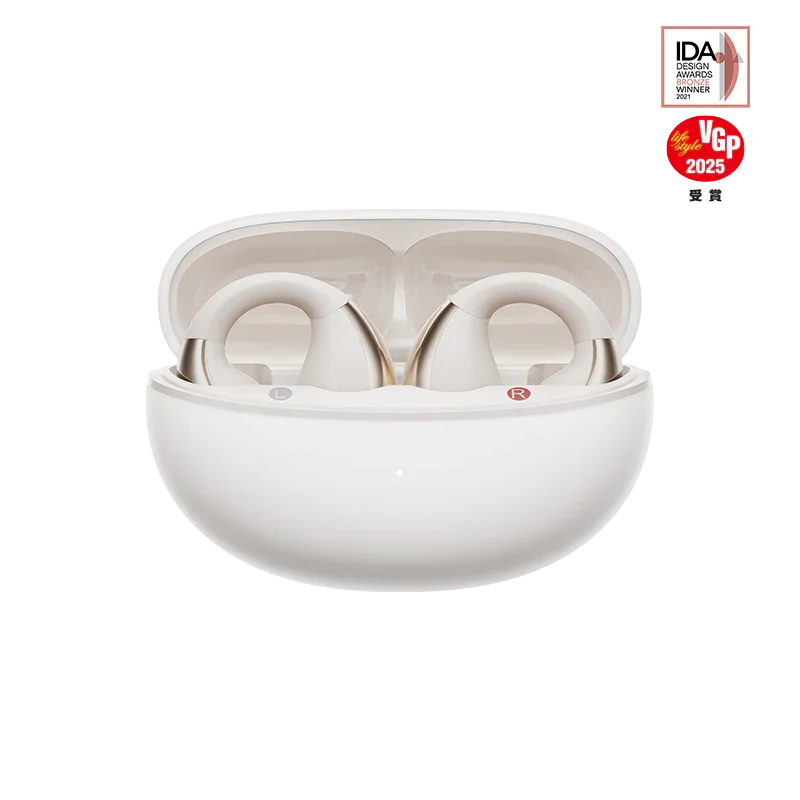
Which App Works With the Crossky C30
QCY does not ship a Crossky-specific app. Instead, the C30 pairs with the general “QCY” app available on both the Google Play Store and Apple App Store, the same app used across most of the current QCY lineup. This is a sensible move on QCY’s part — it means one app handles firmware updates, EQ, and touch customization for nearly every model they sell, so you are not juggling five different apps if you own more than one QCY product.
To find it, search “QCY” in your app store rather than “Crossky,” since searching the product name specifically sometimes surfaces unrelated third-party apps instead of the official one.
Pairing the C30 to the App Step by Step
- Install the QCY app and grant it Bluetooth and location permissions when prompted (location access is an Android requirement for Bluetooth scanning, not something QCY uses to track you).
- Take both earbuds out of the case and let your phone find them under standard Bluetooth settings first.
- Once paired at the OS level, open the QCY app.
- Scroll to the bottom of the home screen and tap “Add Devices.”
- Select the Crossky C30 from the list once it appears.
After that first link-up, the app should auto-detect the C30 every time you open it with the earbuds connected, so this multi-step process is only needed once.
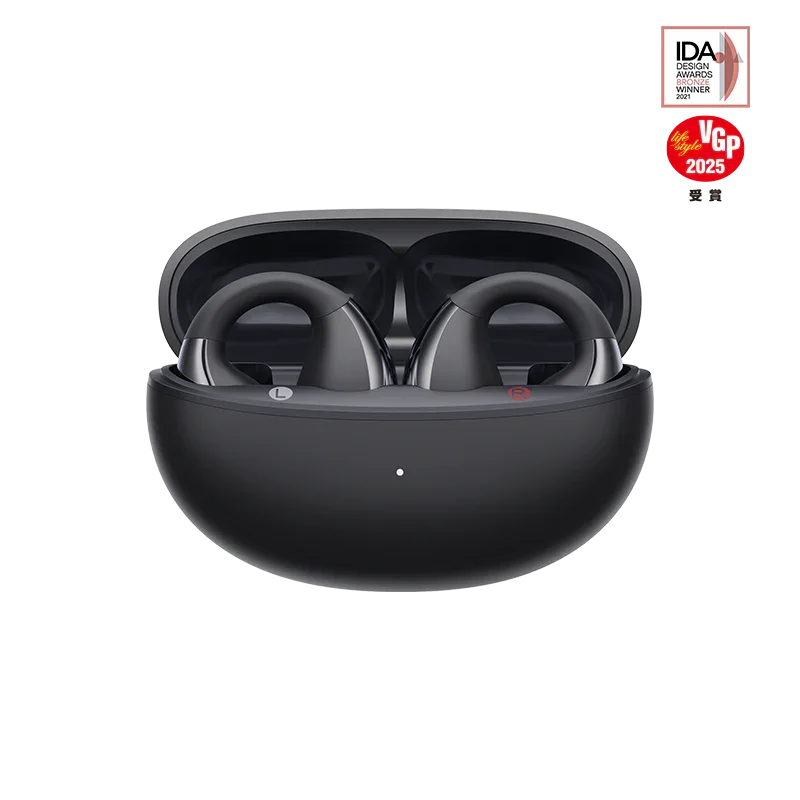
What You Can Actually Customize
Once connected, the app unlocks several features that are not accessible through touch controls alone:
- EQ presets, plus a manual equalizer for building your own profile.
- Touch control remapping for each earbud independently, useful if you find yourself accidentally triggering track skip during a run.
- Real-time battery percentage for each earbud and the case, rather than a rough estimate.
- Gaming mode toggle, which reduces latency for mobile games at a small cost to audio fidelity.
- Spatial sound toggle for a wider soundstage on supported content.
- Firmware update checks and installation.
The EQ customization is the feature I use most. Because open-ear designs like the C30 do not seal your ear canal, bass naturally leaks out and sounds thinner than sealed earbuds at the same volume. Bumping the low end a few notches in the manual EQ closes most of that gap without needing to raise overall volume.

Battery Monitoring and Firmware Updates
The app’s battery view is genuinely more accurate than the blinking LED pattern on the case, which only gives a rough four-stage estimate. I check the app before heading out for a run specifically because a stale case charge is the most common reason open-ear earbuds die mid-session, since their open design tends to run through battery a touch faster at higher volumes needed to overcome ambient noise.
Firmware updates arrive periodically and are worth installing promptly, since QCY has used them in the past to improve Bluetooth stability and touch sensitivity on other Crossky-line models. The update process is straightforward: open the app, tap into the connected device screen, and if an update is available a banner appears with a one-tap install option. Keep the earbuds in range and above 30 percent charge during the update to avoid an interrupted flash.
Troubleshooting App Connection Issues
Occasionally the app fails to detect the C30 even after a successful Bluetooth pairing at the OS level. A few things usually fix this:
- Force-close and reopen the QCY app rather than leaving it running in the background from a previous session.
- Confirm Bluetooth permission is still granted in your phone’s system settings, since an OS update can occasionally reset app-level permissions.
- Toggle Bluetooth off and back on if the earbuds show as connected in system settings but the app still displays “no device found.”
- Reinstall the app as a last resort if it has been several major versions since your last update, since QCY has occasionally shipped app updates that break backward compatibility with older builds.
I ran into the “no device found” message once after an Android system update changed a background permission without notifying me, and toggling Bluetooth off and on resolved it within a few seconds. It is a minor annoyance but rarely a sign of anything wrong with the earbuds themselves.
For a broader look at how open-ear designs compare across brands, not just within QCY’s own lineup, AudioReviews’ independent Crossky C30 write-up is a good second opinion to read alongside QCY’s own marketing.
Frequently Asked Questions
Do I need the QCY app to use the Crossky C30 at all?
No, basic playback, touch controls, and calls all work over standard Bluetooth without the app. The app is only required for EQ customization, gesture remapping, and firmware updates.
Does the app work the same on iOS and Android?
Yes, feature parity between the two platforms is consistent, though Android requires the location permission mentioned above purely for Bluetooth device scanning purposes.
Can I connect the Crossky C30 to two phones through the app?
The app itself does not manage true multipoint connections; that is handled at the Bluetooth level and the C30 generally stays linked to whichever device it was most recently paired with.
Conclusion
The QCY app turns the Crossky C30 from a decent pair of clip-on earbuds into a genuinely tunable one, and the EQ adjustment alone is worth the five minutes it takes to set up. If you skipped installing it after your first pair, go back and add the device — the battery accuracy and bass correction are both improvements you will notice on the very next run or call.
Written by Ryan, who tests open-ear and clip-style earbuds specifically for running and outdoor use before recommending them.