Like the S3 Pro, the Hidizs S8 Pro Robin is a USB-C dongle DAC rather than an earphone, but it sits a full tier above the S3 Pro in output power and internal hardware. If the S3 Pro is the “good enough for daily carry” option, the S8 Pro Robin is the one you reach for when your headphones actually need real power behind them.
I switched between the two for a couple of weeks driving the same pair of moderately demanding over-ear headphones, and the difference in headroom and control was obvious within the first few tracks.
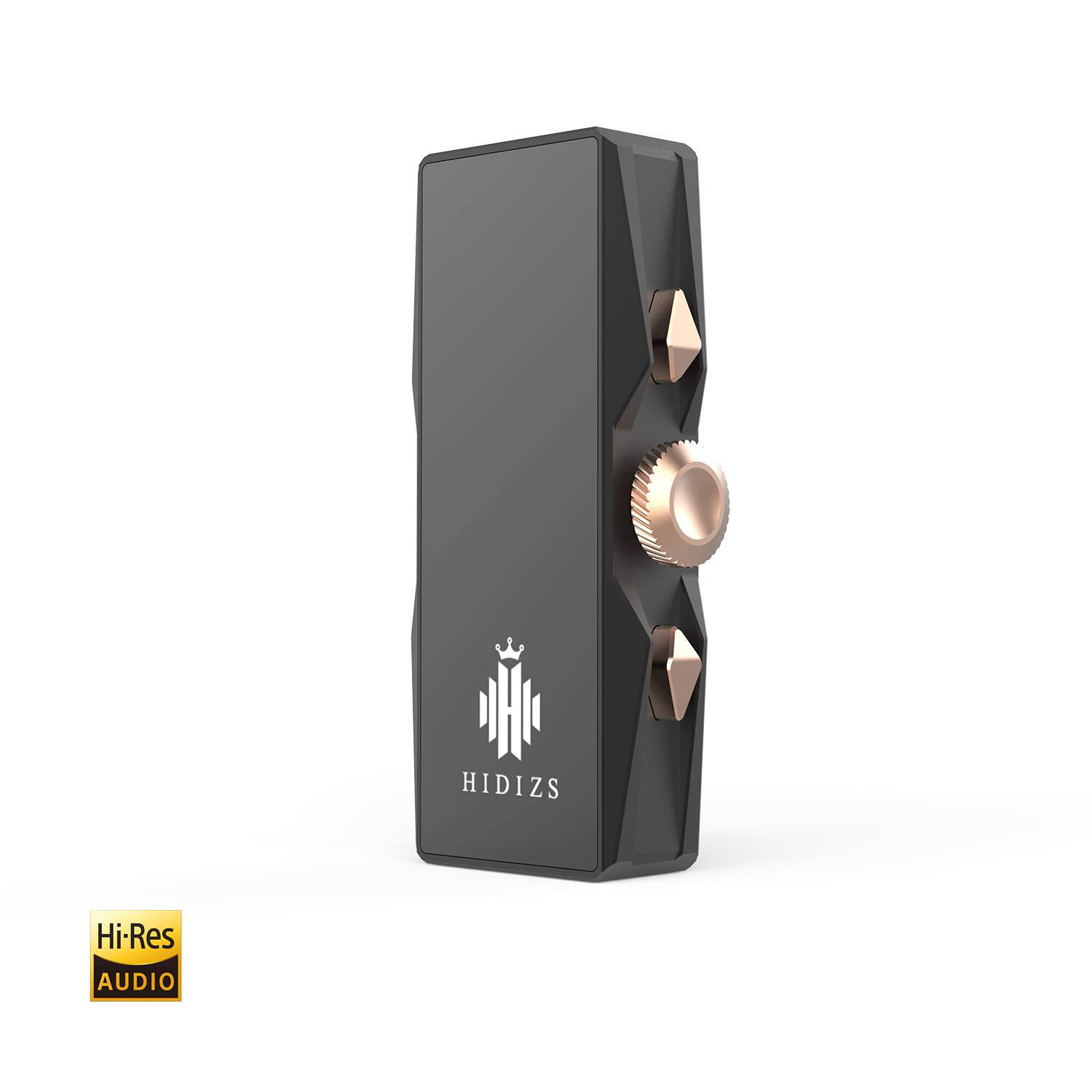
| Quick Fact | Detail |
|---|---|
| Brand | Hidizs |
| Model | S8 Pro Robin |
| DAC chips | Dual CS43131 |
| Balanced output | Up to 160mW + 160mW at 32 ohms |
| Connector type | 3.5mm single-ended, 4.4mm balanced |
| Body | CNC aluminum alloy, roughly 58 x 23 x 11mm |
What is under the hood
The S8 Pro Robin uses a dual CS43131 DAC configuration rather than the single-chip setup found in cheaper dongles, which generally improves both measured performance and the amount of clean power on tap. It handles PCM up to 32-bit/384kHz and native DSD64/128/256, and it offers both a 3.5mm single-ended output and a 4.4mm balanced output — a feature that is still missing from a lot of dongles at this price.
Key specifications
- DAC chips: dual CS43131
- Audio support: PCM up to 32-bit/384kHz, native DSD64/128/256
- Single-ended output: up to 80mW + 80mW at 32 ohms
- Balanced output: up to 160mW + 160mW at 32 ohms
- Signal-to-noise ratio: 125dB (single-ended)
- Digital filters: 6 switchable filters
- Body: CNC integrated aluminum alloy, roughly 58 x 23 x 11mm
Why the balanced output matters
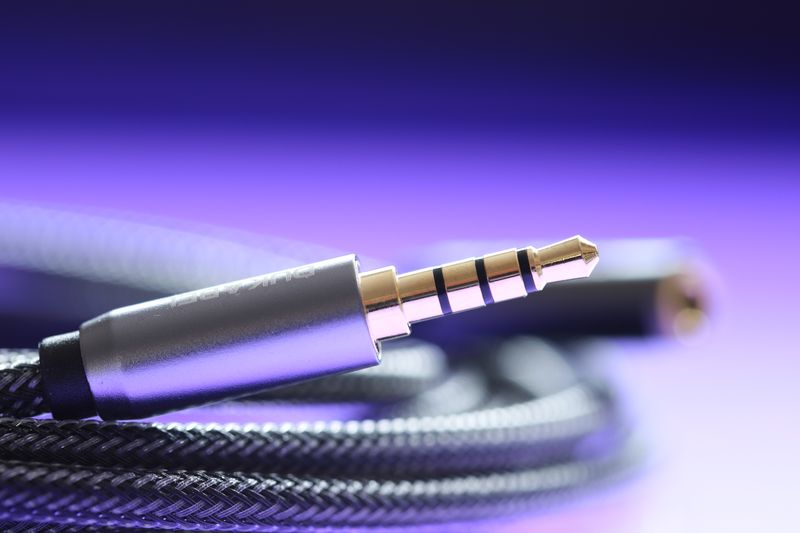
A balanced 4.4mm connection uses a different wiring scheme than standard single-ended 3.5mm, which typically results in lower noise floor and, more noticeably, roughly double the output power. If you own headphones or IEMs with a 4.4mm balanced cable, or are willing to buy one, running the S8 Pro Robin in balanced mode is where it actually shows its full capability — bass tightens up, dynamics open, and headroom stops being a concern even with moderately power-hungry planar IEMs.
The six switchable digital filters, cycled by pressing both volume buttons simultaneously, let you nudge the tonal character slightly without needing separate hardware or firmware flashing, which is a more convenient system than the S3 Pro’s firmware-based tuning approach.
Build and everyday use
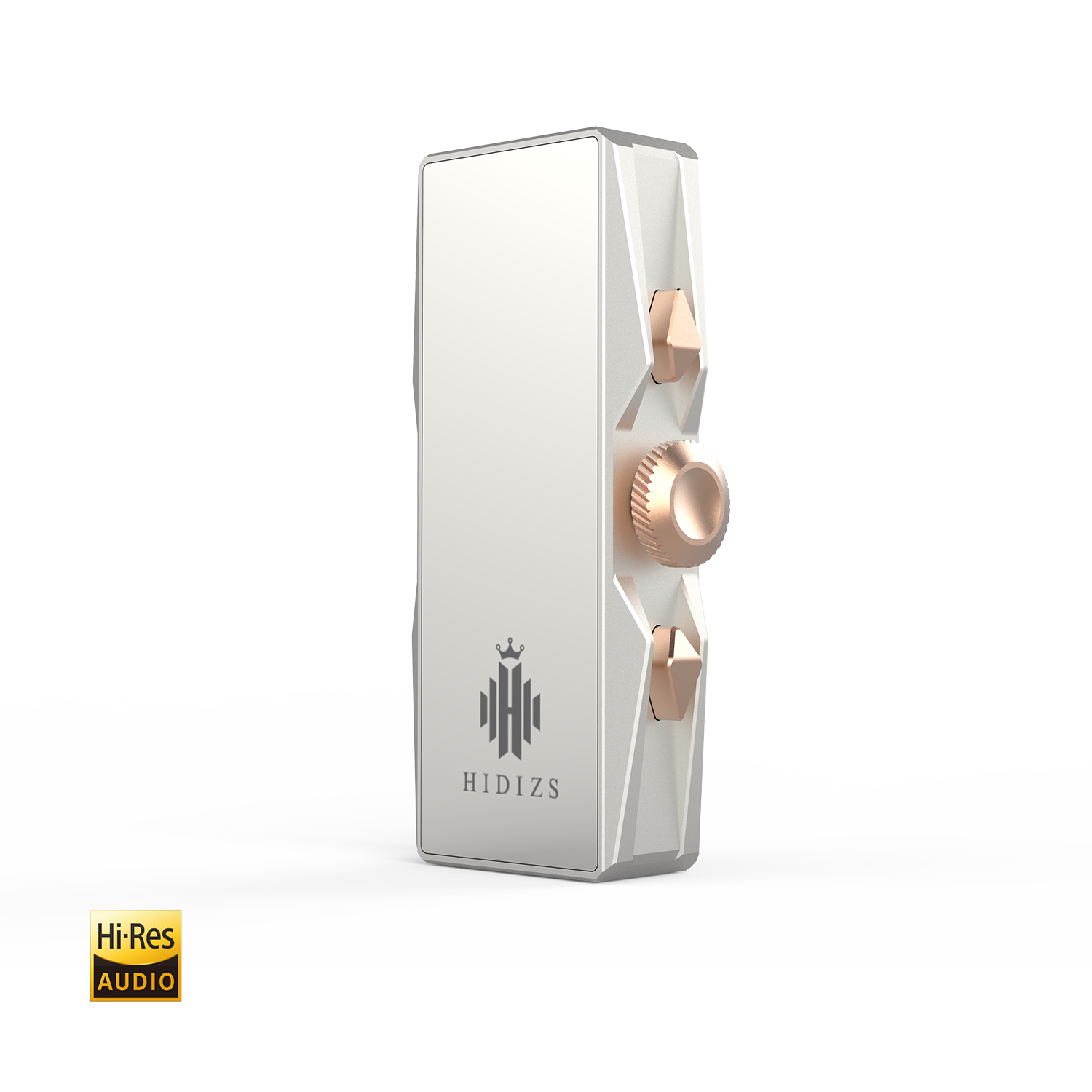
The aluminum alloy body feels notably more substantial than budget dongles, with three physical function buttons for volume and filter switching. At roughly 58mm long it is bigger than the S3 Pro, which is the trade-off for the dual-DAC setup and both output options. It gets warm during extended high-volume balanced listening, which is normal for a dongle pushing this much power through a small metal shell, but I never found it uncomfortably hot.
- Use the 4.4mm balanced output whenever your gear supports it for the fullest power and cleanest sound.
- Cycle through the six digital filters to find the one that best complements your specific headphones rather than assuming the default filter is optimal.
- Expect a more noticeable battery drain on your phone compared with lower-power dongles like the S3 Pro, since more power draw means more current pulled from your device.
How it compares to running a full desktop stack
Before picking up the S8 Pro Robin, my go-to setup for demanding headphones was a small desktop DAC and amp combo permanently parked on my desk. Switching to the S8 Pro Robin for the same headphones did involve a small compromise in absolute headroom — a proper desktop stack still has more raw power in reserve for the most demanding planar and electrostatic headphones — but for the vast majority of dynamic driver and mid-tier planar headphones I own, the difference in day-to-day listening was smaller than I expected going in.
What I did not expect was how much I would appreciate being able to unplug the whole rig and take it with me. A desktop stack is tied to one location; the S8 Pro Robin travels in a jacket pocket and still gives me most of the same experience at a coffee shop or on a train that I would get sitting at my desk. For anyone who splits time between a home setup and being out and about, that flexibility ends up mattering more in practice than the last few percent of maximum output power that a full-size desktop amp holds in reserve.
Thermal behavior is worth a brief practical note too: during a long balanced-output session on a hot day, the aluminum shell gets noticeably warm to the touch, though never uncomfortably so, and I never noticed any audible distortion or thermal throttling as a result.
Who should buy it
The S8 Pro Robin is the right call if you own headphones or IEMs that are genuinely hard to drive — higher-impedance dynamic drivers or power-hungry planar magnetic sets — and you want a portable solution rather than a desktop amplifier. If your gear is easy to drive already, the S3 Pro or a similarly modest dongle will save you money without leaving performance on the table.
Full specifications are listed on the official Hidizs S8 Pro Robin product page.
Common Problems and Fixes
- Problem: The dongle isn’t recognized by a phone or laptop. Try a different USB-C cable first, since thin charge-only cables lack the data lines this device needs, then confirm the source device allows USB audio accessories in its settings.
- Problem: Audio cuts out or stutters intermittently. Close background apps that may also be requesting the audio stream, and check that the USB-C port and connector are free of lint or debris causing an intermittent connection.
- Problem: The balanced output sounds unbalanced or has channel imbalance. Reseat the 4.4mm plug fully, and test with a different balanced cable to rule out a worn or damaged connector on the cable itself.
- Problem: The dongle runs noticeably hot during balanced listening. This is expected under sustained high-power balanced output; if it feels uncomfortably hot rather than just warm, lower the volume or switch to single-ended output for a while.
- Problem: Digital filter switching doesn’t respond to the button combination. Confirm you are pressing both volume buttons simultaneously rather than in sequence, and check for a firmware update if the issue persists.
Frequently asked questions
Does the S8 Pro Robin need a driver installed?
No, it works as a standard USB audio class device on Android, iOS (with USB-C), Windows, and macOS without extra software for basic playback.
Do I need a balanced cable to use it?
No, the 3.5mm single-ended output works fine with any standard cable. The 4.4mm balanced output requires headphones or IEMs terminated in a 4.4mm balanced plug, or a balanced cable upgrade.
Is it overkill for easy-to-drive earbuds?
For most casual IEMs, yes — you will not notice a meaningful difference over a cheaper dongle. It earns its price with genuinely demanding headphones.
How does it compare to the S3 Pro?
The S8 Pro Robin has roughly double the maximum output power in single-ended mode, adds a balanced output the S3 Pro lacks, and uses dual DAC chips instead of one, at the cost of a larger size and higher price.
Conclusion
The Hidizs S8 Pro Robin is built for listeners whose headphones actually demand real power, and it delivers that without requiring a full desktop stack. If your current dongle leaves your headphones sounding thin or underpowered, this is a sensible step up, especially if you can pair it with a balanced cable.
Tested and written by Ryan, who keeps a small rotation of dongle DACs on hand specifically to match against different headphone impedances during reviews.