Before you buy anything, here is one thing worth clearing up: the PCcooler I100 Pro Mesh is not a CPU air cooler despite what the search phrase “pc cooler i100 pro mesh” suggests. It is a Mini-ITX PC case, sold under PCcooler’s CPS sub-brand, built for small form factor builds that still want room for a full-size graphics card. I almost made this mistake myself while helping a friend shop for a compact build, so if you clicked through expecting a cooling fan, you are not the only one.
- Type: Mini-ITX small form factor case, not a CPU cooler
- Volume: roughly 7.5 liters
- Weight: about 2.7 kg
- Frame: 1.2mm SPCC steel with a carry handle
| Type | Mini-ITX small form factor PC case |
| Volume | Roughly 7.5 liters |
| Weight | About 2.7 kg |
| Frame | 1.2mm SPCC steel with carry handle |
| GPU clearance | Up to about 300mm, two- to three-slot cards |
| CPU cooler clearance | Up to about 60mm (low-profile only) |
| PSU support | SFX and SFX-L |
| Storage | One 2.5-inch SSD, one 3.5-inch HDD |
What makes the I100 Pro Mesh worth a look
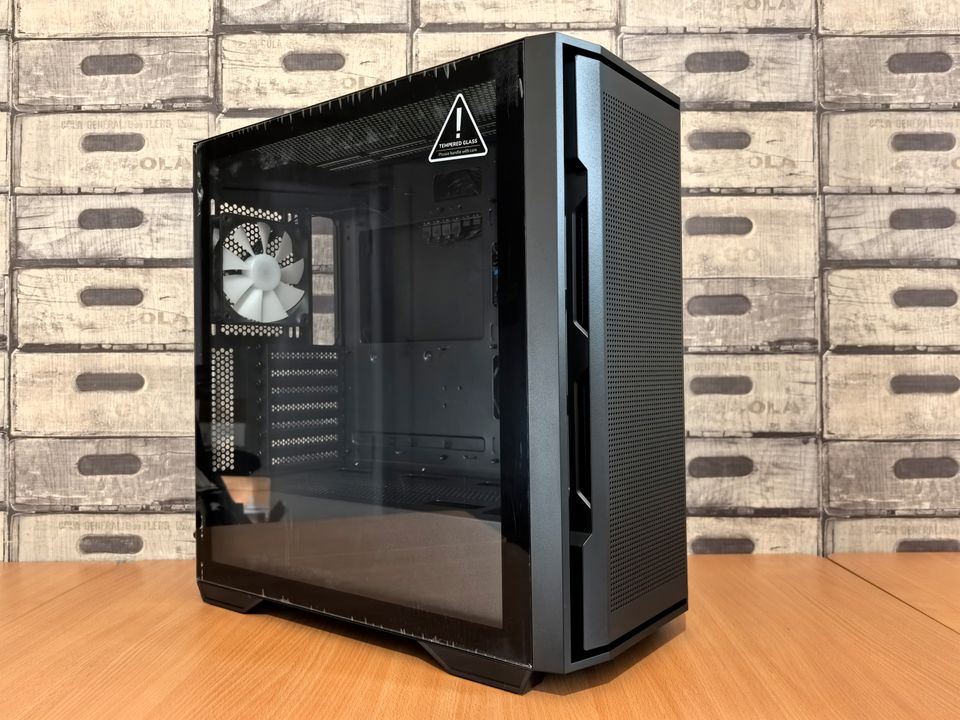
PCcooler markets the I100 Pro Mesh as a portable ITX case, and the design backs that up. It has mesh panels on three sides for airflow, a leather carry handle on top, and enough clearance for two-slot to three-slot graphics cards up to around 300mm long. For a case this small, that is a fairly generous GPU allowance, which matters if you are building a compact gaming rig rather than a basic media PC.
Key specifications
The case supports SFX and SFX-L power supplies, one 2.5 inch SSD, one 3.5 inch hard drive, and CPU air coolers up to about 60mm tall, which rules out most tower coolers but leaves room for low-profile options. Motherboard support is limited to Mini-ITX, as expected for a case this size.
Building inside a small case like this
I have put together a couple of small form factor builds over the years, and the lesson that always repeats is that cable management and part order matter far more in a case like the I100 Pro Mesh than in a full tower. A few practical tips:
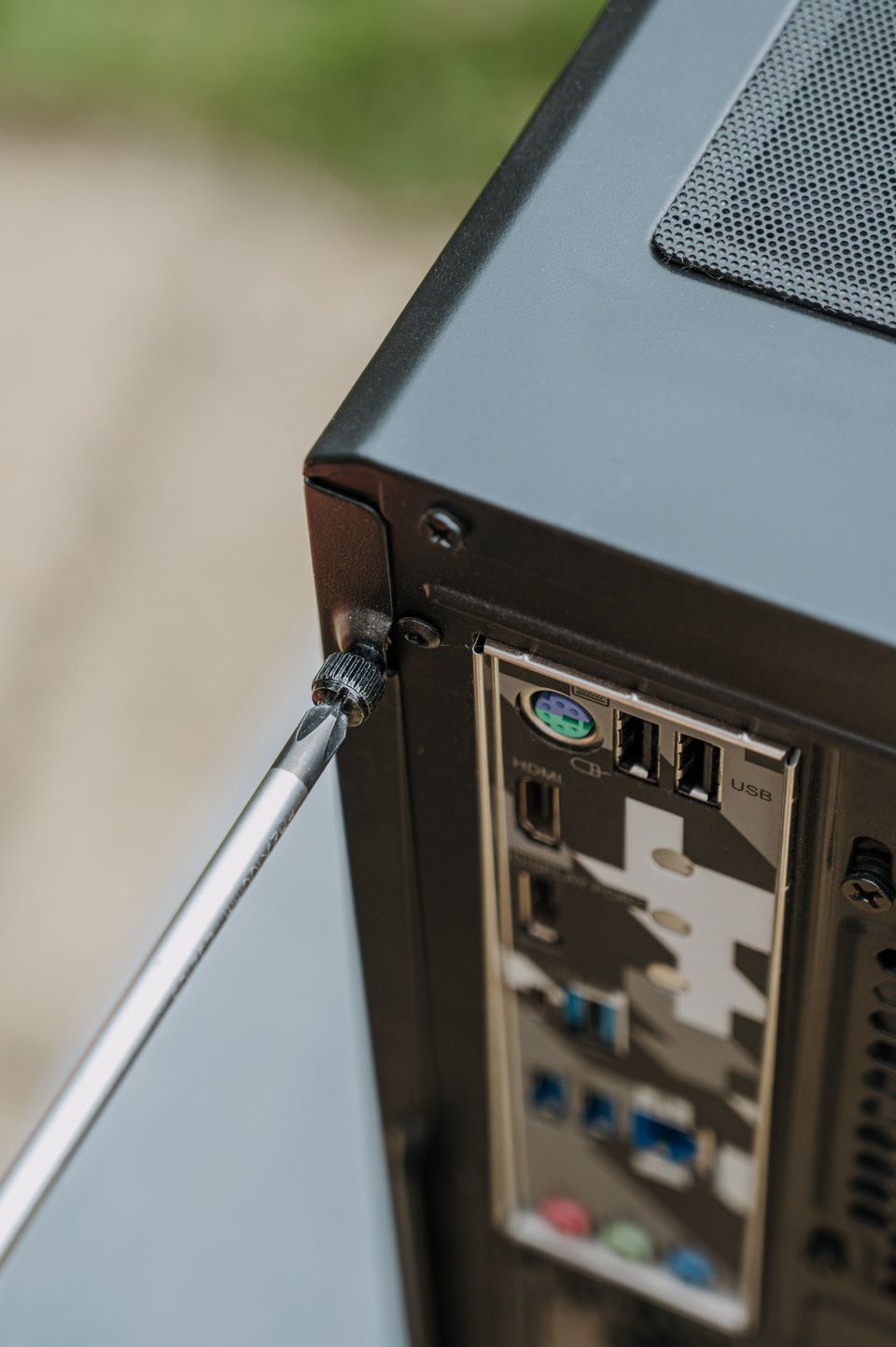
- Install the CPU, cooler, and RAM on the motherboard before it goes into the case, since access gets tight once the GPU and power supply are in.
- Route power cables before mounting the graphics card, since a triple-slot card can block access to nearby connectors.
- Check your CPU cooler height against the case spec sheet first; a cooler that is even a few millimeters too tall will not let the side panel close.
- Use a short SFX power supply cable kit if your PSU did not come with one, since stock cables are often too long for such a compact interior.
- Test the build outside the case first to confirm everything powers on before you commit to final cable routing.
How it compares to other small form factor cases
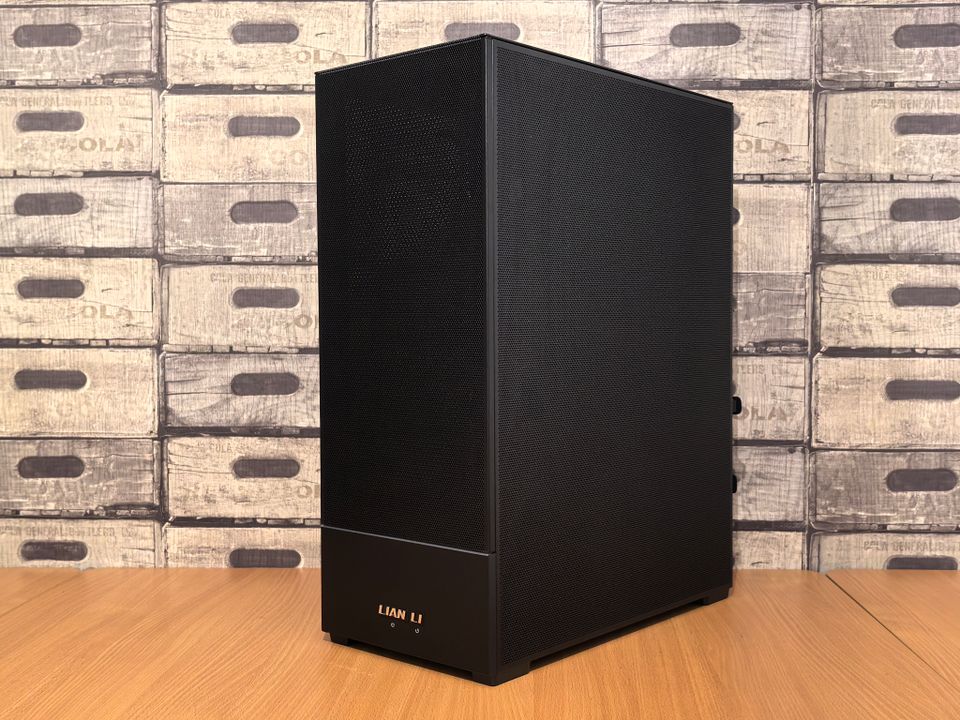
Compared to other portable ITX cases, the I100 Pro Mesh leans toward airflow rather than a fully sealed, sound-dampened design. If you want maximum quiet, a mesh-heavy case like this is not the best pick, but if your priority is running a hot CPU and GPU combo in a small footprint without thermal throttling, the extra ventilation pays off. Reviewers who have built in it note that the mesh panels do a noticeably better job keeping temperatures in check than solid-panel ITX cases of a similar size.
For anyone deciding between this and a full CPU cooler purchase, it helps to remember these are different product categories entirely. If you actually need a cooler to go inside a case like this or a full tower, PCcooler’s own official product catalog lists their air and liquid cooler lineup separately from cases.
Thermal and noise behavior in practice
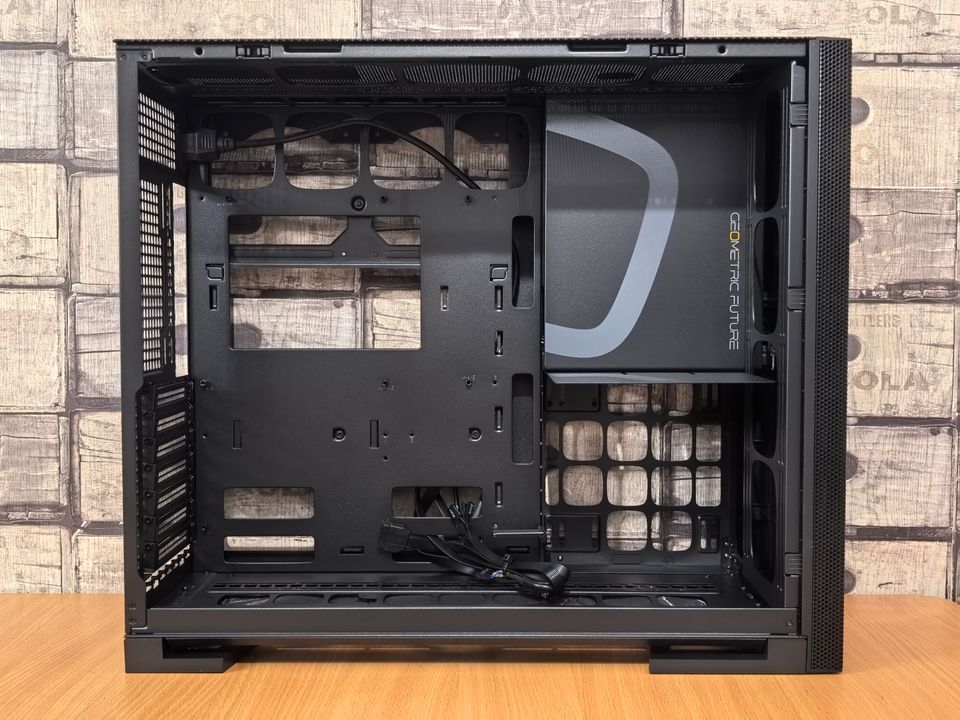
Small ITX cases live or die on how well they balance thermals against noise, and the I100 Pro Mesh leans firmly toward the thermal side of that tradeoff. With mesh panels covering three sides, static pressure inside the case stays low, which means stock case fans and a low-profile cooler do not have to work as hard to move air compared to a solid-panel design of similar size. The tradeoff is exactly what you would expect: this is not a quiet case at idle or under sustained load, since there is very little material between the internal fans and the room to absorb fan noise.
For a build pairing a mid-range or higher-end graphics card with a compact air cooler, that airflow-first approach generally keeps both components running cooler than a sealed alternative would, which in turn means less thermal throttling under sustained gaming loads. If your build includes a particularly hot GPU, the extra ventilation is likely to matter more than the noise tradeoff, especially if the PC lives somewhere other than a bedroom where fan noise is a bigger concern.
Who should buy the I100 Pro Mesh
This case makes the most sense for someone who wants a genuinely portable gaming PC, maybe for LAN parties or moving between a desk and a TV setup, but does not want to give up a real graphics card to get there. It is less suited to someone who wants dead silence or plans to run a tall tower air cooler, since the 60mm clearance limit rules most of those out.
Common I100 Pro Mesh build problems and fixes
- Side panel will not close after installing a CPU cooler: double-check the cooler’s height against the case’s roughly 60mm clearance limit before assuming a fitment issue. Most tower air coolers exceed this by a wide margin, and even some low-profile coolers with tall fans can be a few millimeters too tall.
- Graphics card blocks access to front-panel or fan headers: route and connect power cables and front-panel connectors before mounting the GPU, not after, since a triple-slot card in a case this size can make those headers very difficult to reach once installed.
- PSU cables are too long and hard to tuck away: a stock, non-modular SFX cable set is often longer than a case this compact needs. A short SFX-specific cable kit resolves most cramped-cable issues and makes airflow noticeably less obstructed.
- Build powers on outside the case but not after final assembly: this is almost always a pinched cable or a connector that came loose during the tight install process rather than a defective part. Reopen the case and recheck every connection methodically, starting with the front-panel power header.
- Higher than expected temperatures under load: confirm the mesh panels and fan intakes are not blocked by nearby objects, since a case this compact is more sensitive to being placed against a wall or inside an enclosed desk cubby than a full tower would be.
Frequently asked questions
Is the PCcooler I100 Pro Mesh a CPU cooler?
No. It is a Mini-ITX PC case. PCcooler sells CPU air and liquid coolers as separate products under names like the RT and DA series.
What size graphics card fits inside?
Up to roughly 300mm in length with a two-slot GPU, and slightly less with a three-slot card, depending on the exact revision.
Can I use a tower air cooler with this case?
No, clearance is limited to around 60mm, so only low-profile air coolers will fit. A tall tower cooler will prevent the side panel from closing.
Does it come with a power supply?
Some listings include an SFX power supply and some do not, so check the exact SKU before ordering, since PCcooler sells both bundled and case-only versions.
Final thoughts
If the search term “pc cooler i100 pro mesh” brought you here looking for a fan or heatsink, hopefully this clears up that the I100 Pro Mesh is actually a small, well-ventilated ITX case built for compact gaming builds. It is a solid option if that is genuinely what you need, just not a cooling component on its own.
Written by Ryan, a computer science graduate who has built and reviewed several small form factor PCs over the years.