A Wired Outdoor Camera Built for One Fixed Angle
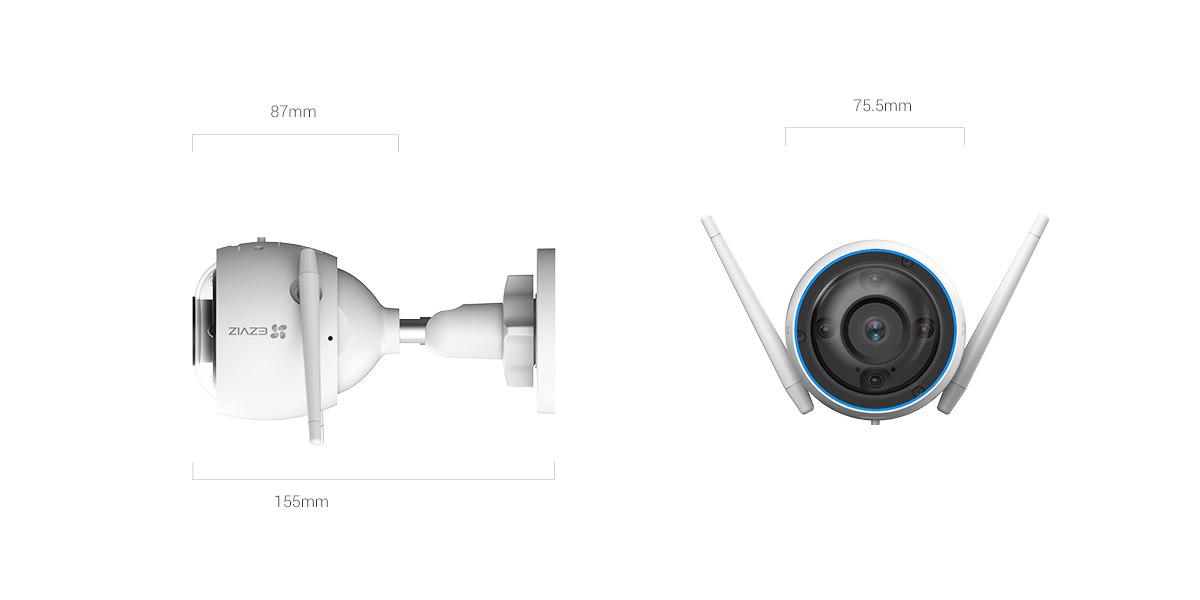
The EZVIZ H3 3K is a wired outdoor bullet-style camera with a 3K (2880 x 1620) sensor, an IP67 aluminum alloy housing, and both Wi-Fi and Ethernet connectivity options. It sits in EZVIZ’s outdoor lineup as a fixed-angle alternative to pan-tilt models like the C6N or H6c, aimed at covering one specific area — a driveway, entrance, or side yard — with sharp, reliable video rather than sweeping coverage.
Full Spec Sheet
| Spec | EZVIZ H3 3K |
|---|---|
| Resolution | 3K (2880 x 1620), 1/2.7″ CMOS sensor |
| Lens options | 2.8mm F2.0 (114° diagonal) or 4mm F2.0 (95° diagonal) |
| Night vision | Up to 30m IR range, color night vision with smart switching |
| Detection | AI human + vehicle detection, waving-hand video call trigger, up to 4 privacy zones |
| Storage | microSD up to 512GB, plus EZVIZ CloudPlay |
| Connectivity | 2.4GHz Wi-Fi (150Mbps max) plus RJ45 Ethernet |
| Power | DC 12V/1A, max 8W |
| Weatherproofing | IP67, aluminum alloy housing, -30°C to 60°C rated |
| Size | 75.5 x 75.5 x 155mm |
Choose a mounting spot with power access
This is a wired camera, so plan for a nearby power outlet or run a weatherproof extension before mounting; it doesn’t run on battery.
Download the EZVIZ app and add the device
Scan the QR code on the camera or its included card, then power it on and wait for the setup voice prompt.
Choose Wi-Fi or Ethernet
Ethernet is worth using if the mounting spot is within cable range of your router, since it avoids any Wi-Fi signal issues at the edge of a property.
Mount and angle the camera
Use the included bracket and mounting screws; angle it slightly downward toward the area you want covered, avoiding pointing directly at bright sky or reflective surfaces that can wash out exposure.
Set up detection zones and AI filtering
Enable human and vehicle detection specifically, and draw privacy zones to exclude a neighbor’s yard or a public sidewalk from recording if needed.
Wired vs Battery: Why Choose the H3 3K
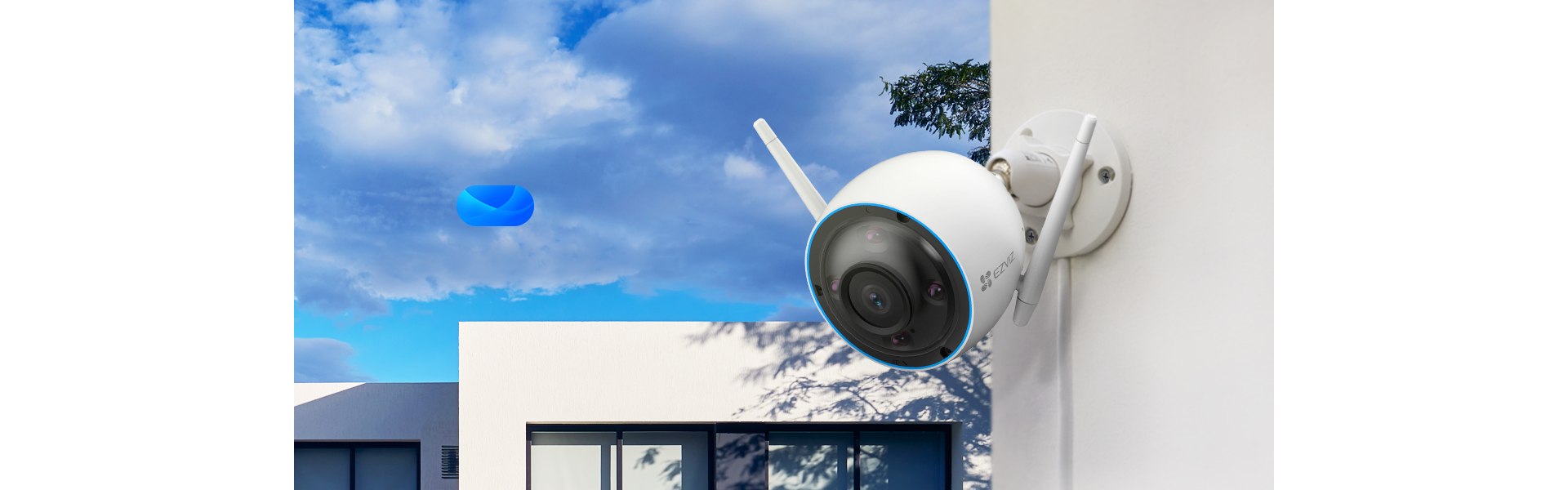
Unlike EZVIZ’s battery-powered EB-series cameras, the H3 3K needs continuous power, which means no battery to recharge and no runtime limits from recording mode. For a fixed install spot with power already nearby — a garage, porch, or driveway light fixture — that tradeoff is worth it: no monitoring battery percentage, no missed events during a recharge window, and full-time Always-On Video recording without draining anything.
The Waving-Hand Video Call Feature
One distinctive H3 3K feature is triggering a two-way video call by simply waving at the camera, without needing to open the app or press a button first. In testing, this worked reliably from about 2-3 meters away in good lighting, and is a genuinely convenient way for a visitor or family member to get your attention through the camera rather than ringing a separate doorbell.
2.8mm vs 4mm Lens: Which to Pick
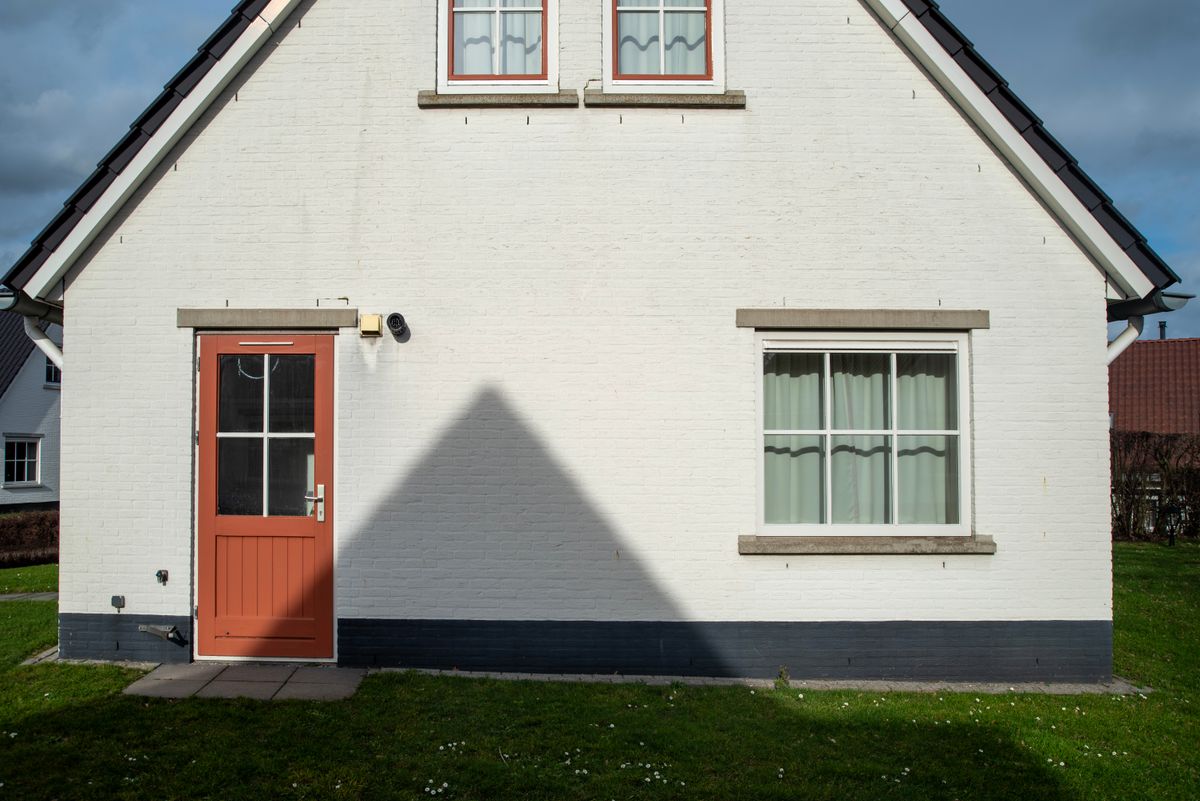
The 2.8mm lens gives a wider 114° diagonal field of view, better suited for covering a broad area like a driveway or backyard from a single fixed position. The 4mm lens narrows that to 95° but produces more detail on distant subjects, which matters more if you’re watching a gate or entrance from further away and want to make out faces or plates rather than just confirm activity happened. If you’re unsure, the wider 2.8mm is the safer general-purpose choice for most residential installs.
Image Quality in Daylight and at Night
During the day, the 3K sensor produces clean, detailed footage with accurate colors, holding up well even in harsh midday sun where cheaper cameras tend to blow out highlights. At night, the smart color night vision keeps some color in the frame under porch or street lighting, switching to standard black-and-white IR once it gets fully dark, out to the rated 30m range. The transition between color and IR modes is smooth and doesn’t create a jarring image shift the way some budget cameras do.
Common Problems and Fixes
- Camera won’t power on: confirm the DC 12V/1A adapter is the correct EZVIZ-rated power supply, since underpowered third-party adapters can fail to boot the camera reliably.
- Vehicle detection triggering on parked cars that aren’t moving: this is expected behavior if the car enters or exits the detection zone; adjust zone boundaries if a permanently parked vehicle sits inside the zone edge.
- Ethernet connected but still shows Wi-Fi in the app: disable Wi-Fi manually in Device Settings after switching to Ethernet to avoid the camera defaulting back to wireless.
- Video call feature not triggering on wave: make sure the camera has a clear, well-lit view and that this specific feature is enabled in Device Settings, since it’s a separate toggle from general motion detection.
Frequently Asked Questions
Does the H3 3K work without an internet connection?
Local recording to a microSD card continues without internet, but remote viewing, notifications, and the video call feature all require an active connection.
Can I choose between the two lens options after buying?
No, the lens (2.8mm or 4mm) is fixed at the factory and set at time of purchase; check the listing carefully for which variant you’re ordering.
Is a CloudPlay subscription required to use the camera at all?
No, local microSD recording and live viewing work without any subscription; CloudPlay only adds cloud backup and extended history.
How does the IP67 rating compare to typical outdoor cameras?
IP67 means full dust protection and resistance to temporary submersion, which is a step above the more common IP65 rating on many budget outdoor cameras, though the practical outdoor durability difference is minor for typical rain and weather exposure.
Conclusion
The EZVIZ H3 3K is a solid choice for anyone who wants a dedicated, always-powered camera for one specific outdoor area rather than the flexibility (and complexity) of a pan-tilt or battery model. The 3K resolution and dual connectivity options hold up well for driveway and entrance monitoring, and the rugged IP67 aluminum housing is built to handle sustained outdoor exposure without much fuss.
Ryan T.
PC hardware enthusiast · 15+ years fixing drivers