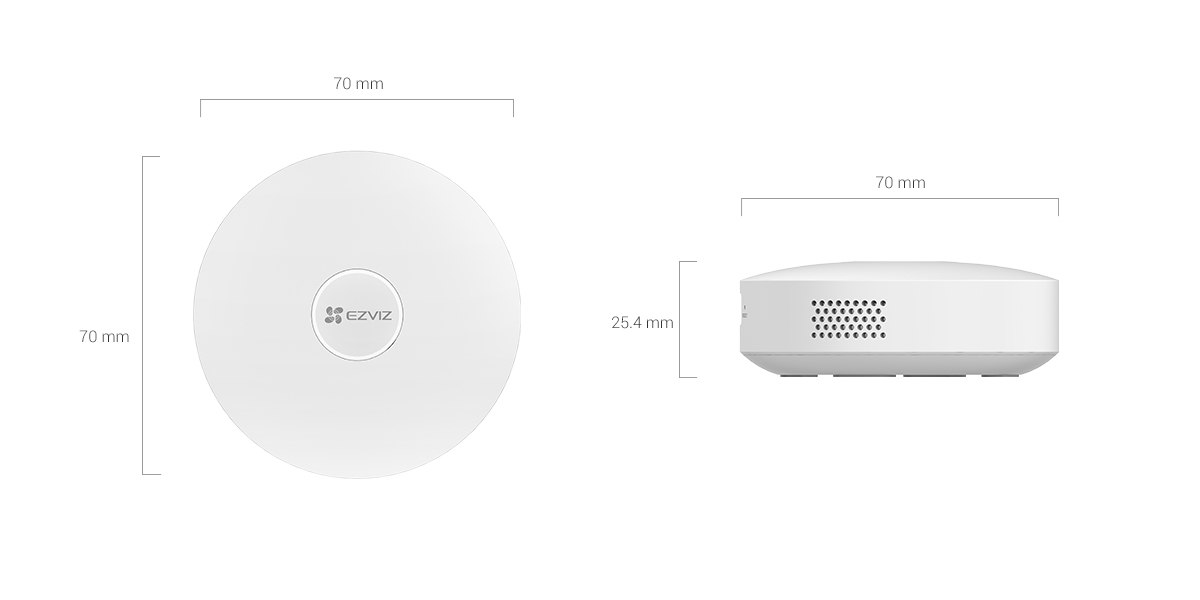
The EZVIZ A3 is a Zigbee 3.0 gateway that connects EZVIZ’s battery-powered sensors and smart locks to your Wi-Fi network and the EZVIZ app, since those small sensors don’t have their own Wi-Fi radios and need a hub like this to talk to your phone. If you’ve bought an EZVIZ door/window sensor, PIR motion sensor, or smart button and wondered how it connects to the app, the A3 is that missing piece.
Connectivity
Zigbee 3.0 for sensors, 2.4GHz Wi-Fi to your router, plus an RJ45 Ethernet port as a wired alternative to Wi-Fi.
Device capacity
Up to 32 battery-powered EZVIZ devices, or up to 64 if wired EZVIZ devices are mixed in.
Range and power
Up to 200m open-environment range for both Wi-Fi and Zigbee; powered via Micro USB, DC 5V/1A, max 3W draw.
Size and build
Compact circular puck, 70mm diameter x 25.4mm tall, 71g, rated -10°C to 55°C.
Setting Up the A3
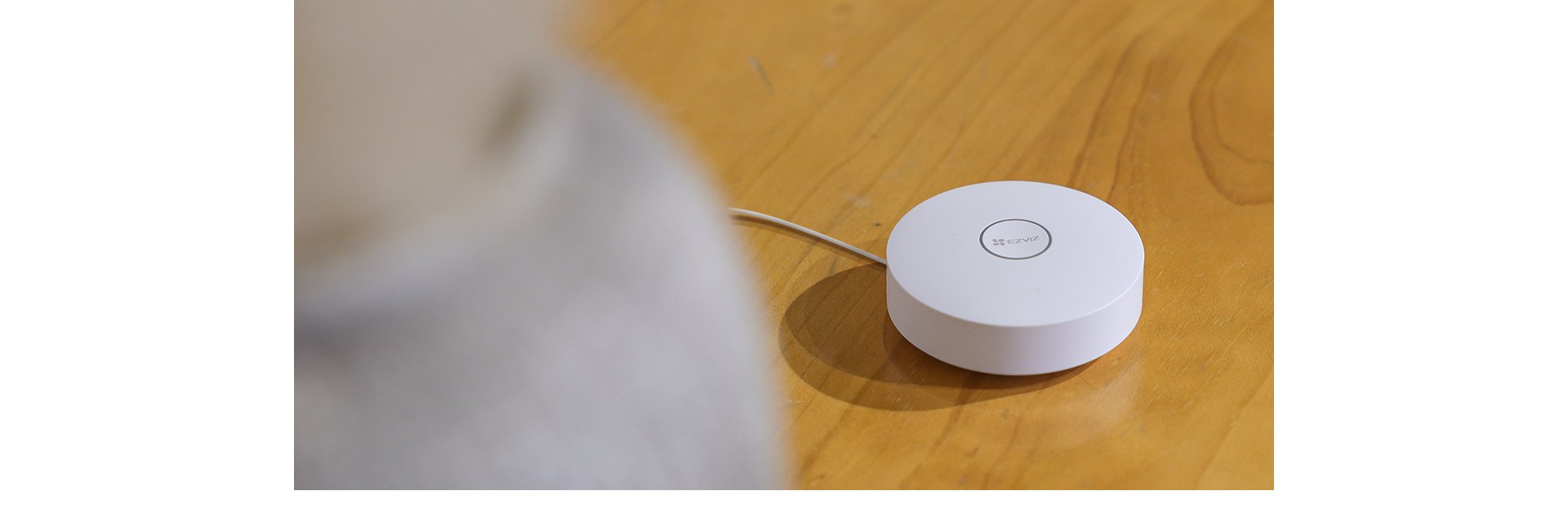
- Plug the A3 into power using the included Micro USB cable, and place it somewhere central to the sensors it will connect to — range matters more than most people expect with Zigbee.
- Open the EZVIZ app, tap Add Device, and scan the QR code on the bottom of the gateway.
- Choose Wi-Fi or Ethernet for the gateway’s own connection to your router; Ethernet is more reliable if the A3’s placement is far from your router.
- Once the gateway shows as online in the app, add each battery-powered sensor (door/window sensor, PIR motion sensor, smart button) individually by putting it into pairing mode and scanning its QR code.
- Assign each sensor a room/location name in the app so notifications are easy to identify later.
- Link sensors to compatible EZVIZ cameras if you want a triggered sensor (like a door opening) to automatically start camera recording.
- Set up arm/disarm scheduling or manual arming from the app’s home screen for whichever sensors you want active only at certain times.
What You Can Actually Connect to It
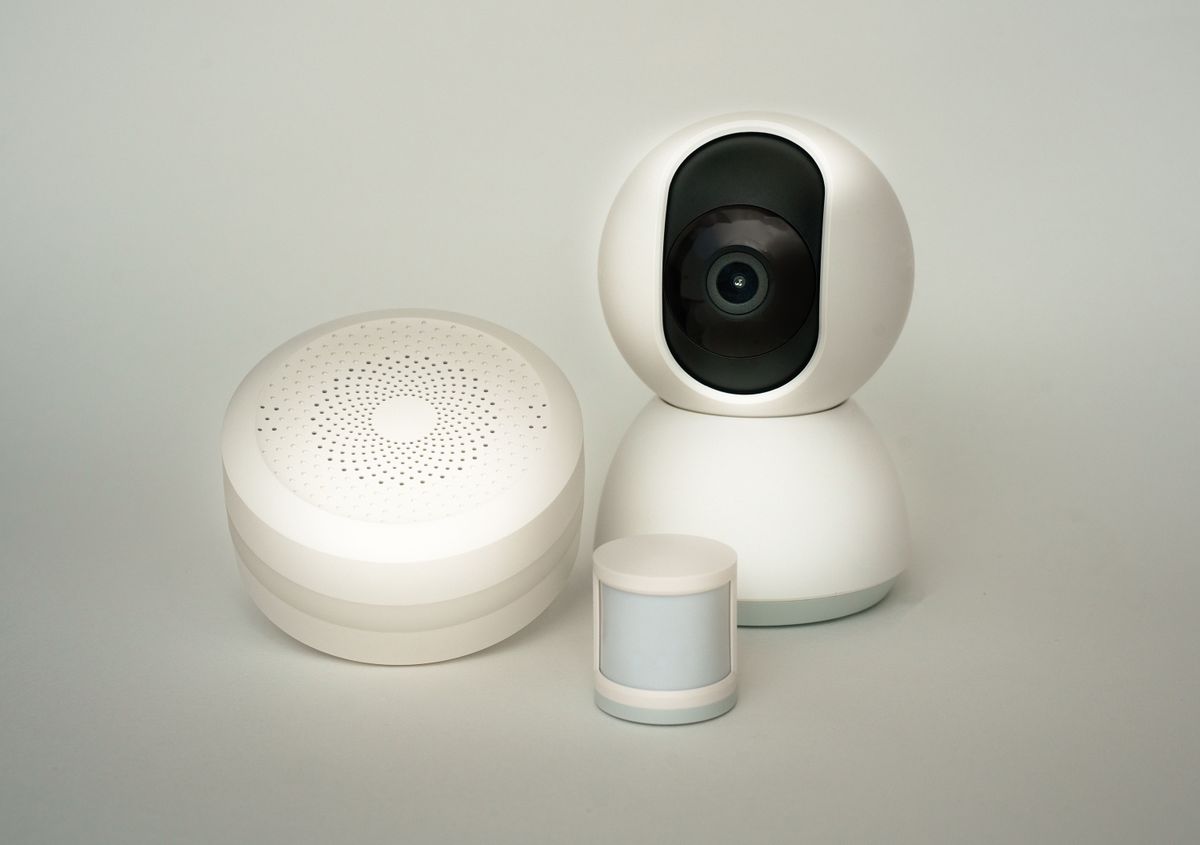
The A3 is built specifically for EZVIZ’s Zigbee accessory lineup: the T1C PIR motion sensor, T2C open/close sensor for doors and windows, and T3C smart button for one-tap actions like arming or triggering an alert. It also supports EZVIZ smart door locks that use Zigbee rather than Wi-Fi. It is not a general-purpose Zigbee hub for third-party brands — it’s designed to work within the EZVIZ ecosystem, so don’t expect it to pair with non-EZVIZ Zigbee sensors from other manufacturers.
Zigbee vs Wi-Fi Sensors: Why the Gateway Matters
Small battery-powered sensors like door/window contacts and PIR motion detectors use Zigbee instead of Wi-Fi mainly for battery life — Zigbee radios use a fraction of the power a Wi-Fi chip needs, which is why these sensors can run for a year or more on a single coin-cell battery instead of needing frequent recharging like a Wi-Fi camera. The tradeoff is that Zigbee devices can’t talk to your router or phone directly, so they need a gateway like the A3 to translate between the Zigbee mesh and your home network. This is the same basic approach used by other smart home ecosystems (Philips Hue’s bridge, SmartThings’ hub), just built specifically around EZVIZ’s own sensor lineup.
Placement Tips for Better Range
Since the 200m range figure is for open, obstruction-free environments, real-world range inside a typical house is considerably shorter once walls, floors, and appliances are factored in. A few practical placement tips: keep the gateway on a shelf or table rather than tucked inside a cabinet or behind a TV, position it as centrally as possible relative to where your sensors are spread across the home, and avoid placing it right next to the Wi-Fi router or other 2.4GHz devices, since both Zigbee and Wi-Fi share that frequency band and can interfere with each other at close range.
Common Problems and Fixes
- Sensor won’t pair with the gateway: move the sensor closer to the A3 during initial pairing, since some sensors need to be within a few meters for the first connection even though normal operating range is much longer.
- Gateway shows offline in the app: check the Micro USB power connection first, since a loose cable is the most common cause, then confirm your router hasn’t changed its Wi-Fi password since setup.
- Notifications arrive late or not at all: confirm push notifications are enabled for the EZVIZ app in your phone’s settings, since this is often a phone-side setting rather than a gateway issue.
- Camera doesn’t start recording when a linked sensor triggers: re-check the automation link between the sensor and camera in the app, since this pairing is separate from just having both devices on the same gateway.
Frequently Asked Questions
Do I need an A3 gateway if I only have EZVIZ Wi-Fi cameras?
No, Wi-Fi cameras connect directly to your router without needing a gateway. The A3 is only needed for Zigbee-based sensors and locks.
Can the A3 work without an internet connection?
Local automations between paired sensors and cameras may still work on your local network, but remote app notifications and viewing require an active internet connection.
How many sensors is realistic for a typical home?
Most homes use somewhere between 4 and 10 sensors across doors, windows, and motion zones, well within the A3’s 32-64 device capacity.
Does the gateway need to stay plugged in permanently?
Yes, unlike the battery-powered sensors it connects, the A3 itself requires continuous power to function as the hub.
Conclusion
The EZVIZ A3 Home Gateway is a small, inexpensive piece of infrastructure that unlocks EZVIZ’s whole Zigbee accessory lineup — door sensors, motion sensors, buttons, and smart locks — none of which work without it. Setup takes only a few minutes per device, and the ability to trigger camera recording from a sensor event is genuinely useful for anyone building out a fuller EZVIZ smart home setup rather than just running a single standalone camera.
Ryan
Self-taught driver/hardware specialist · 15 years experience