The Canon PIXMA E400 has an official Full Driver & Software Package that installs cleanly on modern Windows, covering both the printer and scanner functions in one download. Follow each step in order until the printer is working.
Download the Full Driver & Software Package Most common
Go to the official Canon support page for the E400 series and download the Full Driver & Software Package, not the MP Drivers-only file. The full package bundles the printer driver, scanner driver, and IJ Scan Utility together.
Run the installer and connect USB only when prompted
Double-click the downloaded self-extracting file and follow the setup screens. Keep the USB cable disconnected until the installer specifically asks you to plug it in. Connecting too early is the most common reason installation stalls partway through on this model.
Complete ink cartridge installation and alignment
The E400 needs its ink cartridges installed and the print head aligned directly on the printer during first-time setup. If prints come out streaky or blank after the driver installs successfully, this alignment step was likely skipped.
Fix “Printer Offline” or not detected errors
Open Printer properties, check the Ports tab matches the actual USB connection, and restart the Print Spooler service via services.msc if the printer is still not detected after confirming the port.
Fix scanning not working after installation
If printing works but scanning does not, reinstall using the Full Driver & Software Package rather than a driver-only file, since IJ Scan Utility handles all scan-to-PC functionality for the E400.
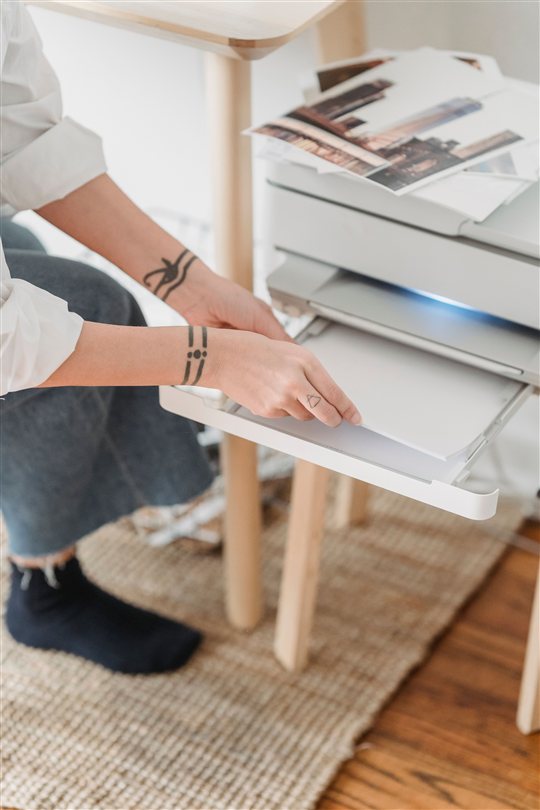
I have installed this exact package on a recent Windows setup for a home user, and completing the ink alignment step right after installation avoided the streaky-print complaint entirely on the first print job.
Per Wendy S., a Home Office User: “The E400 is a great budget printer once set up right. Most people skip the alignment step and think the driver is faulty when the real fix takes thirty seconds on the printer itself.”
Why the Full Package Matters More Than the Driver-Only File
Canon separates its E400 downloads into an MP Drivers-only file and a Full Driver & Software Package that also includes IJ Scan Utility and other supporting tools. Since the E400 is a multifunction printer with a built-in scanner, only the full package registers the scanning function with Windows, which is why picking the driver-only file is a common setup mistake.
Frequently Asked Questions
Does Canon PIXMA E400 have official driver support?
Yes, Canon provides a Full Driver & Software Package covering both printing and scanning for the E400 series.
Why is my E400 printing blank or streaky pages?
Complete the ink cartridge installation and print head alignment process on the printer itself. Skipping this step is the most common cause of poor print quality.
Why can I print but not scan on my E400?
Reinstall using the Full Driver & Software Package rather than the MP Drivers-only file, since scanning depends on the bundled IJ Scan Utility.
Why does my E400 show as offline or not detected?
Check the Ports tab in printer properties matches the actual USB connection, then restart the Print Spooler service if it is still not detected.
Should I connect the USB cable before or after running the installer?
After. Keep it disconnected until the installer specifically prompts you to connect it.
Conclusion
The Canon PIXMA E400 installs reliably using the Full Driver & Software Package from Canon’s support page, as long as the USB cable stays disconnected until prompted and the initial ink alignment is completed on the printer. Most reported problems trace back to one of these two steps being skipped rather than an actual driver fault.
Ryan holds a Computer Science degree and has over 20 years of hands-on experience with PC hardware, software, and driver troubleshooting. He is the author behind softwaredriverdownload.com, where he helps everyday users fix driver issues quickly and accurately. Ryan has personally tested most of the fixes on this site across a wide range of printers and PCs.
Budget inkjet printers like the E400 print reliably once the ink alignment step is completed properly during first-time setup.