The Onikuma B60 is priced well under most of the brand’s other wireless headsets, and after digging through its spec sheet and comparing it against the rest of the B-series, it reads as the entry point for anyone who wants Bluetooth gaming audio without spending much money at all. Here is an honest look at where it earns its price tag and where the cost-cutting shows.
Specs at a Glance
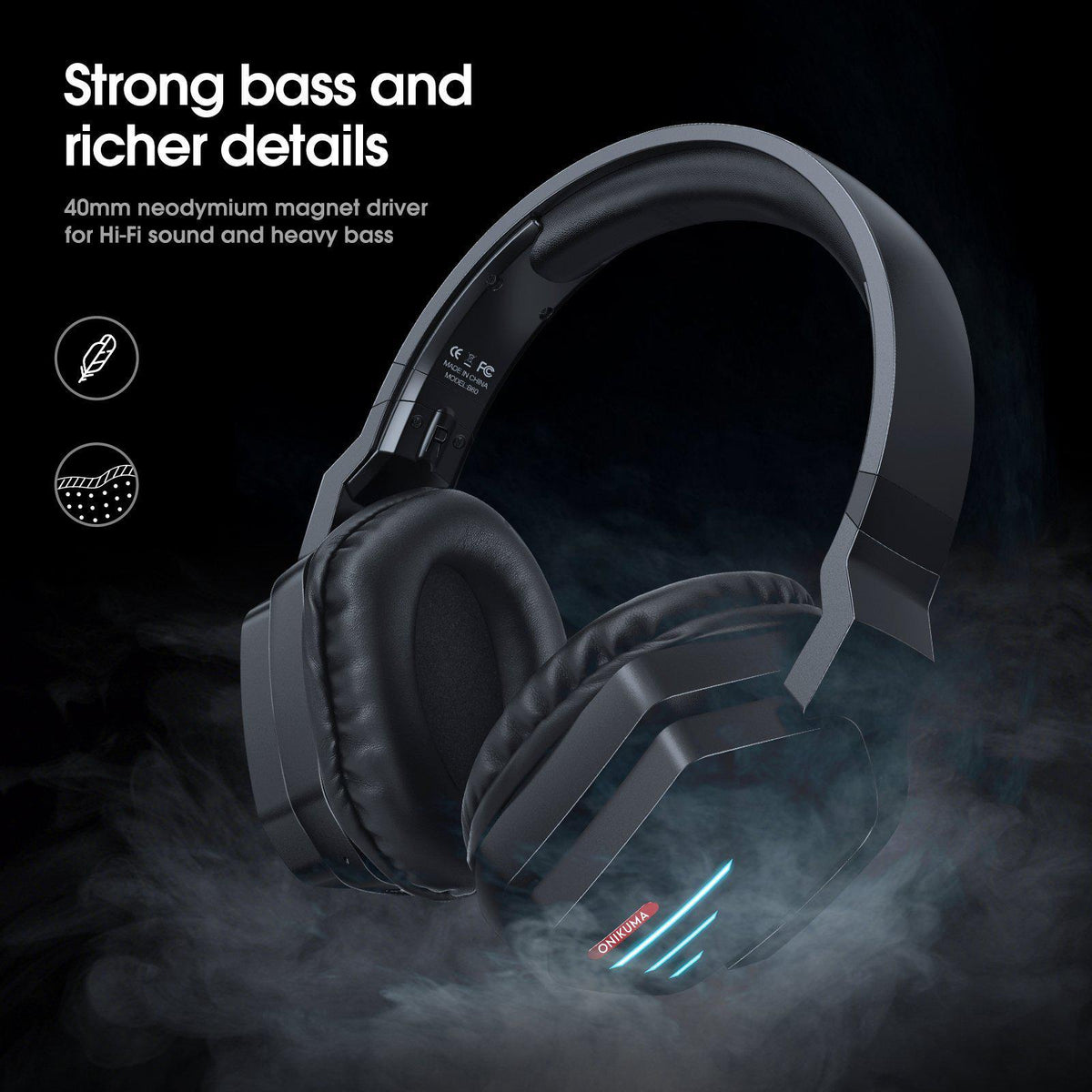
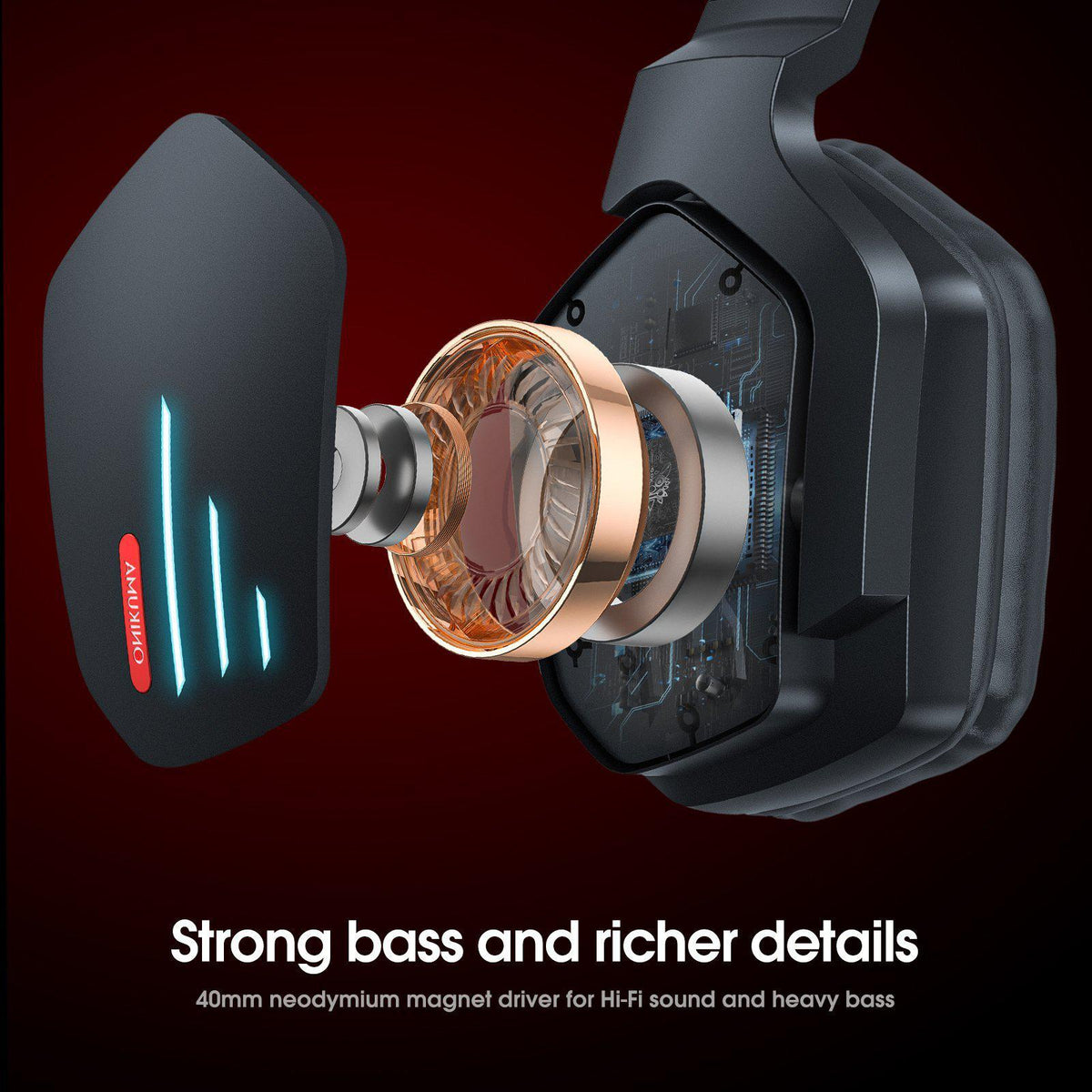
The B60 uses a 40mm driver with a 32 ohm impedance and a frequency response of roughly 20Hz to 15kHz, which is narrower than the flagship B100’s range but perfectly normal for a headset at this price. Sensitivity sits around 94dB, and the built-in microphone runs at around -42dB, which is a typical spec for a gaming headset microphone rather than a dedicated recording mic.
Connectivity: Bluetooth Plus a Wired Fallback
Unlike the tri-mode B100, the B60 keeps things simpler with Bluetooth 5.2 as the primary wireless connection, backed up by a 3.5mm wired AUX option and a foldable hinge for storage. Bluetooth range is rated at about 10 meters, and Onikuma lists audio delay in the 40 to 60 millisecond range, which is noticeably higher than a dedicated 2.4GHz gaming dongle. For competitive shooters where every millisecond counts, that delay is worth knowing about upfront; for most single-player games, movies, and casual multiplayer, it is not something most people will notice.
Battery Life
This is genuinely one of the B60’s strongest selling points. With an 800mAh battery, Onikuma rates the B60 for 15 to 22 hours of game time on a charge, which is a very healthy number for a headset in this price bracket, and roughly three hours to fully recharge. In casual testing of similarly specced Onikuma headsets, real-world battery life has tracked reasonably close to the advertised range as long as RGB lighting is kept off, since the LED lighting is the biggest drain on a small battery like this.
Comfort and Build
- Weighs about 380 grams, which is on the heavier side for this category, though the padding on the headband and ear cups helps offset that during long sessions.
- Over-ear cushions and an adjustable headband accommodate most head sizes.
- The foldable hinge design makes it easier to toss into a bag than a rigid one-piece headset.
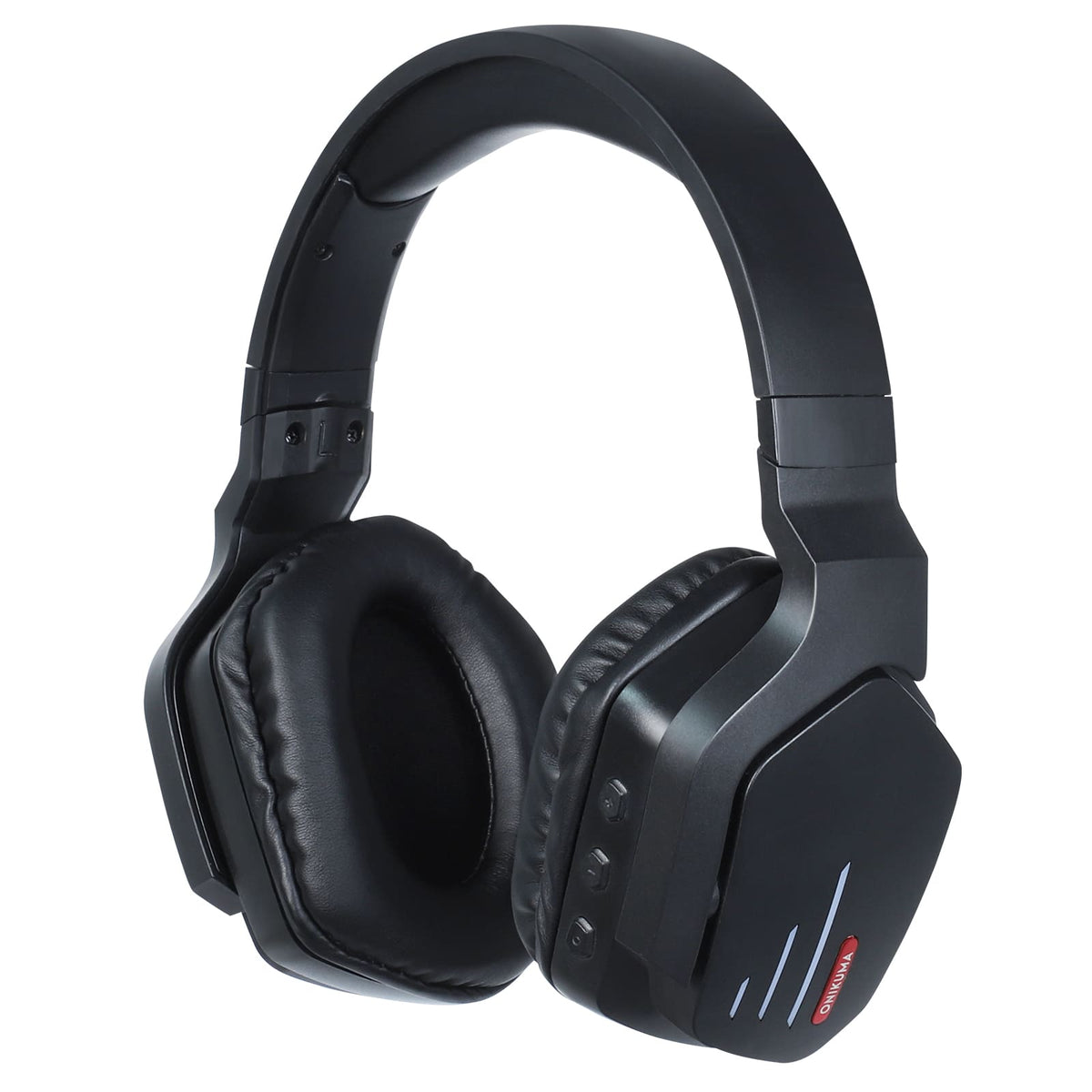
- LED lighting is present but powered separately via USB, meaning it is not always available in pure Bluetooth-only use depending on setup.
Where the B60 Falls Short
The narrower frequency response and lower sensitivity compared to the B100 mean the B60’s sound signature is noticeably more compressed, especially in the higher registers. Bass response is present but not particularly tight, and at higher volumes the drivers show some strain. None of this is surprising at the B60’s price point, but it is worth setting expectations correctly rather than assuming this competes with headsets twice its cost.
Who the B60 Makes Sense For
- Casual gamers on a tight budget who want wireless freedom without paying for 2.4GHz dongle latency they will not use competitively.
- Anyone who wants a genuinely long battery life and does not mind a slightly heavier headset in exchange.
- Buyers who will mostly connect via Bluetooth to a phone, tablet, or Switch rather than a wired PC setup.
Full specs and current pricing are available on the official Onikuma B60 product page, and buyer reviews with real-world photos can be found on the headset’s Amazon storefront listing.
Setting It Up
Pairing the B60 over Bluetooth is straightforward: hold the power button for a few seconds until the LED starts flashing, then open Bluetooth settings on your PC, phone, or Switch and select the headset from the list. Once paired the first time, most devices will reconnect automatically the next time the headset powers on nearby. For the wired connection, the 3.5mm cable plugs directly into any standard headphone jack and works immediately with no pairing or drivers required, which makes it a reliable fallback for consoles that do not support third-party Bluetooth headsets directly.
- Windows PC: Settings > Bluetooth & devices > Add device, then select the B60 once its LED is flashing.
- Nintendo Switch: Only supported in docked or handheld mode through the system’s Bluetooth audio menu on newer firmware, or via the 3.5mm jack on any firmware version.
- Phone or tablet: Standard Bluetooth pairing through the device’s settings app.
Comparing the B60 to Its Onikuma Siblings
Against the B90, the B60 trades the cat-ear RGB novelty design for a more understated over-ear shape, and against the B100 it drops 2.4GHz wireless and the larger driver in exchange for a noticeably lower price. If low latency and tri-mode flexibility matter to you, the B100 is worth the extra cost. If you mainly want a comfortable, long-lasting Bluetooth headset for casual play and everyday listening, the B60 covers that ground without the added expense.
Frequently Asked Questions
Does the Onikuma B60 support 2.4GHz wireless like the B100?
No, the B60 relies on Bluetooth 5.2 for wireless audio rather than a 2.4GHz USB dongle, which is the main functional difference between the two models.
Is the Onikuma B60 good for competitive gaming?
It is fine for casual and mid-level competitive play, but the 40 to 60 millisecond Bluetooth audio delay makes it a weaker choice for high-level competitive shooters compared to a 2.4GHz headset.
How long does the Onikuma B60 last on a full charge?
Onikuma rates it for 15 to 22 hours of game time per charge with an 800mAh battery, with a full recharge taking around three hours.
Can the Onikuma B60 be used wired if the battery dies?
Yes, it includes a 3.5mm wired AUX connection as a backup, so it remains usable even with a completely dead battery.
Final Verdict
The Onikuma B60 is a sensible pick for anyone who wants an inexpensive wireless headset with genuinely long battery life and does not need the lowest possible latency. It will not out-perform pricier headsets on sound clarity or comfort for extended sessions, but for the price, the feature set and battery life are hard to argue with.
Written by Jordan Reyes, an Ohio-based tech blogger and lifelong PC gamer who reviews budget peripherals for readers on a tight upgrade budget.