The Haylou HQ3 caught my attention because it markets itself squarely at gamers and callers rather than pure music listeners, which is a slightly different angle than most of Haylou’s earbud lineup. I spent a week using it for a mix of mobile gaming, video calls, and regular commuting to see whether that positioning actually holds up.

Core Specs
The HQ3 runs on Bluetooth 5.4 with Haylou’s own Seamless Connection Technology, which the brand says reduces latency and improves connection stability, particularly useful for gaming and video streaming where audio drift is noticeable. Titanium-plated diaphragm drivers handle the sound, aiming for strong bass with clear mids and treble.
- Bluetooth 5.4 with low-latency gaming mode
- Titanium-plated diaphragm drivers
- Four microphones with ENC for call clarity
- Lightweight, ergonomic shell designed to reduce ear fatigue over long sessions
Call Quality
The four-microphone array combined with ENC noticeably cut background chatter during a video call I took from a shared office space. Haylou also mentions hydrodynamic wind reduction aimed at outdoor calls, and in a short test while walking outside on a breezy day, the other caller reported clearer audio than with my previous pair of earbuds.
Gaming And Low Latency
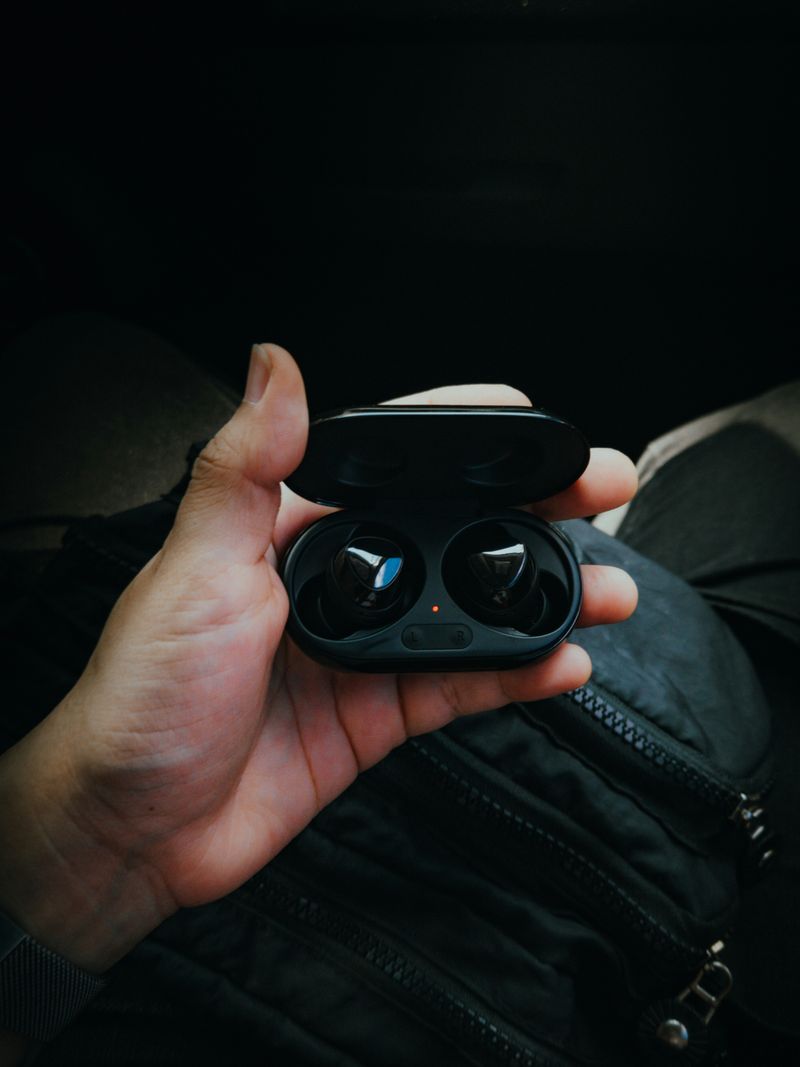
Switching to the dedicated low-latency mode (usually a long-press gesture) noticeably tightened up audio sync in a couple of mobile games I tested. It is not going to match a wired connection, but the gap closed enough that button taps and on-screen effects lined up convincingly.
- Pair the HQ3 with your phone through standard Bluetooth settings
- Enable gaming/low-latency mode using the earbud touch gesture (check the included quick-start card for the exact combination on your unit)
- Launch your game and confirm audio and visuals feel synced
Battery And Comfort
Comfort held up across roughly ninety-minute sessions without noticeable ear fatigue, helped by the lightweight shell design. Battery life comfortably covered a full workday of mixed use, though Haylou’s official HQ3 product page is the best place to check exact runtime figures for your specific unit, since Haylou periodically updates battery specs across production runs.
Everyday Music Listening
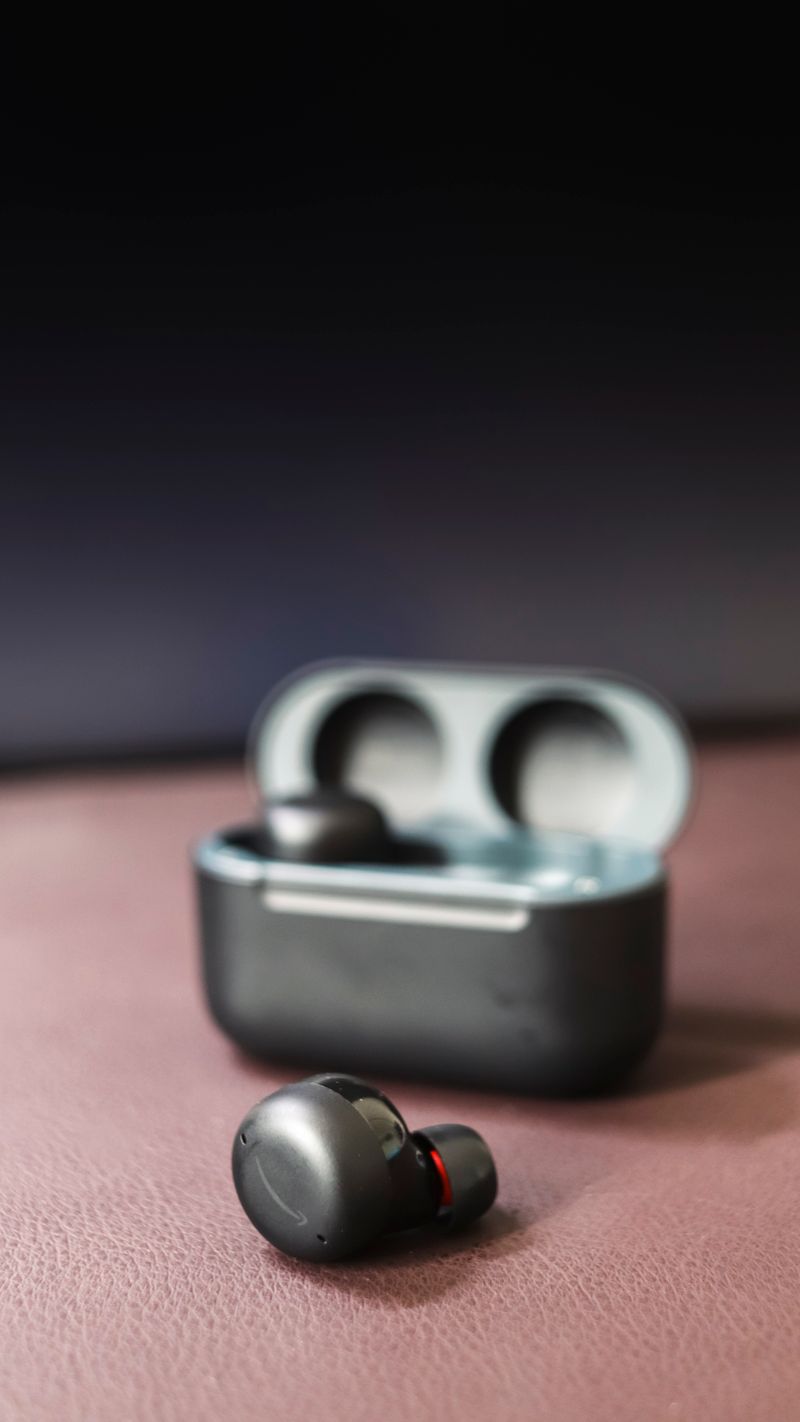
Outside of gaming and calls, the HQ3 handles regular music playback competently. The titanium-plated drivers push a fairly warm sound signature with emphasized bass, which suits pop, hip-hop, and electronic genres more naturally than acoustic or classical listening. It will not out-duel earbuds specifically tuned for audiophile listening, but as an all-rounder it covers commuting, workouts, and casual listening without any obvious weak points.
Setting Up The HQ3 For The First Time
- Charge the case fully before first use
- Remove both earbuds to trigger auto-pairing between them
- Connect via your phone’s Bluetooth settings, searching for the HQ3’s broadcast name
- Locate the touch gesture guide included in the box to learn the low-latency mode shortcut for your specific unit
Haylou has varied touch gesture mappings slightly across different production batches of the HQ3, so it is worth keeping the printed quick-start card rather than relying purely on generic gesture guides found online.
Fit And Long-Wear Comfort
The ergonomic shell design Haylou describes for the HQ3 held up well across an extended video call and separate gaming session on the same day, without the ear soreness I sometimes notice from bulkier earbud shells. Included tip sizes covered a reasonably wide range of ear shapes, though as always, trying each size rather than assuming the pre-installed one is correct will improve both comfort and sound seal.
Comparing HQ3 To Haylou’s Other Earbud Lines
- Compared to the FlowBuds N55, the HQ3 leans more toward calls and gaming than pure ANC music listening
- Compared to the GT1 Plus, the HQ3 uses a newer Bluetooth 5.4 chipset and a more modern microphone array
- Compared to the S40, the HQ3 does not push spatial audio or LDAC as a headline feature, focusing instead on latency and call clarity
If your priority is genuinely fast response for games and clear calls over deep audiophile tuning, the HQ3 is positioned well within Haylou’s current earbud lineup.
Companion App Features
Some HQ3 units pair with a Haylou companion app that exposes EQ presets, gesture remapping, and firmware update checks. If your unit shipped without app support listed on the box, check the exact SKU against the official Haylou product listing, since regional variants have occasionally differed in feature set. When available, the app is a worthwhile install simply for firmware updates alone, since Haylou periodically improves Bluetooth stability through these updates.
Who Should Consider The HQ3
- Mobile gamers who want noticeably reduced input lag without paying flagship prices
- Remote workers who take frequent video calls and want reliable microphone clarity
- Casual listeners who want a comfortable all-day earbud without needing audiophile-tier tuning
If your priority is pure music fidelity above all else, Haylou’s S40 or FlowBuds N55 may suit you better, but for a genuinely balanced all-rounder focused on responsiveness, the HQ3 holds up well.
Frequently Asked Questions
Is the Haylou HQ3 only good for gaming?
No, it works fine as a general-purpose pair of earbuds for music and calls — the gaming mode is simply an extra feature layered on top, not a replacement for normal listening quality.
Does the HQ3 have active noise cancellation?
Haylou markets an ANC variant of the HQ3, so check the exact model listing before buying if ANC is a priority for you, since specs can vary between regional releases.
What phones support the low-latency mode?
Most Android phones support it without issue; the experience on iPhones can vary slightly depending on the app and Bluetooth stack version.
Conclusion
The Haylou HQ3 does a genuinely good job balancing everyday listening with the gaming and calling features it advertises. If you split your time between mobile games, video calls, and regular music, it is a sensible pick in the budget earbud category, and the low-latency mode is a real, usable feature rather than a marketing checkbox.
I write about consumer tech because I genuinely enjoy pulling devices out of the box and figuring out what the marketing copy leaves out.
\n