| Applies To | Windows XP, Windows 2000, Windows 7, Windows 8 |
|---|---|
| File Name | n/a |
| Description | Need to use Windows Task Manager to monitor CPU and memory usage?
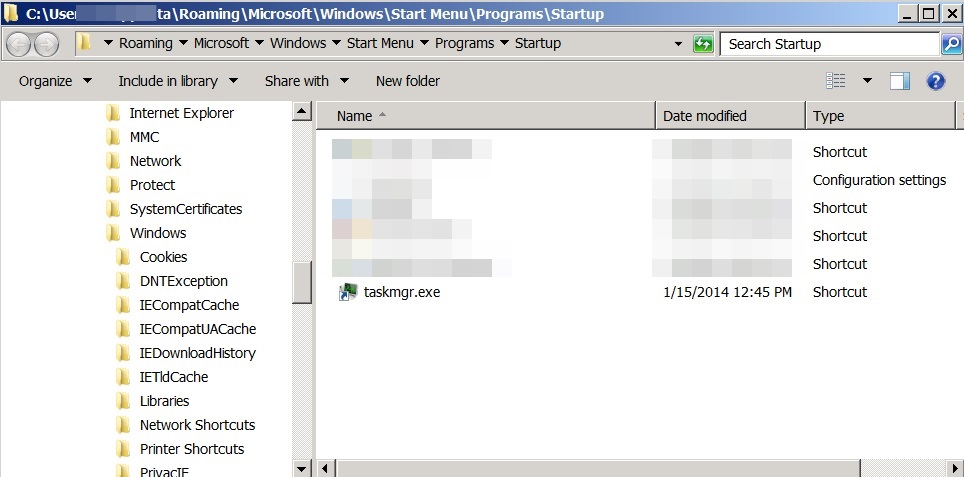
We usually use Task Manager for that. Some use shortcuts such as right-click on task bar and select [Start Task Manager], some start using the start menu and then run "taskmgr.exe". If you would like to start Task Manager every time Windows starts, you can actually create a short cut in [Startup] group. Here are the steps in Windows 7, but should be similar in Windows XP and Windows 8:
|